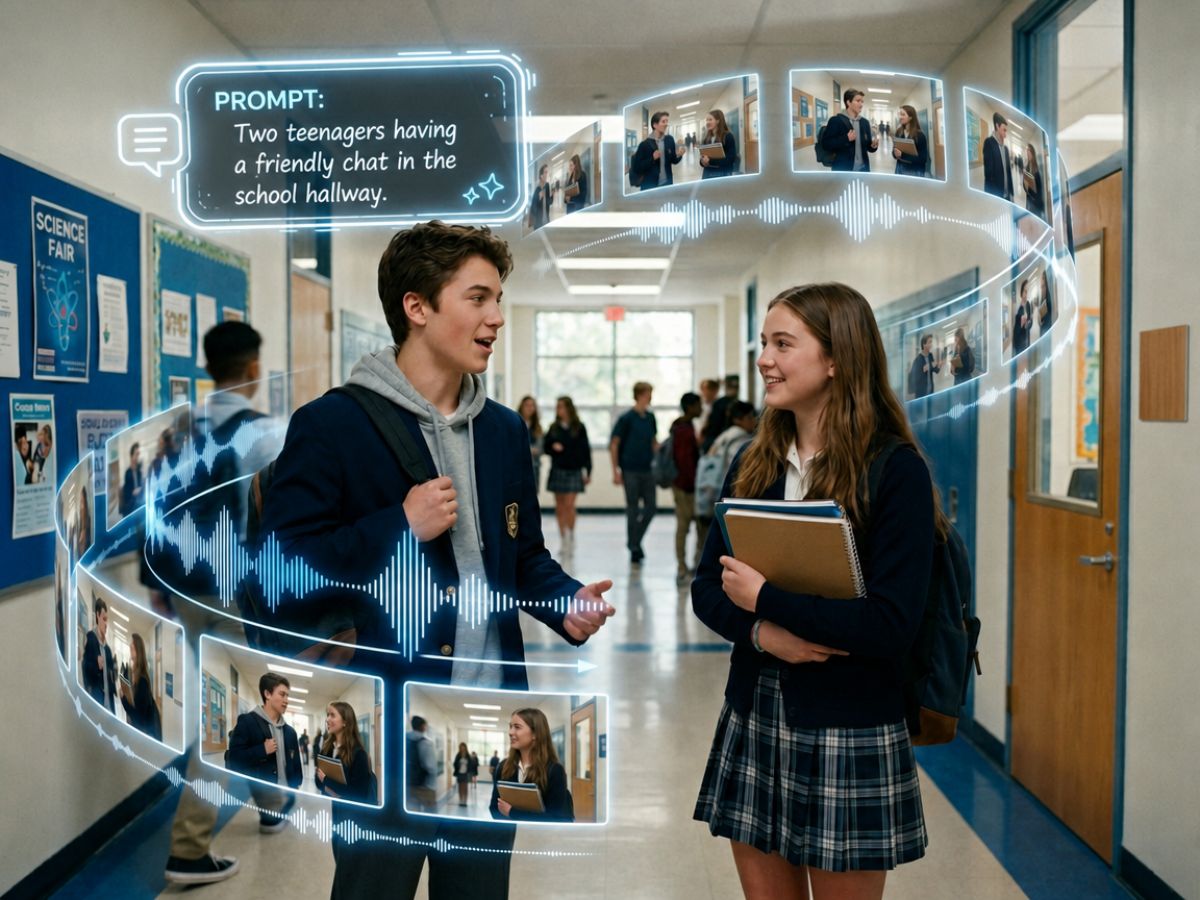
Try Fotor’s Happy Horse AI video generator to easily create 1080p, cinematic AI videos with automatically synchronized native audio from natural-language prompts, multiple images and first and last frames.
Conveniently get multi-shot videos with good character consistency without video production skills.
Happy Horse 1.0 is the latest AI multimedia generative model developed by Alibaba’s ATH Innovation Unit. In addition to practical AI video creation from text and image, Happy Horse is known for generating videos with synchronized audio that supports seven languages and multi-shot scenes with stunning character consistency.
Fotor’s Happy Horse AI video maker allows you to turn text and multiple references into hyper-realistic, cinematic videos. Also, you can rely on it to professionally edit your videos through natural-language prompts.
Generate highly cinematic video directly from complex, descriptive natural-language prompts with our AI video generator.
Animate a single, static image with fluid, realistic motion without distorting the main features of the subject and background.
Turn up to 9 reference images simultaneously to lock into a coherent video clip with real-world logic and good character consistency.
Use natural-language prompts to edit existing video assets. No professional editing skills needed.
90%
Reduction in Creation Budget
4.6★
Capterra Rating
4x
Faster for Video Production
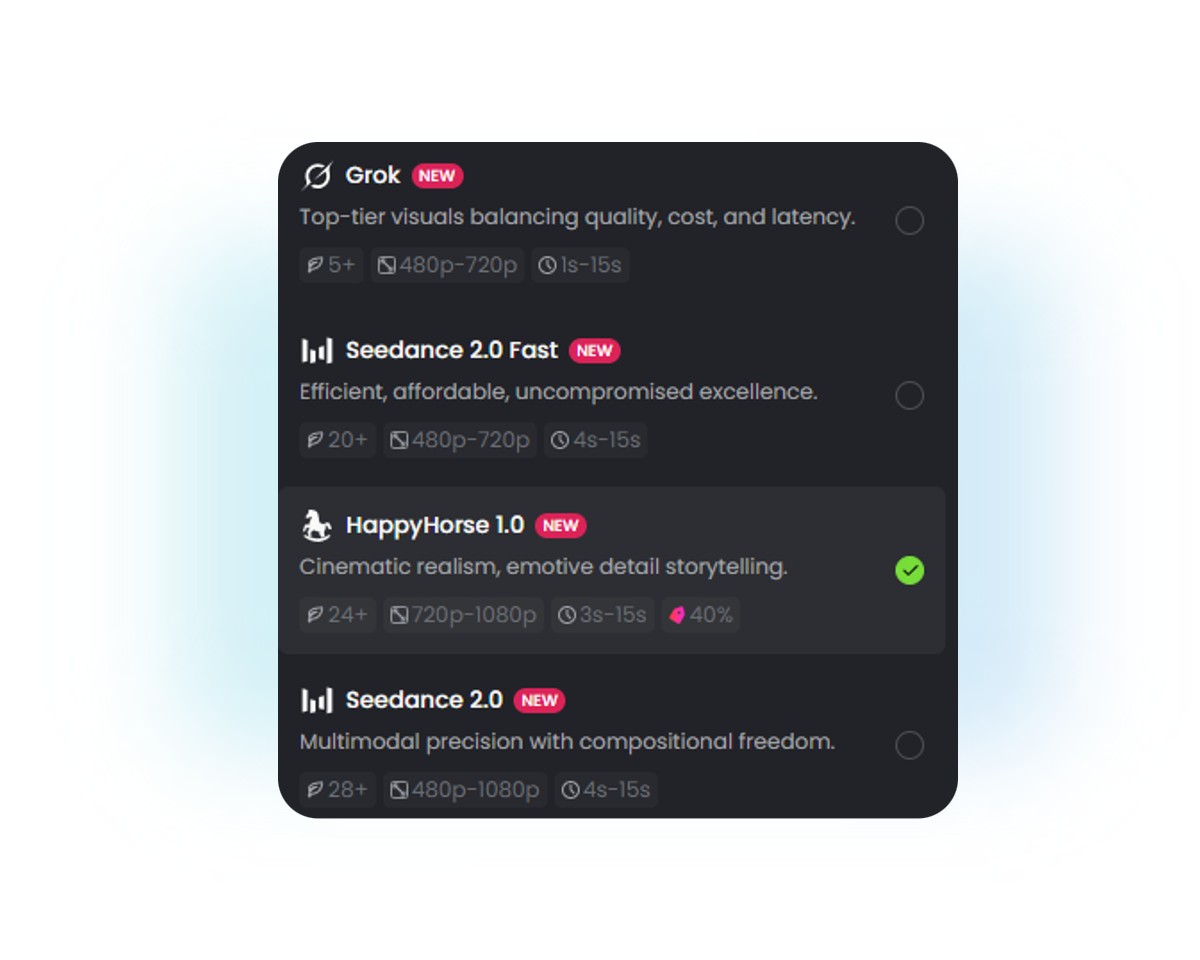
Access our AI video generator and then select our Happy Horse AI model.
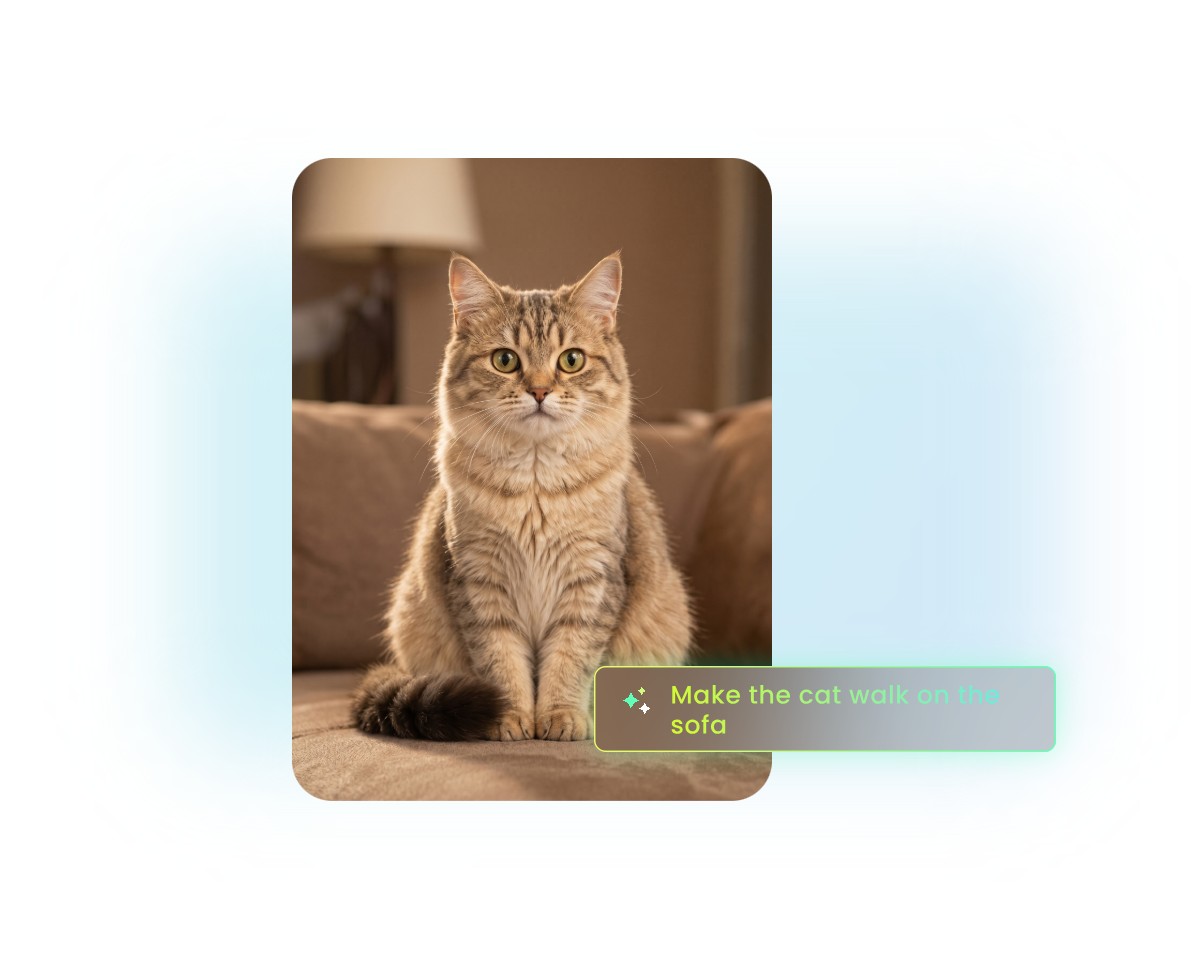
Input your natural words to describe the wanted scene or upload your images to the designated area and specify how your video is like with them.
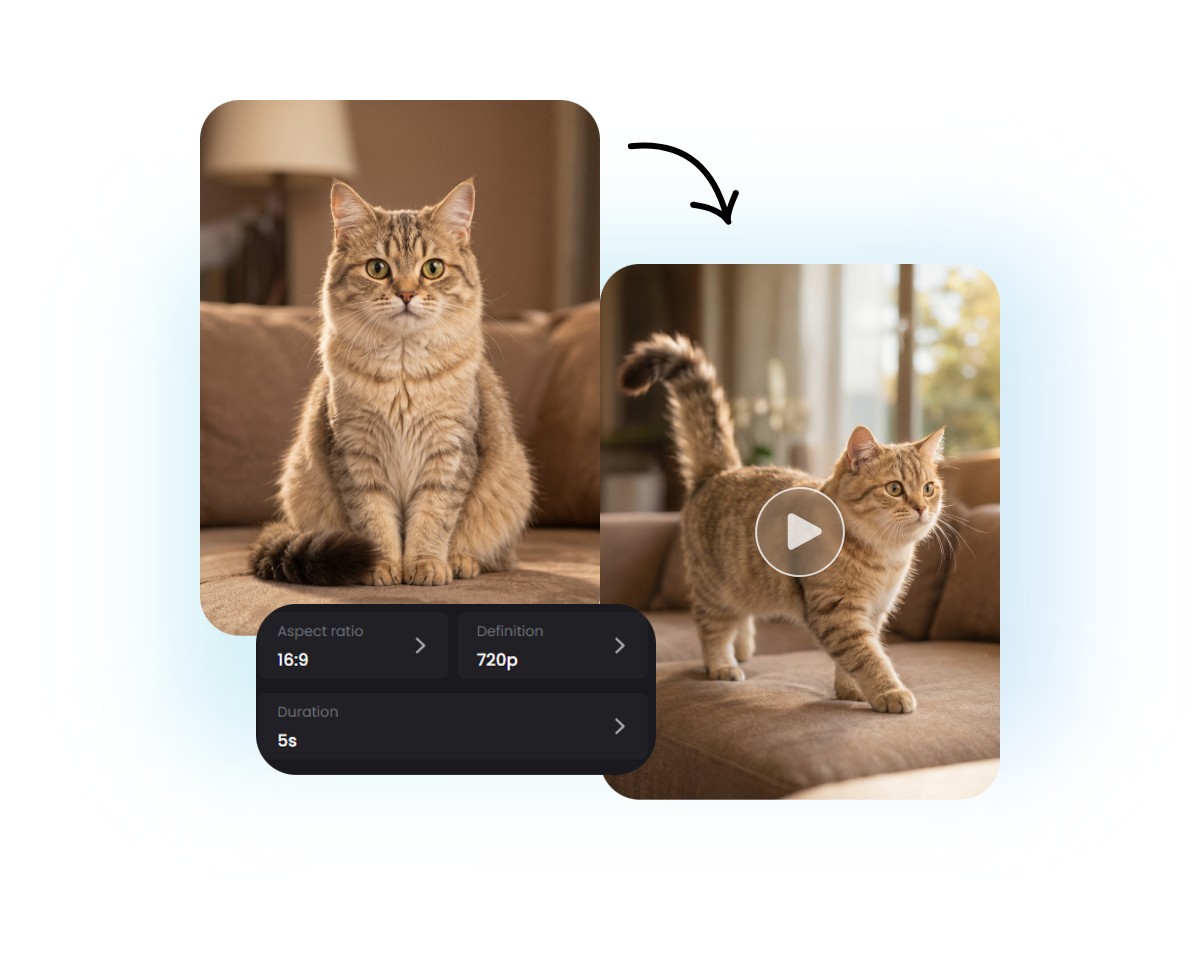
Configure your settings, such as aspect ratio, resolution and duration, and then click “Generate” to begin the automatic video creation workflow.
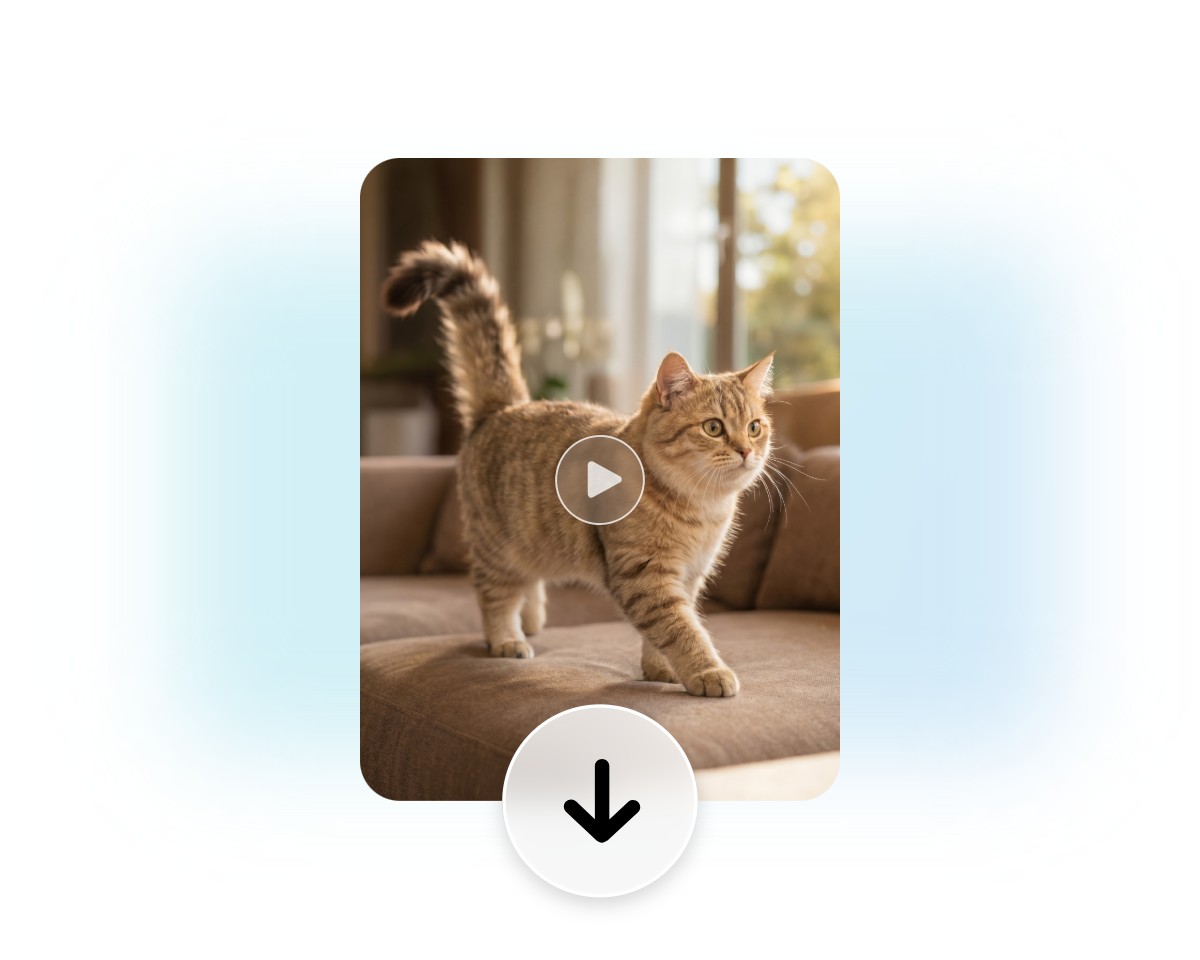
Preview the AI-generated video and then click “Download” to save it.
No more manually adding sound to your AI-generated videos. Our Happy Horse AI video maker creates video and audio together in one generation workflow. Conveniently get background sounds, sound effects and spoken dialogue that automatically match the visuals without extra editing.
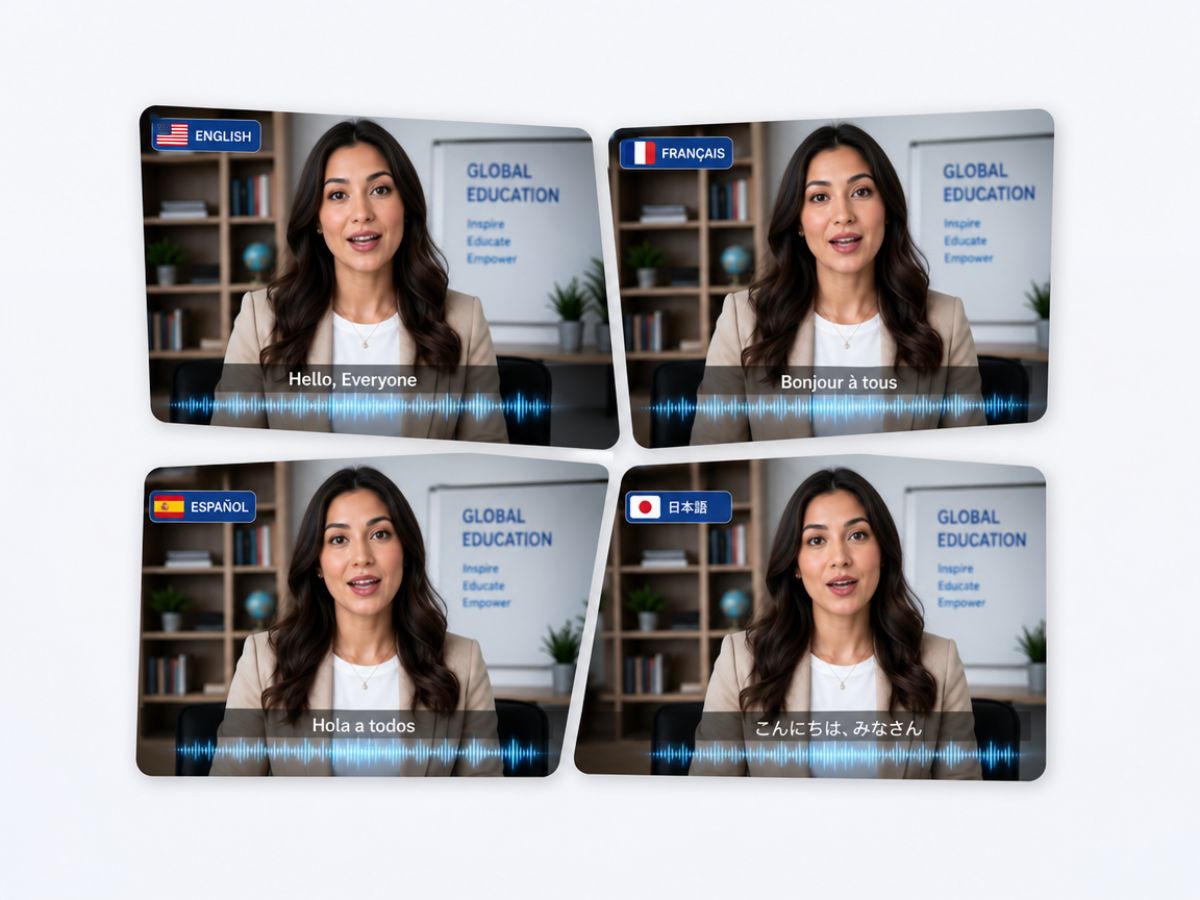
With AI-powered speech and facial animation technology, our Happy Horse AI can generate scenes featuring characters natively speaking one of the seven major global languages, including English, Chinese, Japanese, Korean, French, etc., with the matched and natural mouth movements, facial expressions and speech timing.
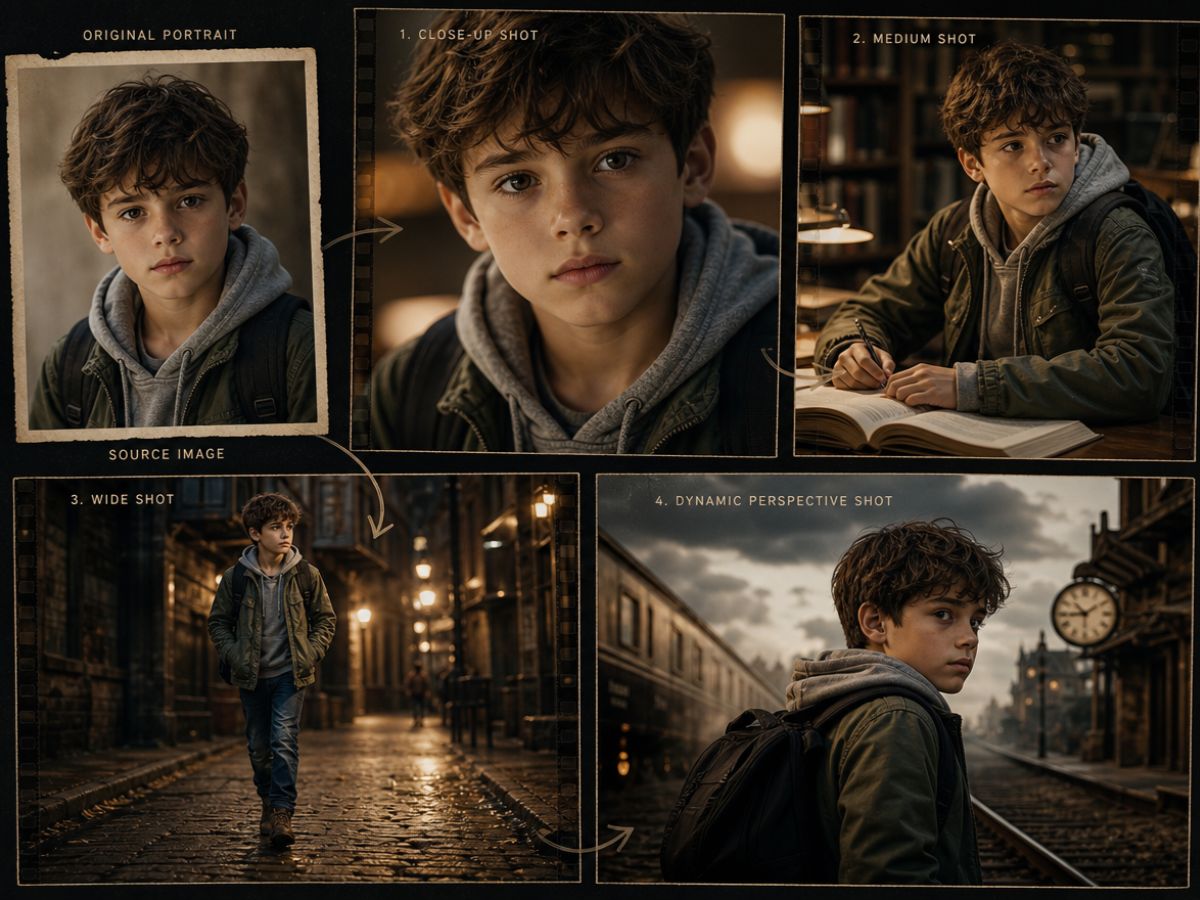
Our tool will effectively preserve key character attributes, including facial features, hairstyle, clothing, colors and proportions, while ensuring artistic styles, lighting and visual aesthetics remain stable from shot to shot, even as camera angles, scene compositions and environments change.
Bring any video ideas to life with our Happy Horse AI video creator, whether it is a product promotional video, social media clip or cinematic storytelling content.
Turn still product imagery into dynamic e-commerce or social ads with native audio or the desired sound effects.
Bring your exclusive video concepts to life or generate unique short videos from your selfies or favorite photos.
Create a singular AI talking avatar or narrative scene with the preferred localized language.
Filmmakers can quickly create continuous multi-shot storyboards with consistent characters using multiple reference images before production starts.
Our Happy Horse AI boasts an intuitive interface with no complex settings, enabling beginners to create amazing short videos in minutes.
You can upload up to 9 reference images and our tool, powered by advanced AI technology, can make a natural and coherent video based on all of them while maintaining good character consistency.
Generate good-quality videos with a 1080p resolution and without watermarks, which can be directly applied to your creative projects.
Fotor is armed with the latest encryption technology to safeguard your data privacy. So, nobody else will have access to your files. Also, your uploads will never be used for AI training.

| Metrics/Models | Happy Horse 1.0 | Sora 2 | Veo 3.1 | Seedance 2.0 | Kling 3.0 | PixVerse | Wan 2.7 |
| Model Type | Native audio-video generation | Multimodal video generation | Native audio-video generation | Native audio-video generation | Image & Video generation | Video generation | Open-source video generation |
| Multi-Image Reference | High (Up to 9 references simultaneously) | Low (Single-image prompt focus) | Moderate (Up to 3 images supported) | High (Up to 9 images / 12 total assets) | Moderate (Up to 4 images supported) | Moderate (Up to 3 images supported) | High (9-grid multi-image grid input) |
| Multi-Modal References | Text + Image + Video + Audio | Text + Image | Text + Images | Text + Image + Video + Audio | Text + Image + Video | Text + Image | Text + Image + Video |
| Native Audio Generation | ✅ | ✅ | ✅ | ✅ | Partial | Partial | Partial |
| Lip Sync | Native, multilingual | Moderate | Strong | Strong | Good | Good | Moderate |
| Supported Languages for Lip Sync | 7+ languages | Limited | Multiple | Multiple | Multiple | Multiple | Multiple |
| Character Consistency | Excellent | Excellent | Excellent | Excellent | Very Good | Very Good | Very Good |
| Multi-Shot Storytelling | Strong | Strong | Excellent | Excellent | Good | Good | Good |
| Max Video Resolution | 1080p | 1080p+ | Up to 4K | 1080p | Up to 4K | 1080p | 1080p |
| Typical Clip Length | Up to 15s | Up to 25s | Up to 8s | Up to 15s | Up to 15s | Up to 15s | Up to 15s |
| Best Use Case | Marketing, UGC, talking characters, educational videos | Cinematic storytelling | High-end production & commercials | Narrative content with character consistency | Social media & short-form ads | Viral social content | Open-source customization |

After testing Fotor, I found it to be a solid AI video tool for beginners and quick content creation. It’s especially useful for turning simple text or images into short videos without editing skills.
In my opinion, it’s worth using if your goal is fast, easy, and decent-quality video creation for social media or basic marketing needs.

Fotor's AI video generator lets you type a prompt or drop in an image and get a short AI-generated video clip from within the same suite you already use for photo editing, collages, and social graphics. It works. For a design-minded user who wants to add a few seconds of motion to a static campaign, it is convenient.

It can handle multi-scene outputs too—like product showcases or short ads.
Happy Horse supports multiple input types, including:
This flexibility allows you to control the look, motion, and storytelling style of your video.
Happy Horse uses a Unified Self-Attention Architecture that generates audio and video simultaneously in a single pass. Instead of layering sound onto an existing video clip, the model processes video pixels and audio tokens together, which drastically reduces lip-sync drift and achieves a low Word Error Rate (WER) in speech tests.
Yes. Happy Horse uses identity-tracking algorithms to keep facial features, clothing, and character details consistent across frames.
However, for the best results, upload a clear, front-facing reference image. Extreme angles or fast movement may still cause slight variations.
Yes, Happy Horse 1.0 supports native multi-shot storytelling within a single prompt. To get the best results without character or environment drifting, format your prompt using a structured, chronological shot list like this:
Shot 1 (0-2s): Wide shot of the subject.
Shot 2 (2-5s): Close-up tracking shot.
Happy Horse 1.0 provides ultra-realistic results. However, please refer to the comparison chart above to find the specific information.
Happy Horse AI video generator supports the following languages, including English, German, French, Mandarin, Cantonese, Japanese and Korean.
Fotor offers every new user free credits to try this service without charge. However, when they run out, you can either become a regular paid subscriber or earn more free ones by completing the tasks on our “Credit Reward” page.
Yes. Fotor adopts the latest encryption technology to safeguard your data privacy and information security. Nobody but you can have full access to all your uploads. Besides, your imported photos and product images will be removed within 24 hours and won’t be used for AI training.
In most cases, yes. Fotor allows commercial use of your generated videos for ads, social media, e‑commerce, and client projects. However, you should always refer to the local copyright or intellectual property laws before applying your AI results to commercial circumstances.
Create high-quality videos from text, images and multi-modal references with Fotor’s Happy Horse AI Video Generator. Maintain character consistency across scenes, generate smooth motion, support multi-shot storytelling and produce professional content for marketing, social media and creative projects.