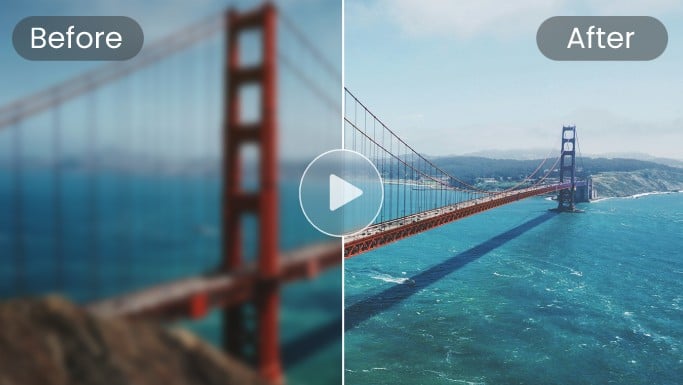
AI-Powered HD Quality Converter
Automatically convert low-quality video to high-quality HD 1080p using advanced AI technology.


Easily convert any low-quality videos into high-quality HD 1080p online for free with Fotor's AI HD video converter. Instantly enhance video resolution, sharpness, and frame rates to deliver crystal-clear, smoother videos while preserving original details to the maximum extent.
Private & secure. Files auto-deleted within 24 hours.

Private & secure. Files auto-deleted within 24 hours.
Automatically convert low-quality video to high-quality HD 1080p using advanced AI technology.
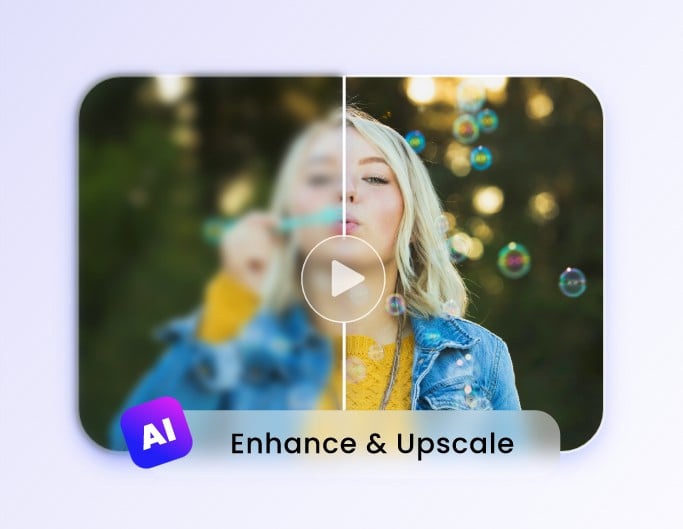
Upscale video resolution to HD. Fix pixelated videos, sharpen blurry details, optimize brightness, and increase frame rate.
Enhance your videos to HD quality safely while preserving original textures and details to the maximum extent.
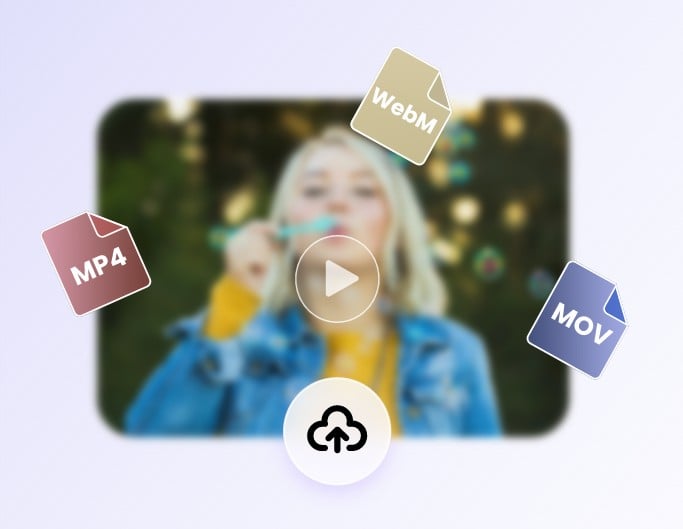
Click "Upload Video" or simply drag and drop your files into our video HD converter. Common formats like MP4, MOV, and WebM are supported.
Choose Standard Mode for quick 2K enhancement, or select Advanced Mode to upscale your video quality up to 4K with AI.
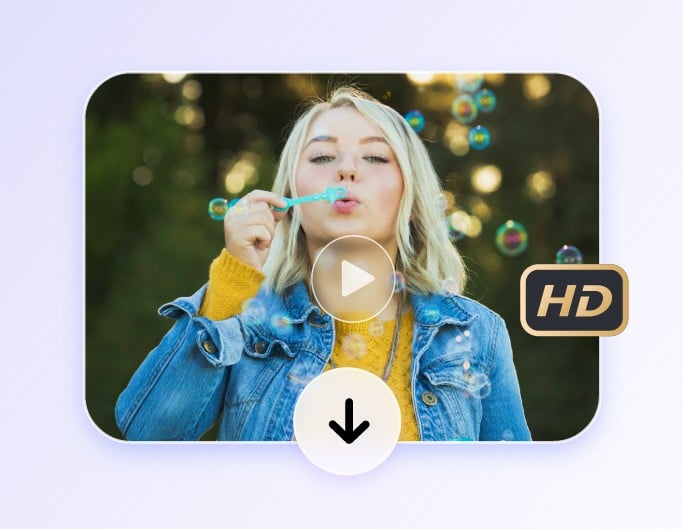
Preview the crystal-clear results and download your enhanced HD video with no watermarks instantly.
Struggling with low-quality videos? Our HD video converter uses advanced AI technology to automatically analyze and upscale your low-res SD, 360p, or 480p videos to crystal-clear HD 1080p in seconds. It is ideal for reviving old family videos or blurry phone recordings. Need higher quality? We also support upscaling up to 4K resolution.
Concerned about pixelation or AI distortions? Our video HD converter ensures maximum detail retention during the enhancement process. Our AI intelligently refines textures, eliminates noise, and restores natural edges. Convert your videos to HD 1080p while fully maintaining the original integrity and authentic look of your footage.
Our HD quality video converter does much more than just upscale video resolution to HD. On top of increasing resolution, it automatically sharpens blurry video details, enhances video brightness and colors, removes video noise, and boosts video frame rates from 24fps to 60fps to completely upgrade imperfect video footage from multiple aspects.
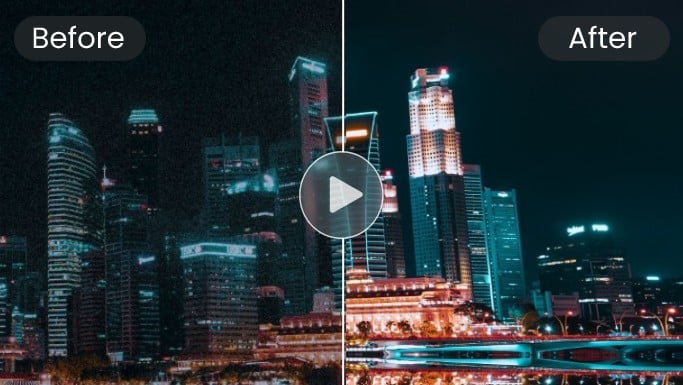
Convert low-light nightscape videos to HD quality, including blurry smartphone footage, city night scenes, and dark concert clips.
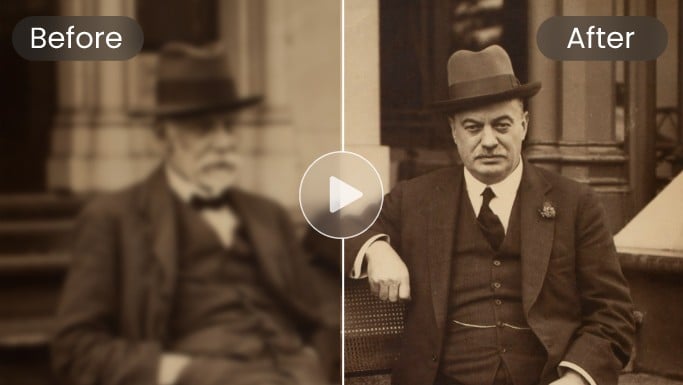
Restore old videos to HD, such as classic films, family VHS tapes, archives, and historical documentaries.
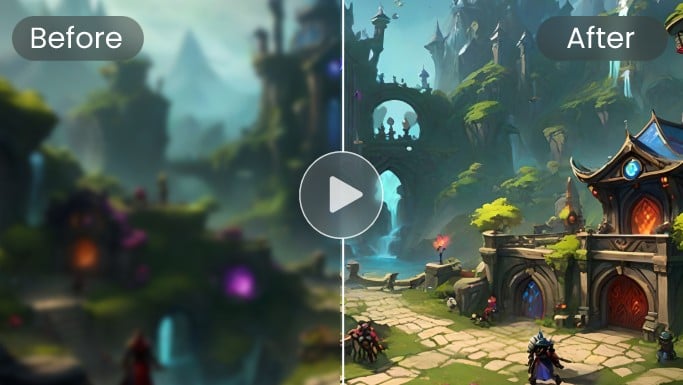
Upscale gaming videos to high definition, bringing sharp details to high-frame screen recordings, esports match clips, and game trailers.
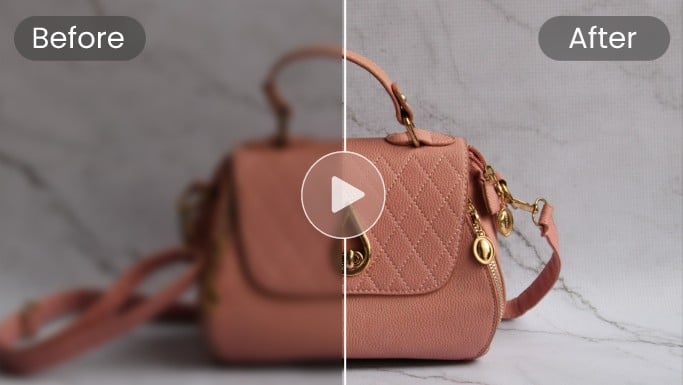
Upgrade product videos to crystal-clear HD, enhancing textures for e-commerce promo clips, commercial ads, and unboxing video footage.
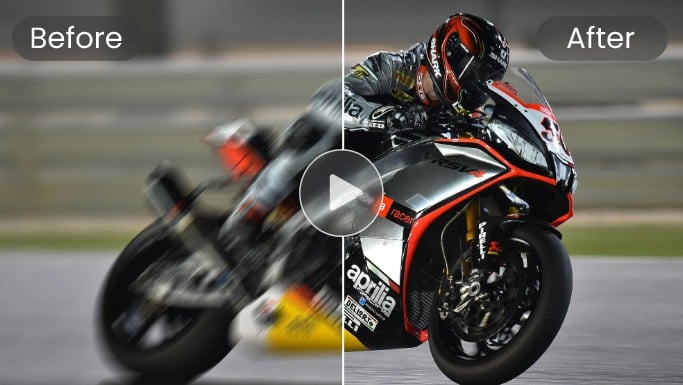
Restore motion-blur videos into smooth HD footage, fixing blurriness in fast-paced sports actions, racing clips, and handheld camera videos.
Transform low-res landscape videos into stunning HD resolution, perfect for travel vlogs, drone recordings, and nature documentary clips.
For personal use, our HD video maker allows you to upgrade your daily low-res footage to stunning HD quality. It is perfect for sharing on social media like Instagram Reels or TikTok, as well as preserving your memorable moments with crystal-clear clarity.
For businesses and creators, our AI enhances your raw footage into professional visuals, ideal for Amazon product videos, Shopify store main images, and social media video ads. This effectively boosts your brand's reach, upgrades your product marketing, and drives higher purchasing power from your customers.
No video editing skills required. With just a few clicks, you can upscale your videos to HD quality in seconds.
Our tool delivers clean HD video results without any annoying watermarks ruining your footage.
All uploaded files are highly encrypted and automatically deleted to ensure maximum video data security.
No software downloads needed. Access and use our AI HD video converter directly via any browser on your PC or phone anytime, anywhere.


Founded in 2009, Fotor has established itself as a leader in image-processing, now serves 600 million users worldwide as of July 2024. The Company delivers innovative image editing and design tools to over 200 countries and regions, including the U.S., Europe, Southeast Asia, and India.

"Fotor Photo Editor enhances the creation of my visual projects"
From the first use I liked the AI tools that besides simplifying photo editing also allow me to generate beautiful and professional looking images (it has a preview before finishing any project to adjust details). I like how interactive Fotor Photo Editor is by having implemented a daily incentive dynamic that motivates me to interact with the community and participate in different activities.

"A Versatile and User-Friendly Photo Editing Tool"
What I like best about Fotor Photo Editor is its user-friendly interface and extensive range of features. It provides powerful editing tools, a variety of filters, and seamless integration across different devices, making it convenient for both beginners and experienced users.
Fotor’s HD video converter is an online AI-powered tool designed to improve video quality. Instead of simply stretching pixels, our AI analyzes every frame, reconstructs lost textures, sharpens blurry edges, and upgrades low-res footage into clean, high-definition videos.
Simply upload your low-res video to Fotor's video HD converter. Our AI will automatically transform the video into sharp HD resolution, allowing you to preview the results and download your enhanced video file.
Fotor’s HD video converter offers a free trial where you can generate a 3-second preview video to check the enhanced HD quality. Processing a full-length video costs credits. Free users can earn credits through registration, daily check-ins, and community sharing, or subscribe to our premium plans to unlock full services and get more credits.
Thanks to our high-speed AI HD video enhancement, most conversions take only a few seconds. The exact processing time depends on your original file size, video length, and the resolution you choose.
Absolutely. Fotor’s HD video converter is perfect for converting low-resolution videos like SD, 360p, or 480p into clear HD (1080p) or even 4K resolution.
The main difference is resolution and detail density. Standard HD (1080p) features 1920 by 1080 pixels, which is ideal for social media and daily sharing. 4K resolution contains four times the pixels of HD (3840 by 2160), providing ultimate sharpness for large screens and professional commercial displays.