

AI Video Upscaler Online Free
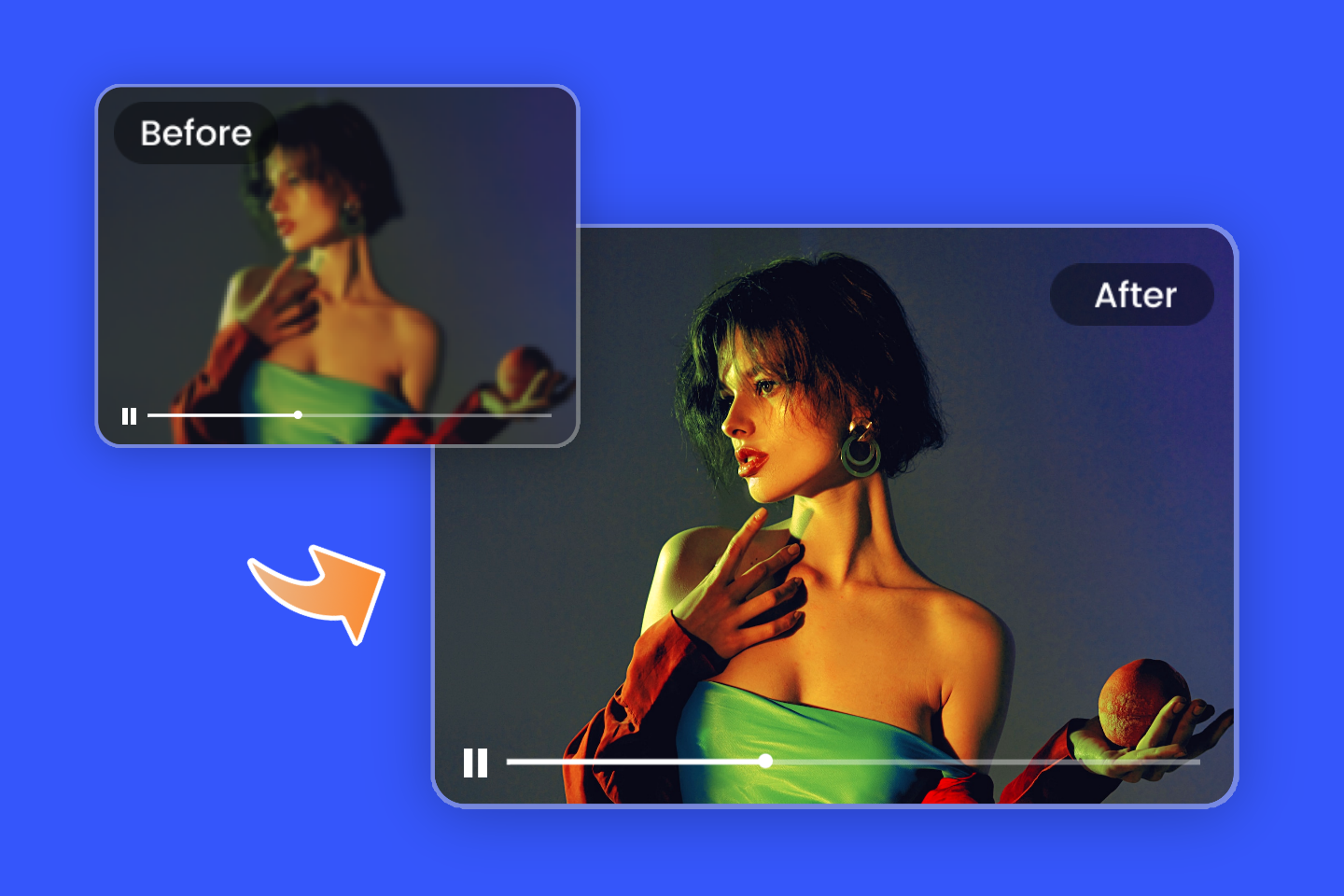
Enhance and upscale video online with Fotor AI video upscaler, turning low-resolution footage into HD or 4K quality with improved clarity, color, and detail.
⭐ HD & 4K Video Enhancement
⭐ Cleaner Visuals in One Click
⭐ Fast Browser-Based Processing
100%
AI Upscale
4.5★
on Capterra
4K
Video Enhancement
Optimize Your Video Quality For Superior Visuals In Every Aspect
Leverage advanced sharpening technology and generative AI algorithms to maximize video quality
Optimize Social Media Videos
Upscale video online free for better quality on YouTube uploads.

Fix Blurry Videos and Footage
Fix blurry footage with Fotor AI video upscaler online free.

Improve Overall Video Quality
Improve video quality fast with Fotor video enhancer online.
Enhance Gameplay & Streaming Videos
Upscale gameplay videos with smooth results using video upscaler online.

Restore Old Videos to HD
Restore old videos and upscale to HD with free video upscaler.

Enhance Low-Light & Noisy Videos
Enhance low-light videos using AI video upscaler free online.

How to Upscale Video to HD Online?
- Upload your MP4, MOV, or WebM file to our online video upscaler, directly from your device or browser.
- Use Fotor AI video upscaler to automatically enhance resolution, improve clarity, and upscale video with balanced, natural-looking results.
- Preview the enhanced result, then download your upscaled video in HD for YouTube, TikTok, or other social platforms.

Automatic AI Video Upscaling for Higher Resolution
Experience smooth video quality enhancement with Fotor's AI video upscaler. Fotor's AI technology identifies video elements and applies precise improvements for clearer results. Upgrade your videos from 240p, 360p, and 480p to higher resolutions such as HD and 4K upscaling with one click. Improve resolution and reduce artifacts for more refined visual output.

Increase Video Resolution Without Noticeable Quality Loss
Easily enhance your videos to a higher resolution with our free AI video upscaler without noticeable quality loss. The upscale algorithm analyzes each frame to improve clarity and detail. Make older videos clearer by reducing blur, noise, and common compression artifacts.
Benefits of Utilizing Video Upscaling
Whether for personal use or commercial marketing, upscaling your videos can make a significant impact.
Enhance Engagement and Drive Conversions
Creators on YouTube, TikTok, and Instagram can enhance video quality to engage audiences.

Establishes Audience Credibility
Enhance brand perception and satisfaction with clear, vibrant videos that connect with audiences.

Boost Brand Recognition
Enhance your brand's credibility with vibrant, sharp videos. Stand out and showcase products flawlessly.
Why Choose Fotor’s Video Upscaler
![Purple gradient colored ai feature icon]()
One-Click Upscale
Streamlined and user-friendly, Fotor's video upscaler allows for quick and efficient video enhancement with AI. With a single click, instantly convert videos to HD.
![Purple gradient colored cloud feature icon]()
No Software Installation
You don't need to download and install the video upscaler to your device. Fotor offers an online video enhancement service.
![Purple gradient colored pc and mobile devices icon]()
Cross-Devices
You can use our video upscaler not only online but also on your mobile. Enhance your video quality anytime, anywhere!
![purple gradient colored icon featuring a star and a guesture]()
No Skills Required
Fotor Video Upscaler features a user-friendly interface, allowing you to enhance videos without any technical expertise required. Simply upload your videos and instantly improve them.


Global Trusted Creators' Reviews


Founded in 2009, Fotor has established itself as a leader in image-processing, now serves 600 million users worldwide as of July 2024. The Company delivers innovative image editing and design tools to over 200 countries and regions, including the U.S., Europe, Southeast Asia, and India.

"Fotor Photo Editor enhances the creation of my visual projects"
From the first use I liked the AI tools that besides simplifying photo editing also allow me to generate beautiful and professional looking images (it has a preview before finishing any project to adjust details). I like how interactive Fotor Photo Editor is by having implemented a daily incentive dynamic that motivates me to interact with the community and participate in different activities.

"A Versatile and User-Friendly Photo Editing Tool"
What I like best about Fotor Photo Editor is its user-friendly interface and extensive range of features. It provides powerful editing tools, a variety of filters, and seamless integration across different devices, making it convenient for both beginners and experienced users.