Change Skin Color Online for Free
Easily adjust skin tones in photos with Fotor’s AI skin color changer. Balance uneven tones across the face and body for a more natural and consistent look.
🛡️Secure ✨Natual Results ✅HD Output


Click or drag an image here to edit
Click or drag an image here to edit


Trusted and Loved by Millions of Global Creators





Fotor Skin Color Changer in Numbers
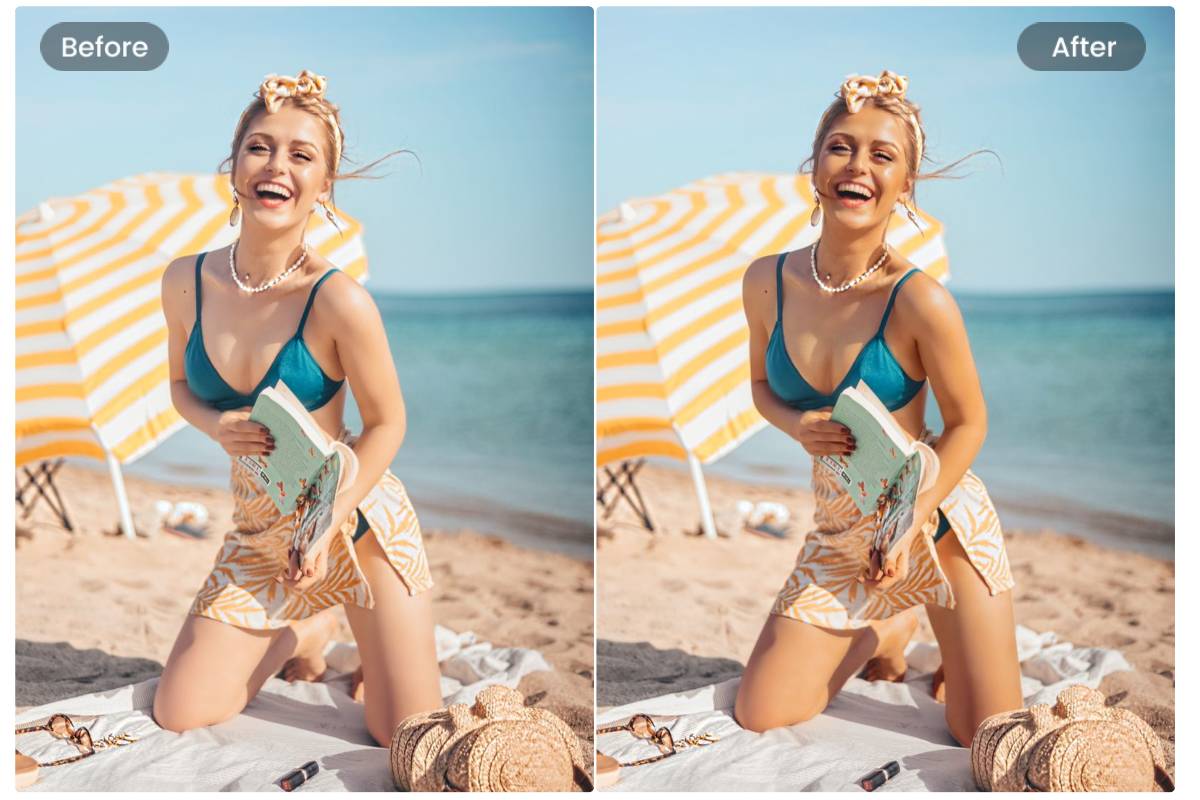
Adjust Skin Tone from Face to Full Body
Correct skin color in photos to fix whole-body skin problems caused by lighting, angle, or any shadow in just clicks. Fotor’s skin tone changer can detect skin areas in portraits and apply tone adjustments across the face and body. It helps bring a balanced, realistic skin color.
Real Use Cases of Skin Tone Changer
This tool can be used for portrait editing, creative projects, and visual content adjustments. It helps improve consistency while allowing flexible styling.
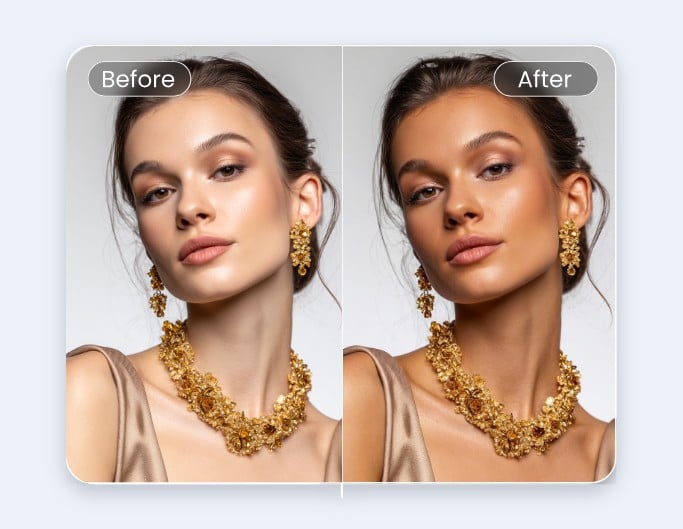
Change Skin Color for Marketing Visuals
Adjust skin tones in images to explore different visual directions for campaigns or mockups. Always review results to ensure they remain natural and appropriate for your use case.
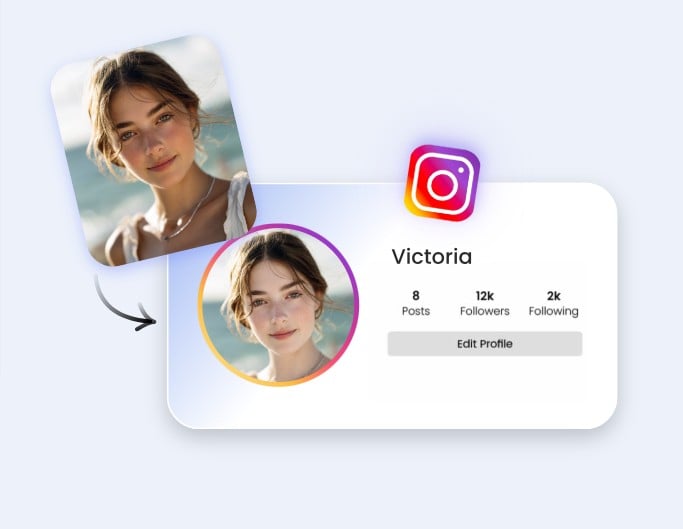
Fix Uneven Skin Tone in Portraits
Correct mismatched tones caused by lighting, filters, or makeup differences. Useful when the face and body appear inconsistent in photos.
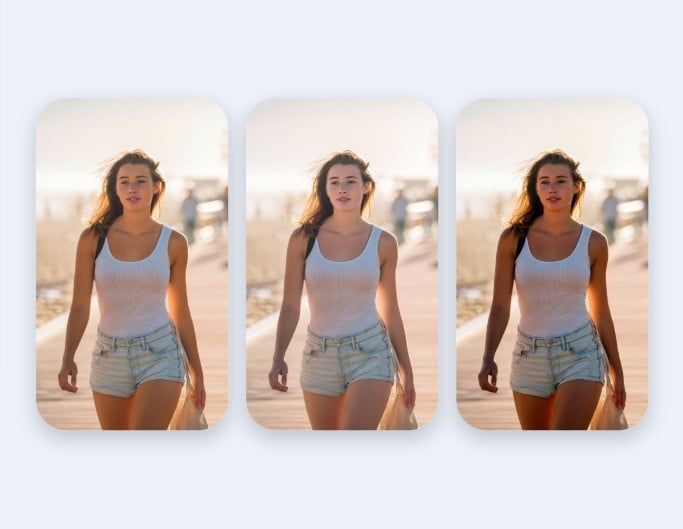
Virtually Test Desired Skin Tone on Your Body
Test how different tone adjustments look for styling, photography planning, or digital art. Results may vary depending on lighting and shadows in the original image.
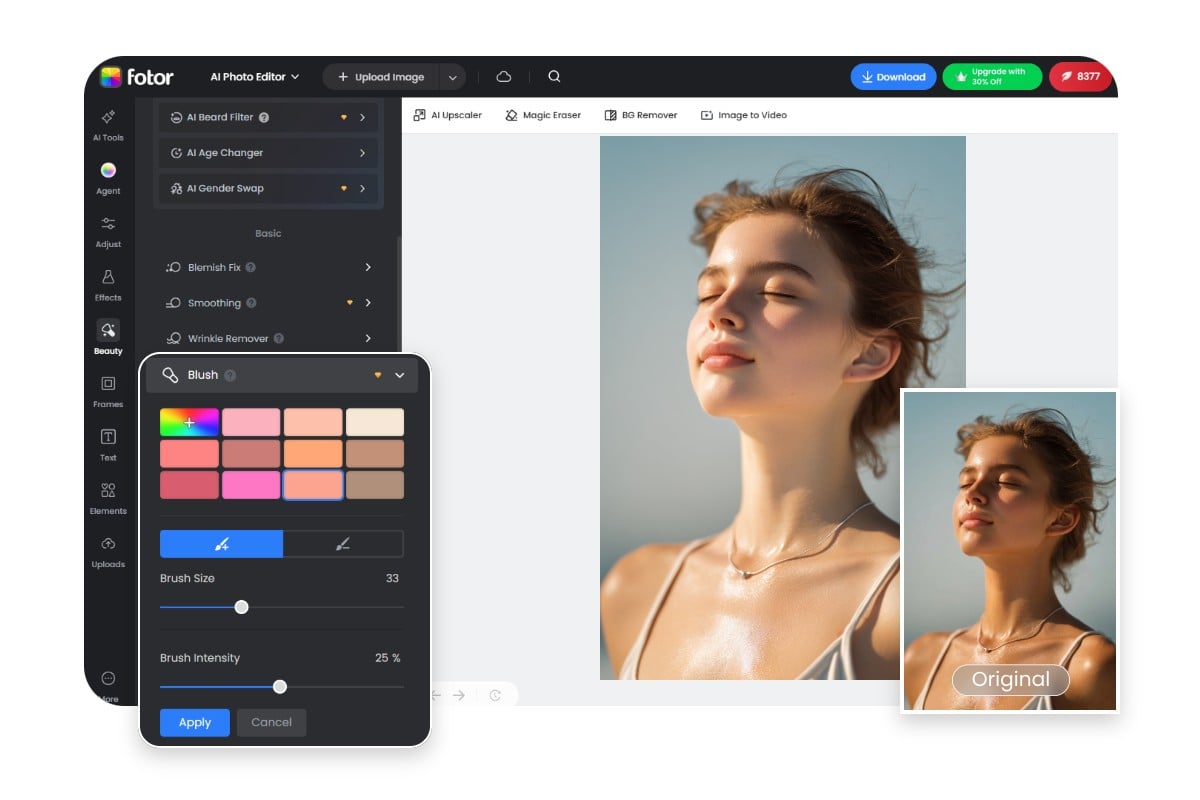
How to Change Skin Tone with Fotor?
- Click the “Upload Image” button to get started.
- Drag and drop your image into the editor.
- Select a tone from the color palette or use AI retouch to balance skin tones automatically.
- Preview the result and click “Download” to save your image.
Why Choose Fotor to Change Skin Color?
![All in one AI background generator]()
Flexible Color Options
Choose from a wide range of preset colors to fix unbalanced skin tone for your photos.
![AI meme generator app]()
Work on Multiple Devices
Our skin tone changer is available on desktop and mobile. You can change your skin color in photos anytime, anywhere.
![Advanced Editing Tools]()
Beginner-Friendly Interface
No design experience needed. The clean interface makes editing skin color simple for anyone.