
Advanced Abs AI
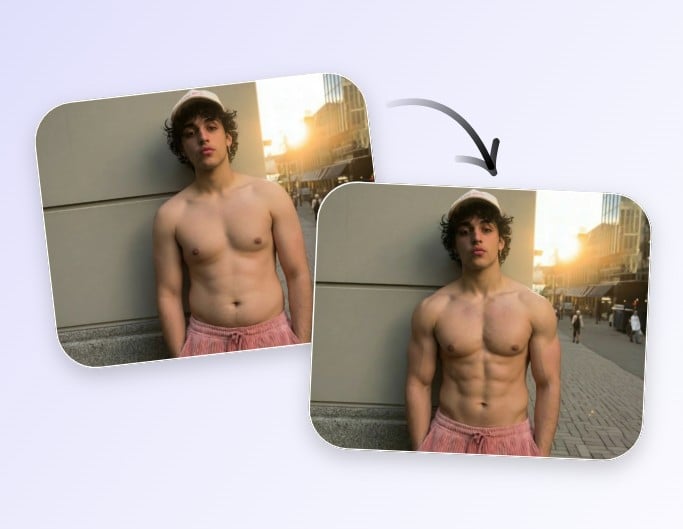
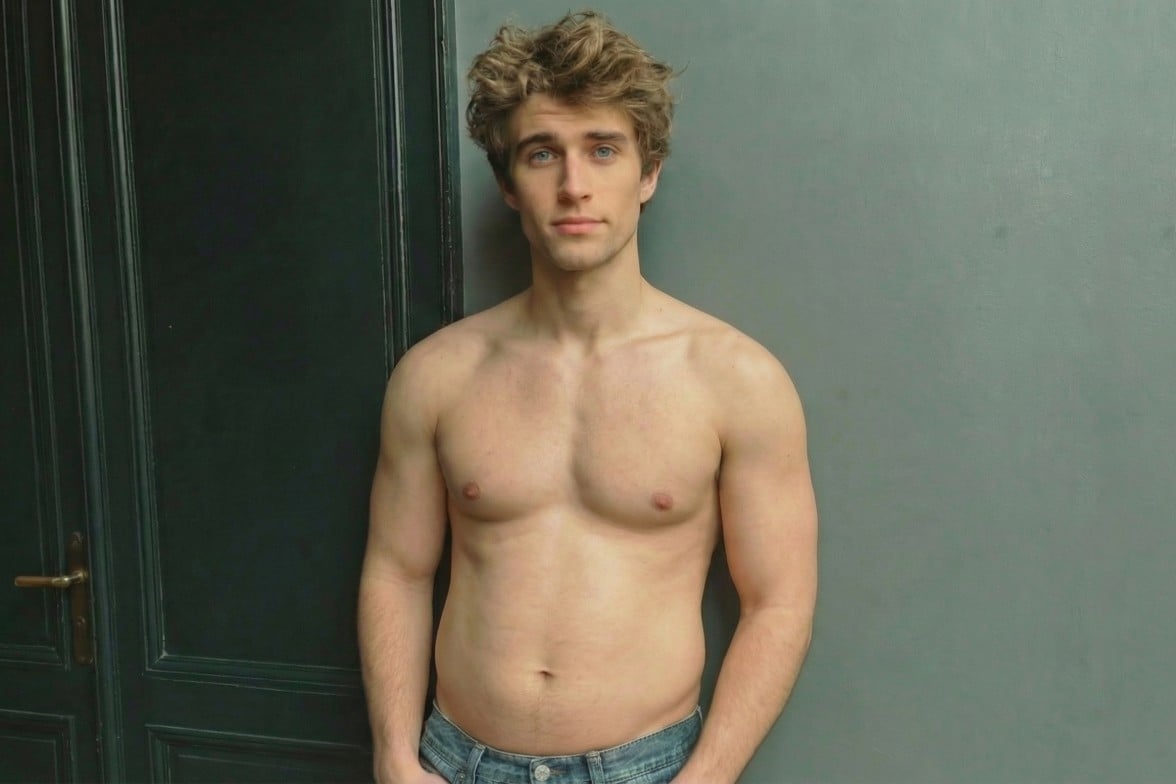
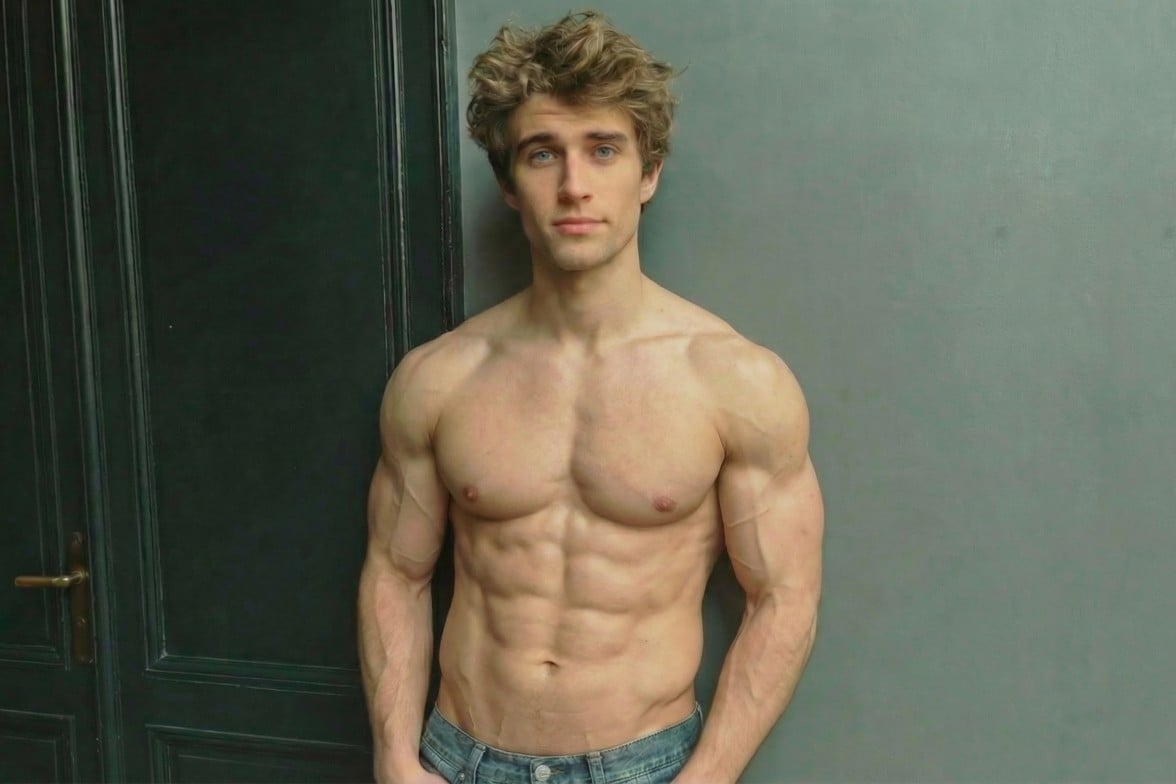
Detect your abdominal area in your photo with AI intelligence and automatically generate six-pack abs.


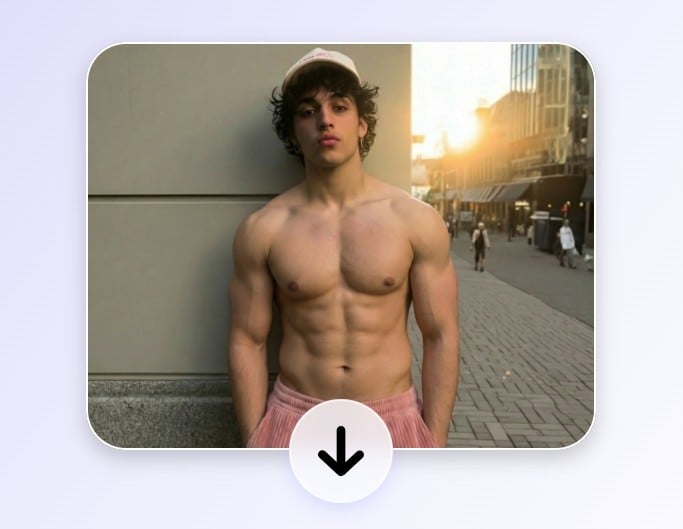
Use Fotor’s free AI abs generator to add realistic six-pack abs to your photo. Choose from different levels of abs and see how you would look with a natural six-pack.
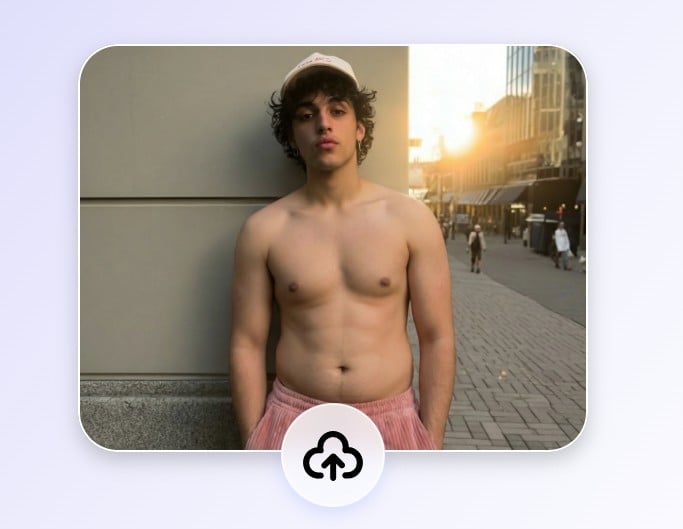
Drag image here or click to upload
Detect your abdominal area in your photo with AI intelligence and automatically generate six-pack abs.
Generate your six-pack abs in just a few clicks—no experience needed.
AI creates realistic six-pack abs that blend naturally with your photo.
Your photos are fully protected and handled securely, keeping your personal data private.
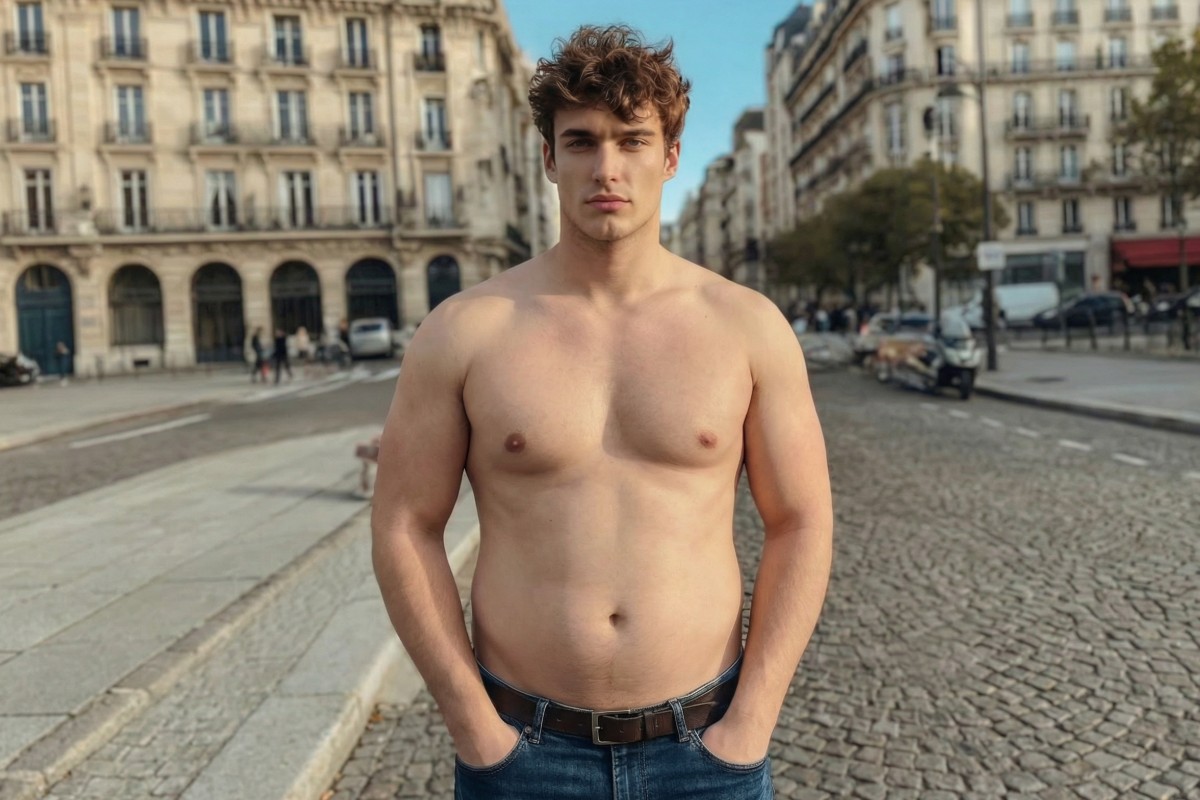
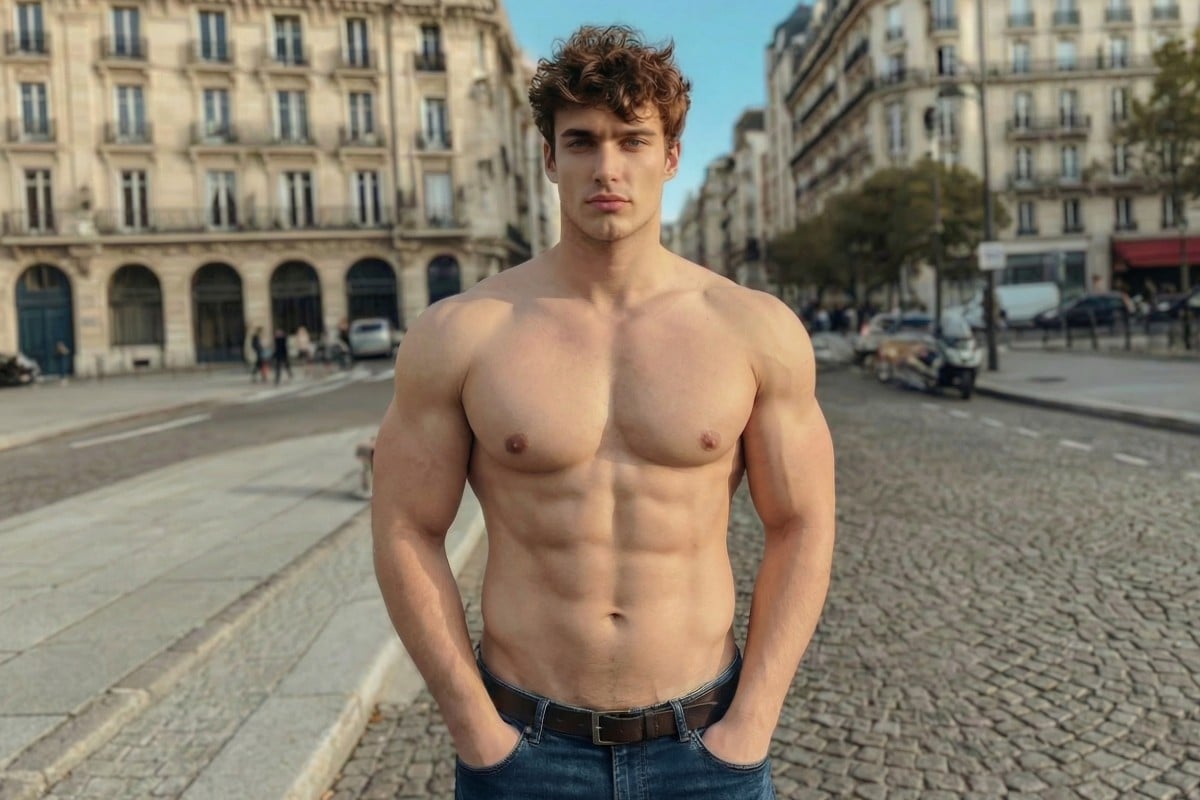
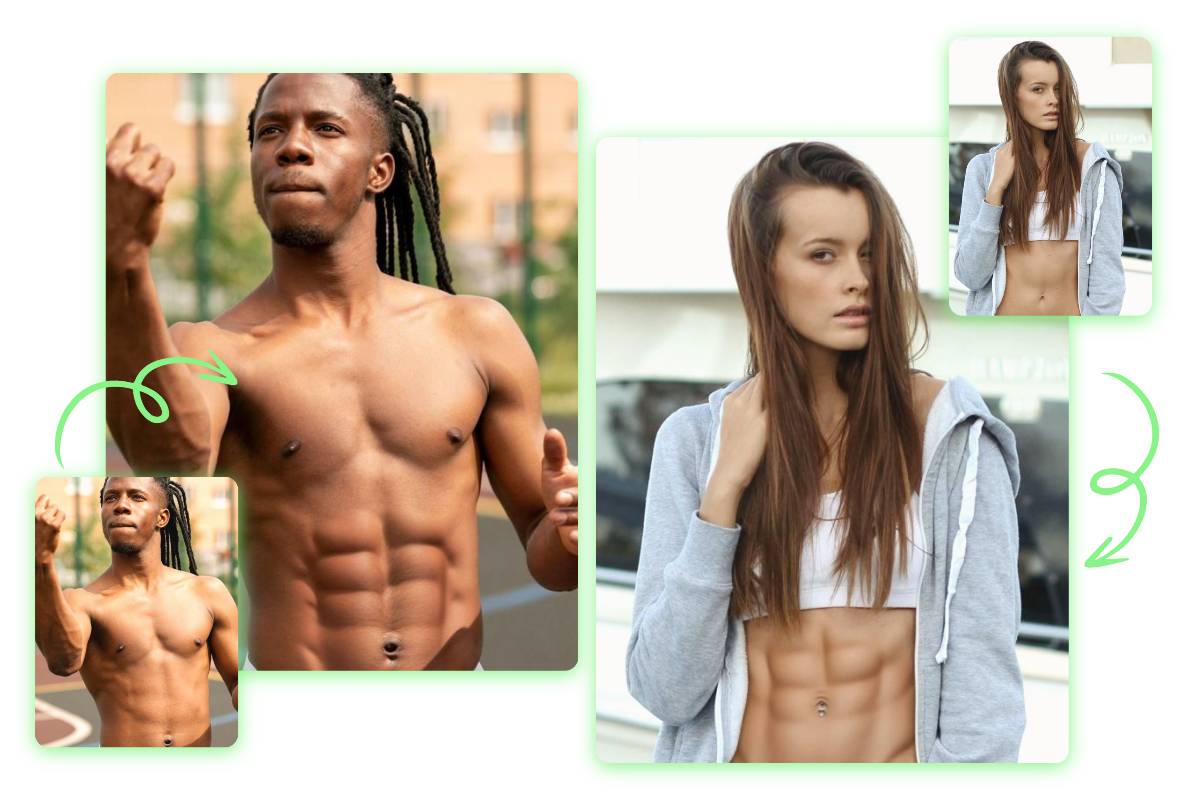
No abs? Wonder what you would look like with them. Fotor’s AI abs generator naturally reshapes your abdominal area to create realistic abs, allowing you to preview your ideal physique.
Fotor’s AI six pack generator works for anyone—men aiming for defined muscles, women preferring a sculpted look, those wanting to reshape their body through toning or slimming, older adults looking to regain youthful shape, and anyone else pursuing abs. Everyone can experience the magic of six pack photo editing.
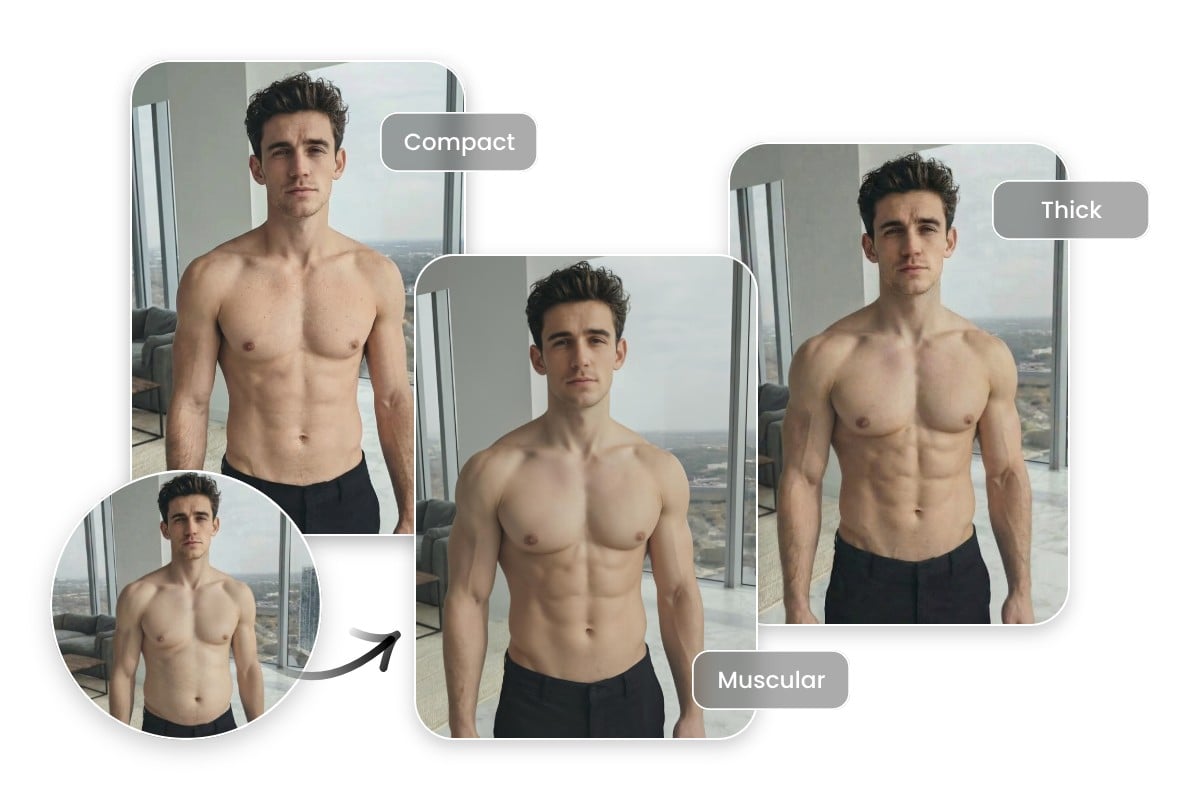
Fotor’s six pack photo editor lets you fully customize your ideal abs. Choose from our AI abs filters with different styles and intensity levels—compact, muscular, thick, slender, or toned—and take complete control of your final muscle look.
Click “Upload Image” to upload a photo directly on this page. Make sure your face and abdominal area are clearly visible. For more details, you can view the upload guide.
In our AI Muscle tool, select the abs effect you want and click “Apply”. The AI will then generate your six-pack abs.
Once you’re satisfied with your AI-generated six-pack abs, click the “Download” button at the top right to save your photo as a JPG or PNG and share your new look.
Fotor’s AI abs generator uses AI algorithms and computer vision to analyze your photo and detect the abdominal area. It then applies trained models to simulate muscle structure, lighting, and shadows, allowing the generated abs to blend naturally with your body and match the overall proportions of the image.
Yes, under suitable conditions, our AI abs photo editor can create realistic and natural-looking abs by simulating muscle structure, lighting, and shadows.
Yes, Fotor’s AI abs editor is available on mobile devices, including smartphones and tablets. You can easily create realistic abs anytime, anywhere.
To achieve the best results, upload a photo facing the camera with a natural pose, where both your face and abdominal area are clearly visible. Avoid side profiles, obstructed faces, heavily cropped bodies, group photos, or images with poor lighting, as these may reduce the realism of the generated abs.
Yes, you can use Fotor’s AI abs generator for free. Generated photos will include a watermark. To remove the watermark and access advanced features, you can subscribe to our membership plan.