AI-Powered Upscaling
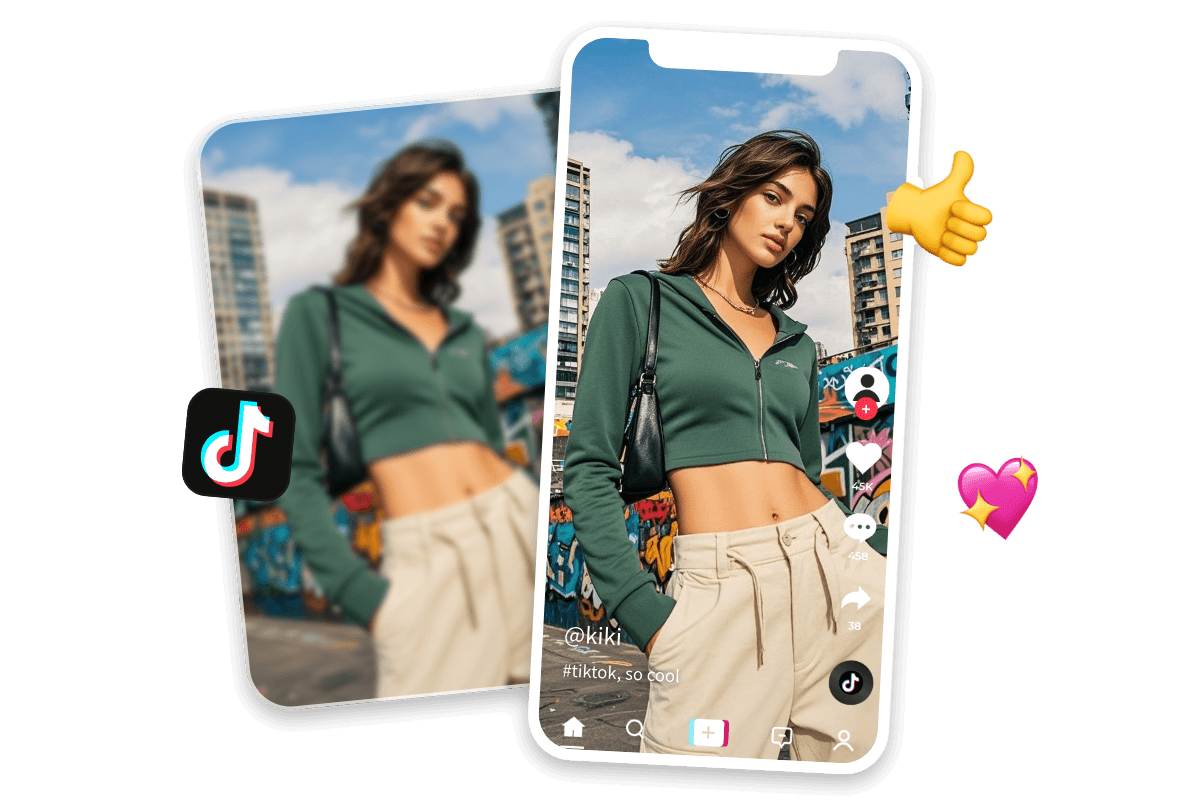
Upscale images with AI technology that intelligently analyzes and improves low-resolution photos for better clarity and quality.


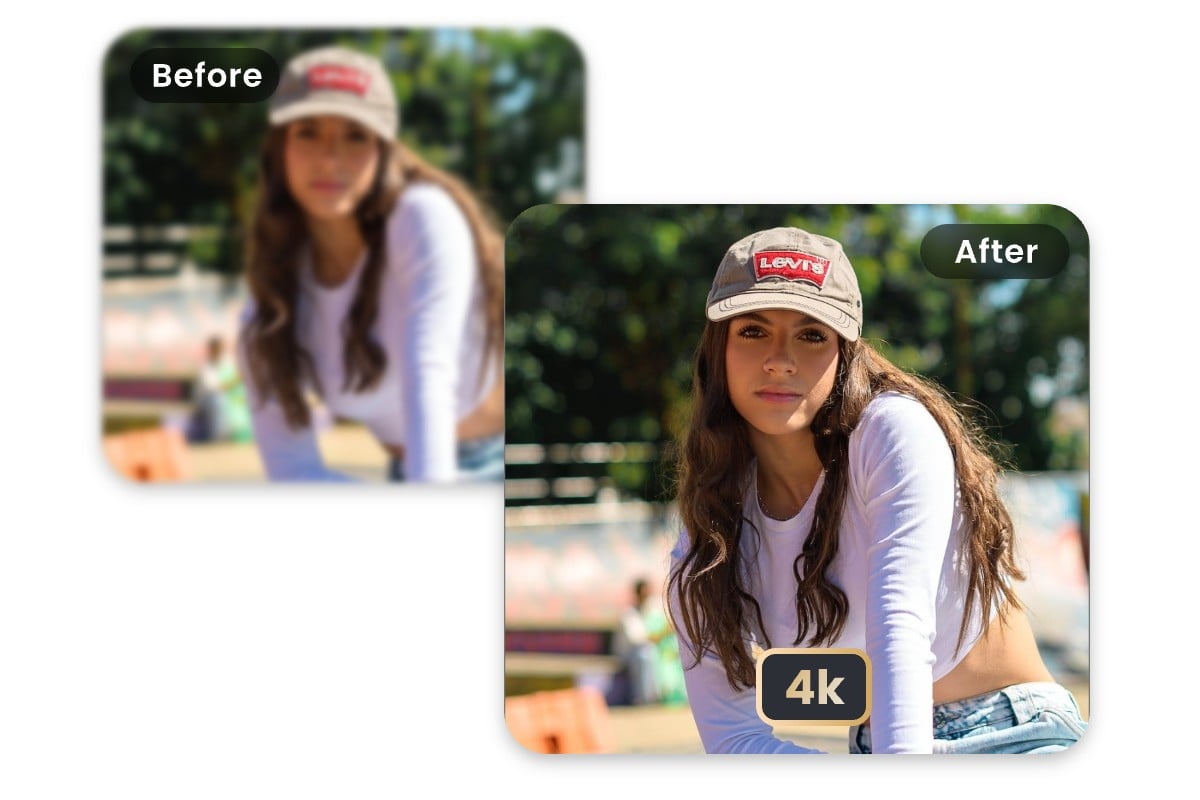
Upscale any image with Fotor’s free AI image upscaler. Enlarge images up to 4x and increase resolution to HD or 4K while preserving fine details and textures. Make your images bigger and clearer without any photo editing skills.
Upload or drop your image here

Upload or drop your image here
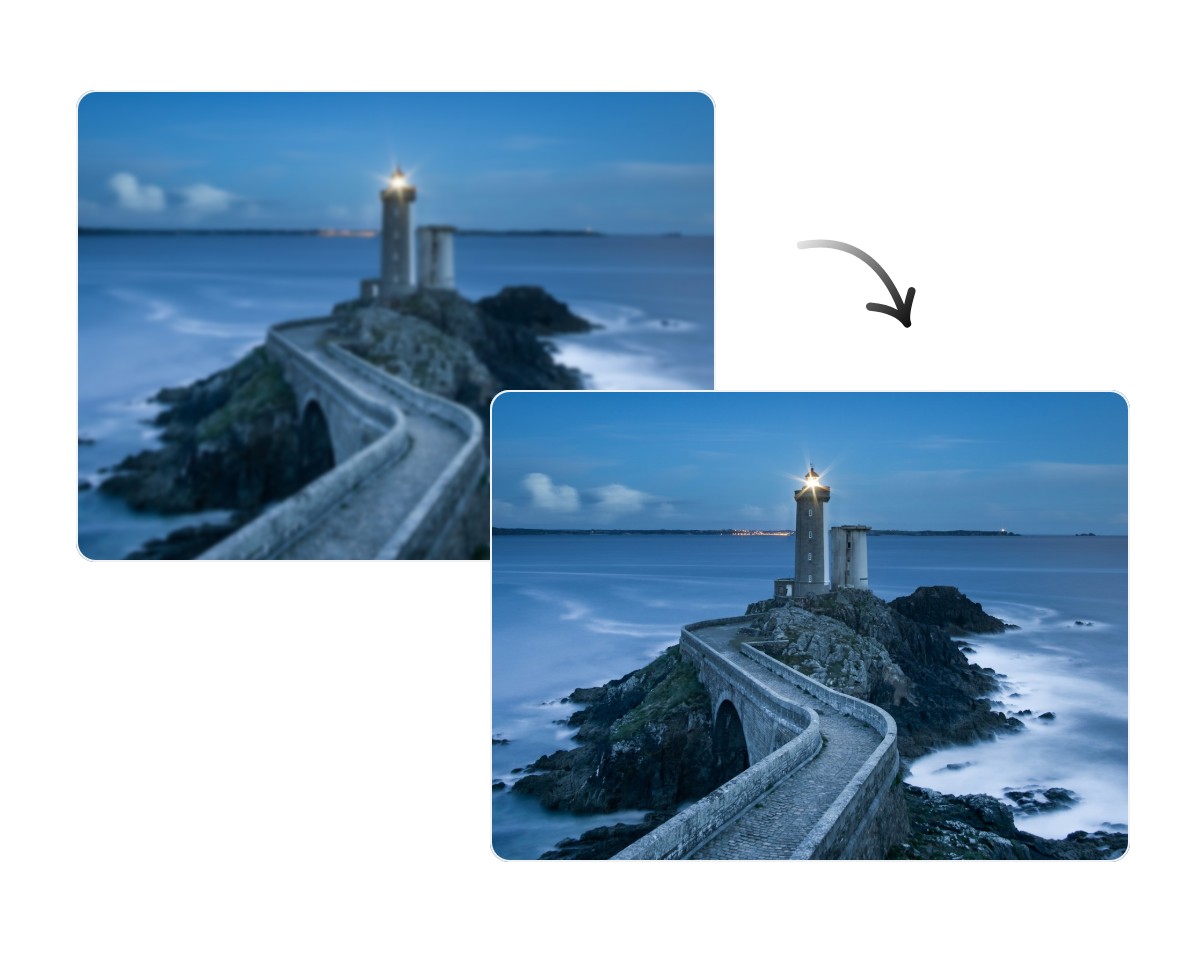
Upscale images with AI technology that intelligently analyzes and improves low-resolution photos for better clarity and quality.
Upscale images 2x or even 4x while increasing resolution to HD or 4K for larger and clearer visuals.
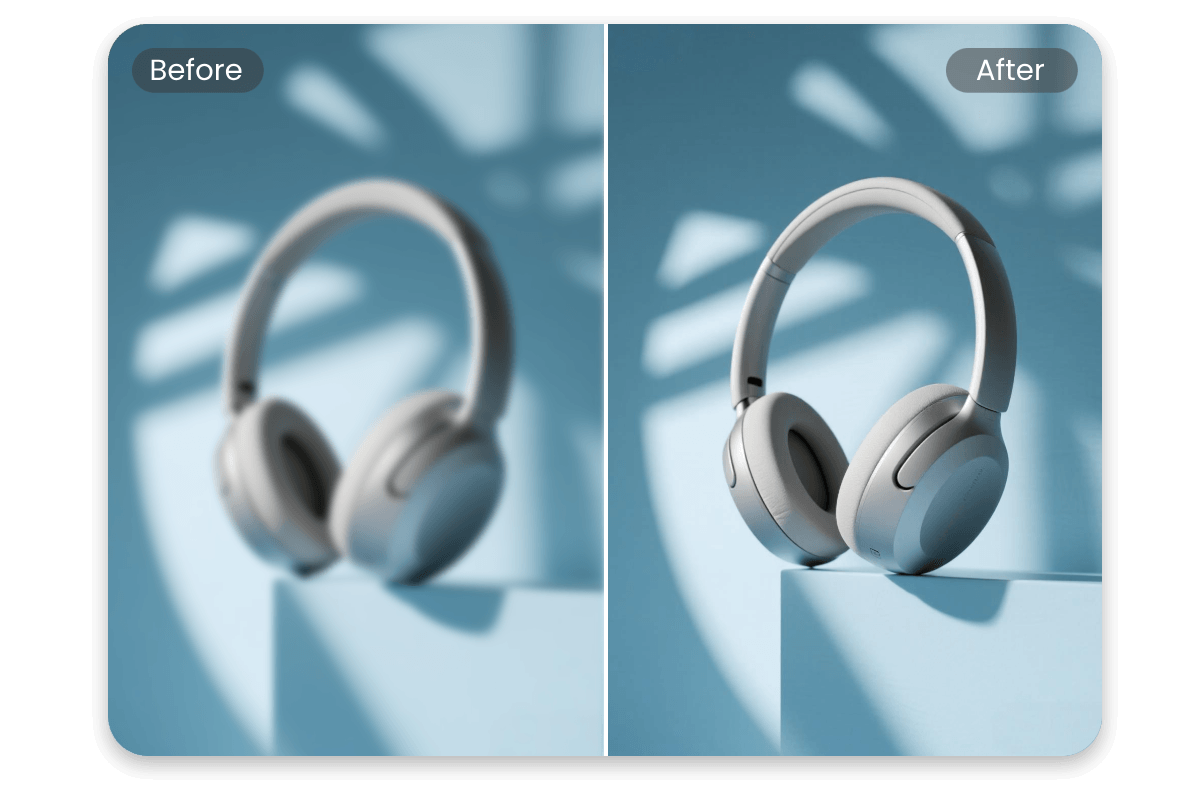
Upscale photos while keeping original textures, edges, and fine details clear for a natural look.
Fotor’s batch photo editor lets you upscale up to 50 images at once, saving processing time and improving workflow efficiency.
Click Upload Image or drag and drop your image directly on the page to get started.
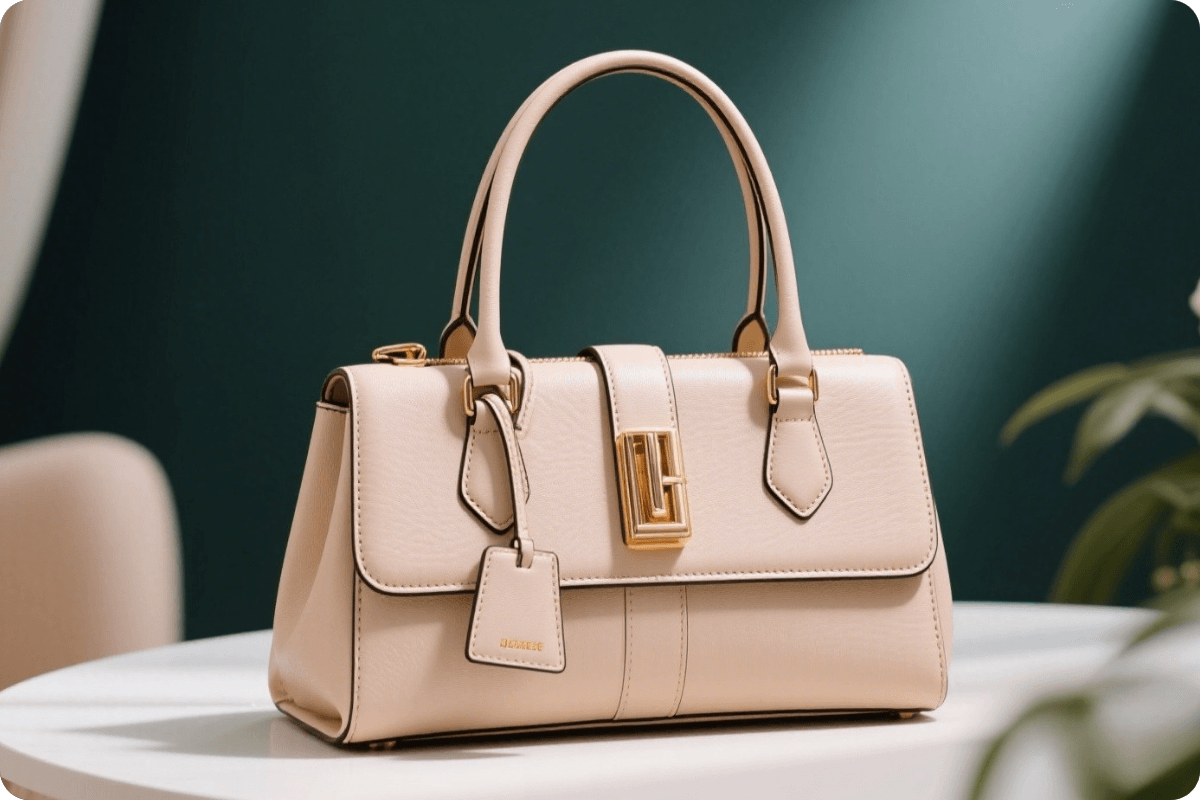
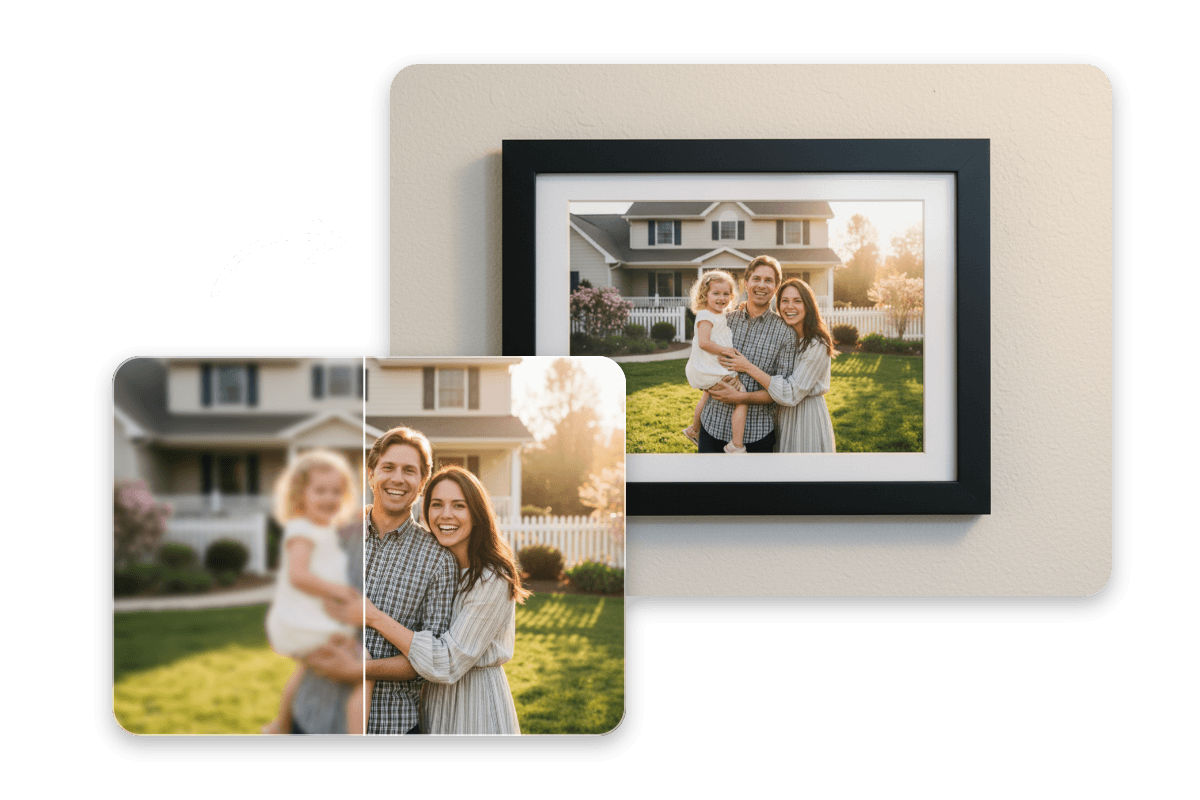
No manual editing is needed. Fotor’s AI upscaler automatically analyzes image quality issues and intelligently enhances low-resolution photos. Whether you’re improving blurry photos, old pictures, product images, portraits, or social media visuals, get clearer, bigger, and higher-quality results in one click.
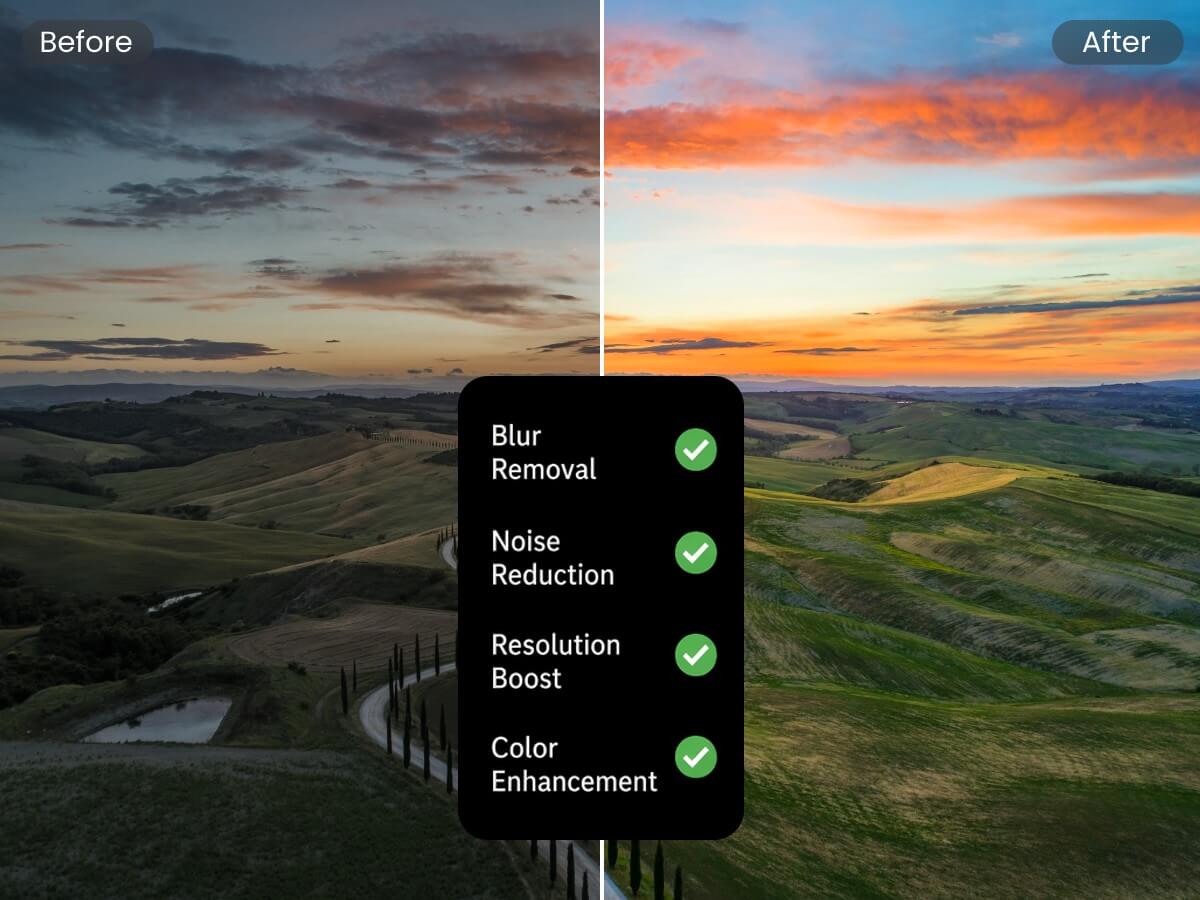
Fotor’s AI photo upscaler not only enlarges image size but also improves overall image quality during the upscaling process. It automatically enhances sharpness, adjusts brightness, balances colors, optimizes contrast, and restores image clarity, helping revive low-quality and low-resolution photos that are blurry, dull, or lacking detail.
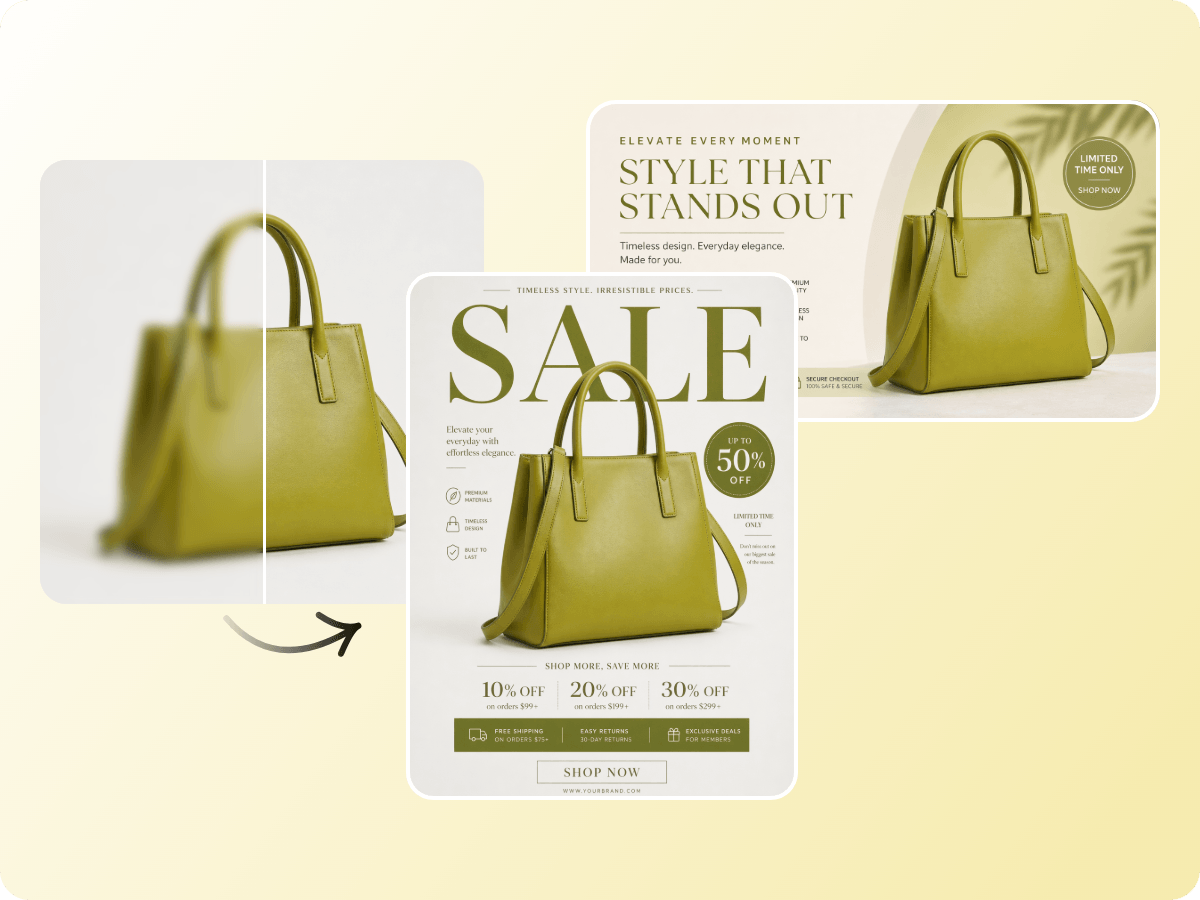
High-resolution product images help create a professional shopping experience and build customer confidence. Upscale your product photos to improve image quality and prepare polished visuals for Amazon listings, Shopify stores, eBay items, and online thumbnails.
After image upscaling, continue creating with Fotor’s AI photo editing tools. Remove backgrounds, erase unwanted objects, add creative elements, or upgrade your visuals with more AI features. For product images and marketing content, you can also use Fotor’s AI vibe marketing platform to create engaging, atmosphere-driven visuals that help bring your ideas to life.

If you have a photo and need it to look perfect everywhere from LinkedIn to your website, Fotor AI image enhancer is just that friend who quietly fixes everything for you without taking much time or effort.

As one of the best AI image enhancer tools for beginners, Fotor's AI image enhancer is designed to make professional-grade image restoration and enhancement accessible to everyone, leveraging cutting-edge deep learning to transform blurry or low-quality images into high-definition masterpieces in seconds.

Fotor’s Photo Enhancer is a one-tap tool that automatically enhances images by adjusting brightness, contrast, saturation, and sharpness to improve overall photo quality.
Enlarge your images in just a few seconds with AI. No need to wait for long processing times—get high-quality results quickly and easily.
Enlarge your images without added watermarks. Download clean, watermark-free results and use them freely for your personal or commercial projects.
Your images are processed securely and protected with privacy-focused technology, ensuring your files stay safe throughout the image enlargement process.
Use Fotor’s AI image enlarger anytime, anywhere—online in your browser, on desktop, or through the mobile app across any device.
Image upscaling is the process of increasing an image’s resolution and size using advanced algorithms. It helps transform low-resolution images into higher-resolution versions with improved clarity and visual quality.
Fotor’s AI image upscaler is an online tool that uses AI technology to enlarge images and increase resolution. It automatically analyzes image content and creates higher-resolution results while keeping the image looking natural.
Fotor’s AI image upscaling technology analyzes image patterns, details, and textures, then intelligently enhances the resolution during the enlargement process. This helps create clearer and higher-quality images without manual editing.
Yes. Fotor’s AI image upscaler offers free usage options. You can download 2× upscaled low-resolution images for free. To download 4× high-resolution images, you need to subscribe to a Fotor membership plan.
To increase image resolution with Fotor, upload your image and let the AI image enlarger process it automatically. Once completed, you can download the enlarged image with improved resolution.
Yes. Fotor’s AI photo upscaler can enlarge images to higher resolutions, including HD and 4K, helping you create clearer visuals for different needs.
Fotor’s image upscaler supports popular image formats, including JPG, JPEG, PNG, WebP, HEIC, and HEIF, allowing you to easily upload and enlarge images in different formats.
Yes. Enlarging an image usually increases its file size because the image contains more pixels and higher-resolution data after upscaling.
HD and 4K refer to different image resolutions. HD provides clear image quality for everyday use, while 4K offers a much higher resolution with more pixels and finer details, especially for larger displays.
Yes. Fotor provides an AI image upscaler API that allows developers and businesses to integrate image enlargement and resolution enhancement capabilities into their own applications and workflows.