

Photo to Sketch Converter
Turn any photo into a realistic pencil sketch, line drawing, or ink-style artwork in seconds. Upload your image, choose from 16+ sketch styles, and let Fotor's AI photo-to-sketch converter create a clean, natural-looking sketch, perfect for portraits, pets, products, coloring pages, and creative projects. No drawing skills needed.
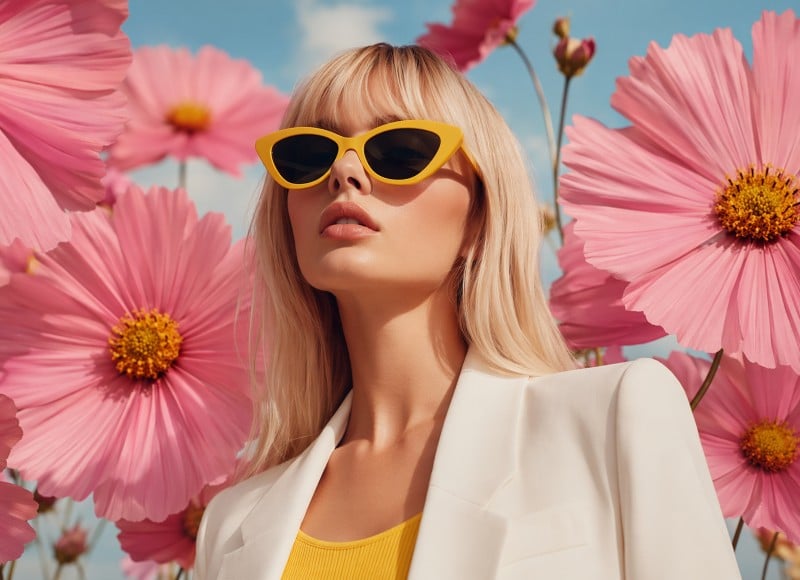
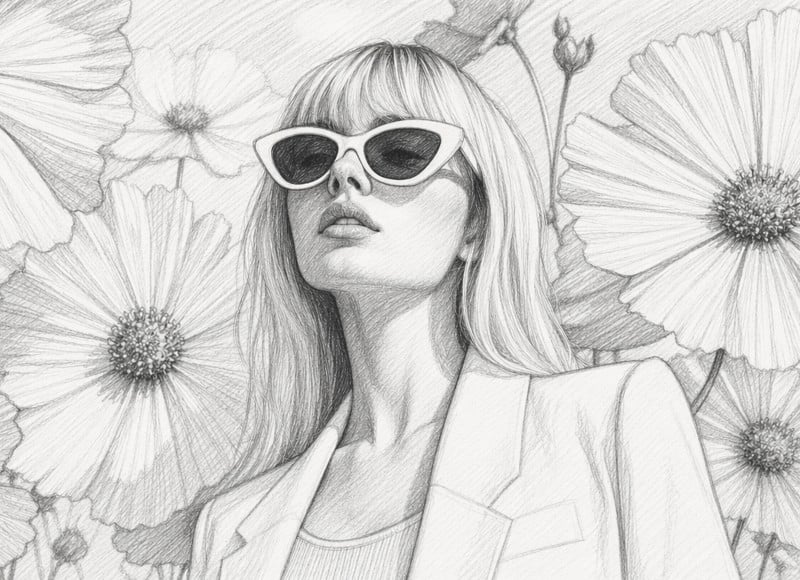
Drag image here or click to upload
Drag image here or click to upload



![Icon for fast and easy to create images with AI]()
Instant Sketch Conversion
Turn any photo into a sketch in seconds, no waiting, no manual editing.
![Custom image generation based on prompt icon]()
16+ Sketch Styles
Pencil sketch, line art, ink drawing and more, one tool, endless creative options.
![batch black background removal icon]()
No Skills Required
Upload, generate, download. Anyone can create professional sketches. No editing necessary.


16+ AI Sketch Styles for Every Creative Need
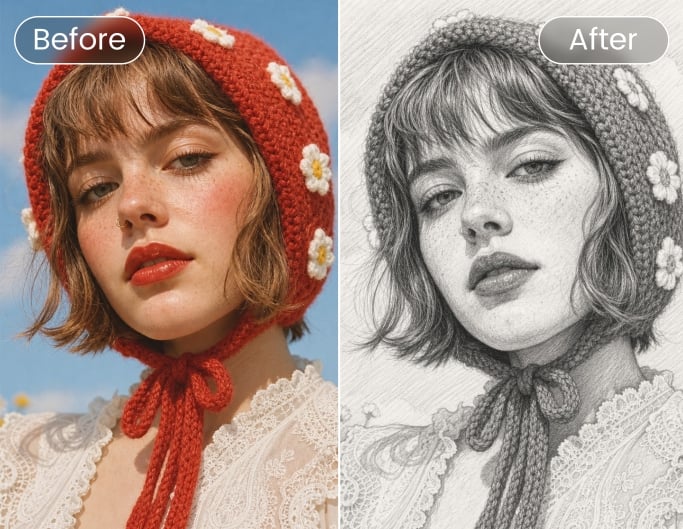
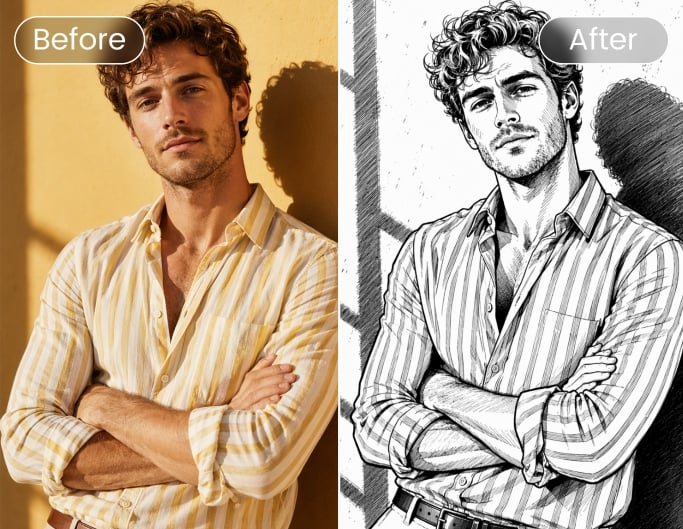
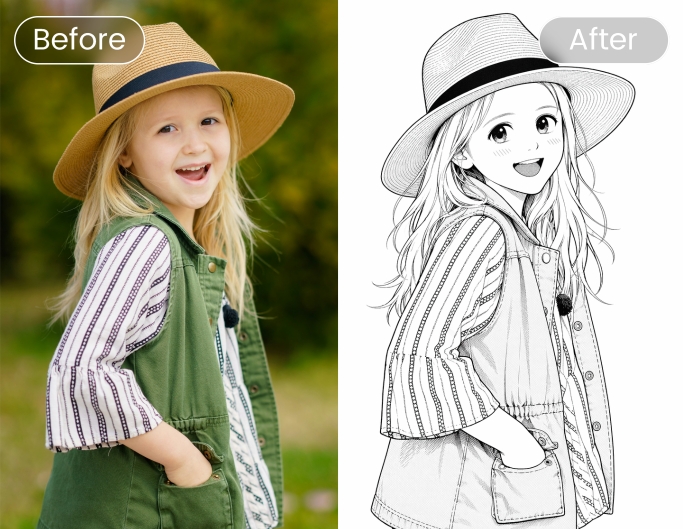
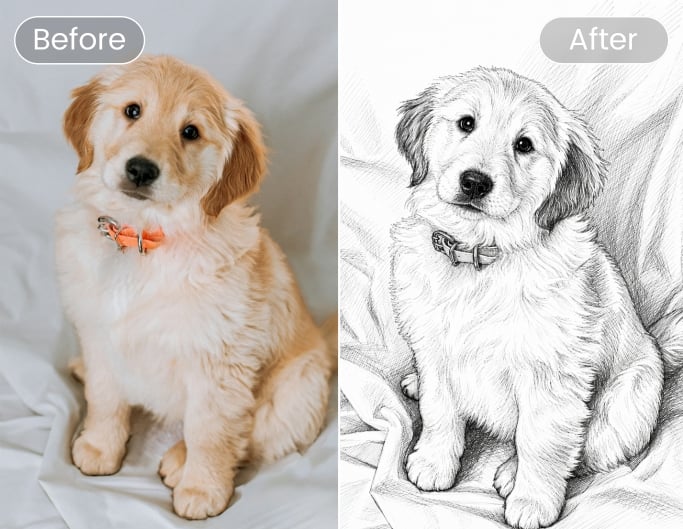
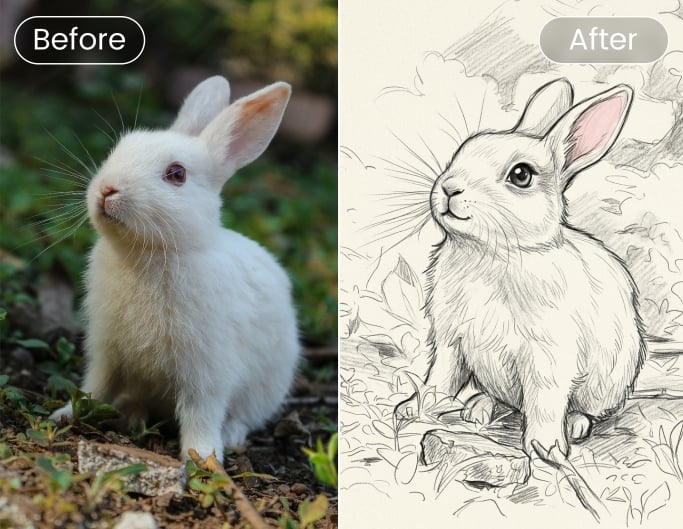
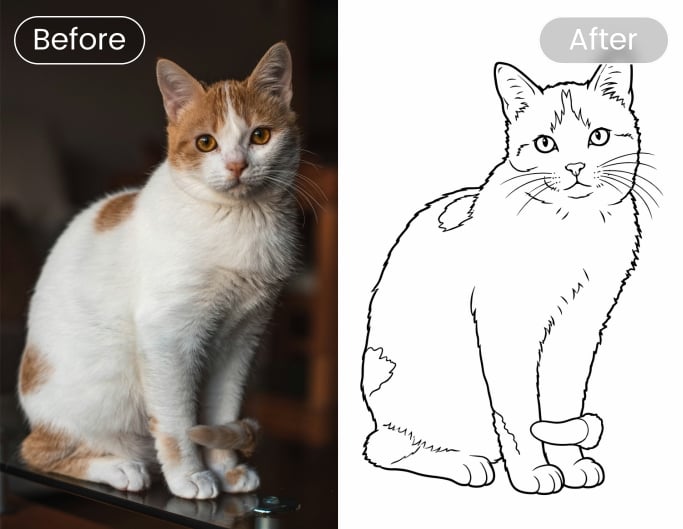
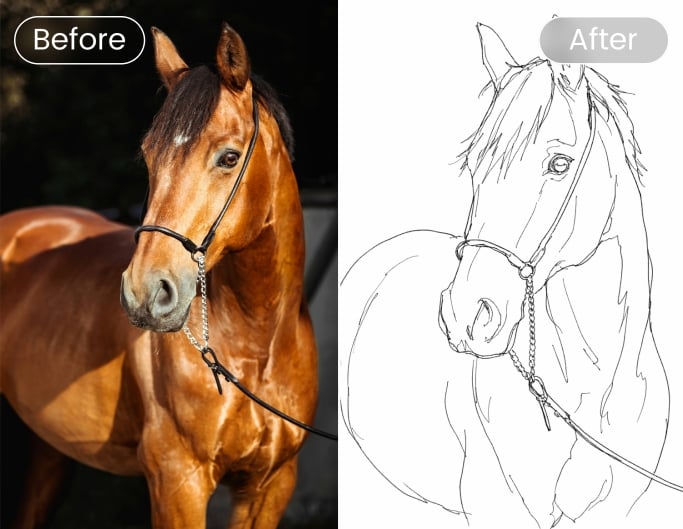
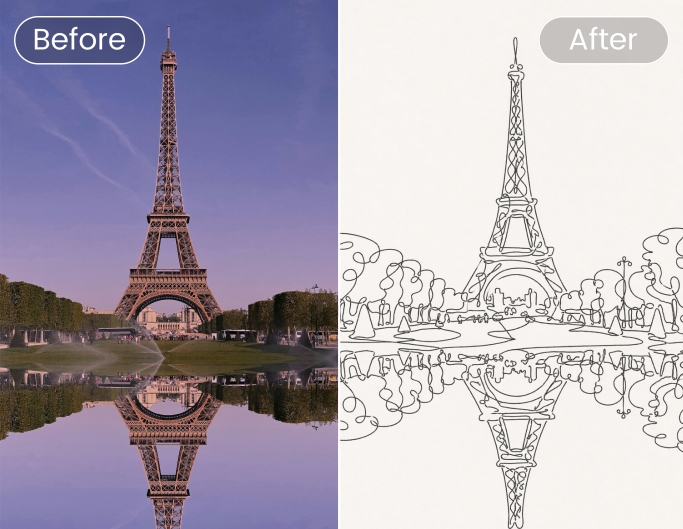
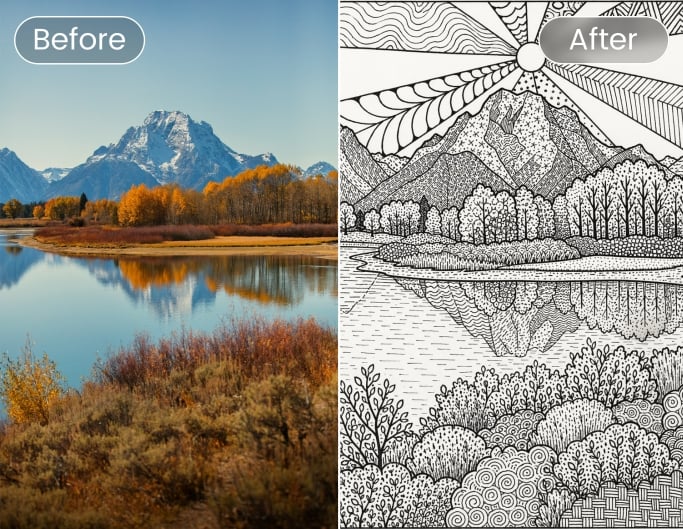
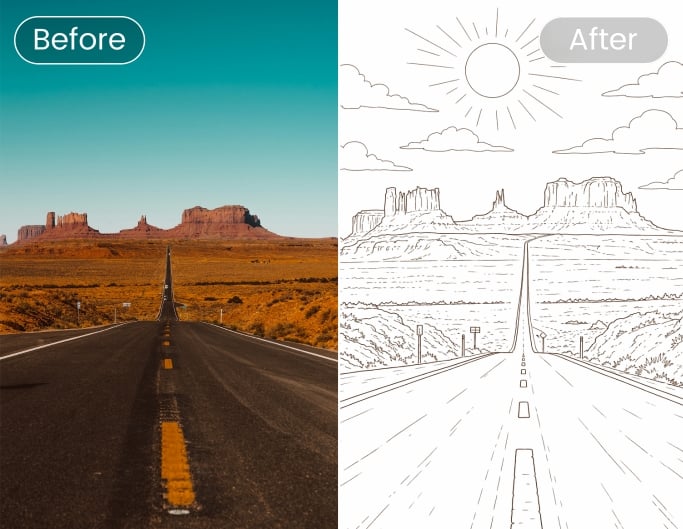
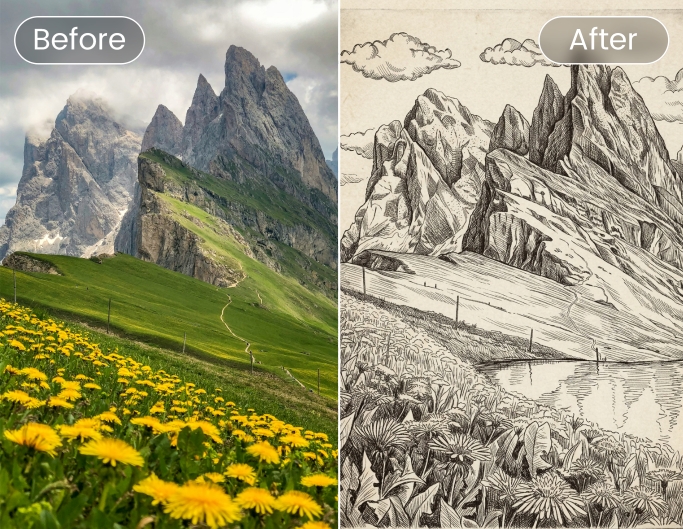
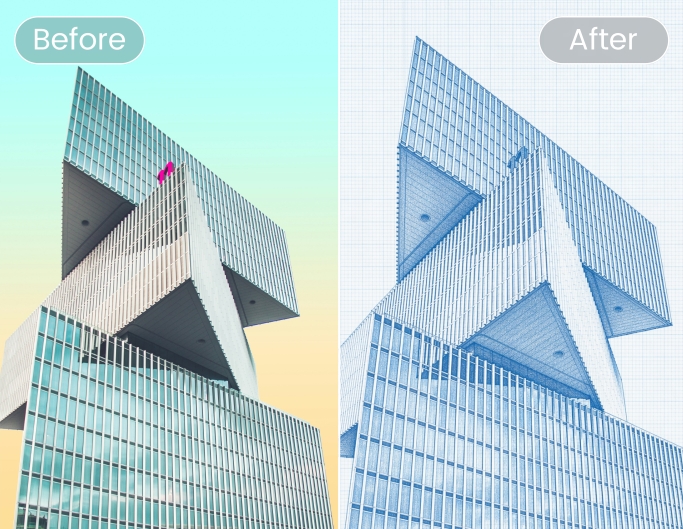
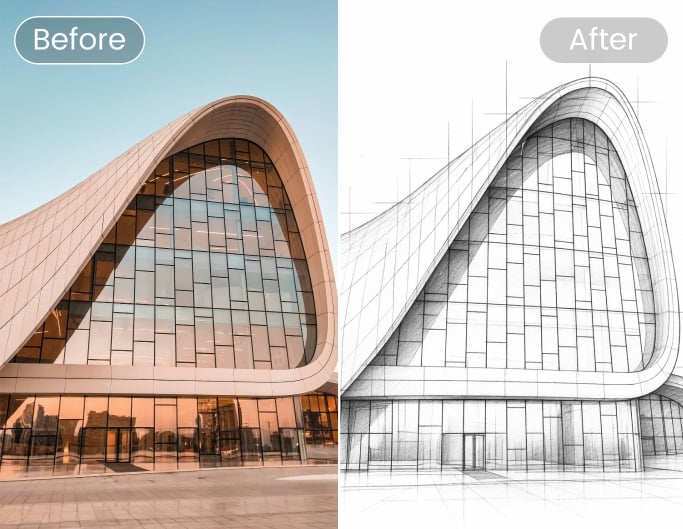
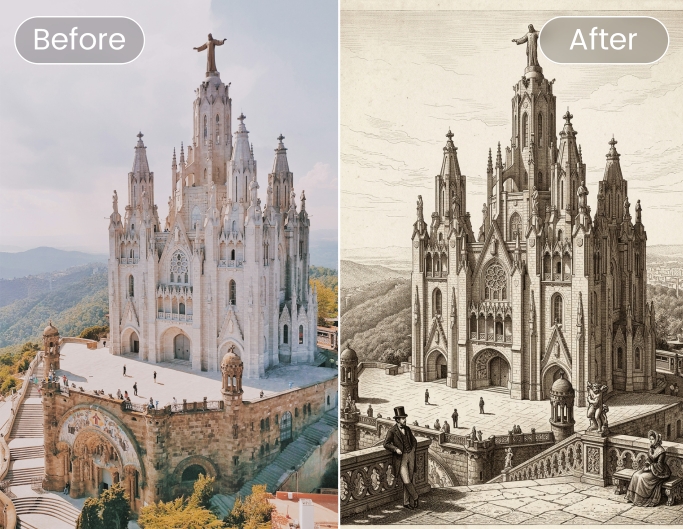
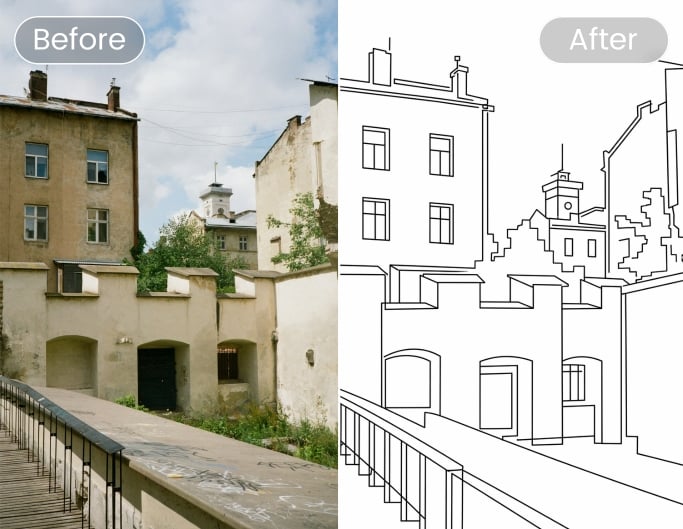
Fotor’s photo to image converter provides over 16 AI sketch styles for free, each trained to produce a distinct visual result while maintaining consistent line quality. Whether you need a soft pencil sketch, or a clean outline drawing, one tool covers the full range, reliable results across every style.
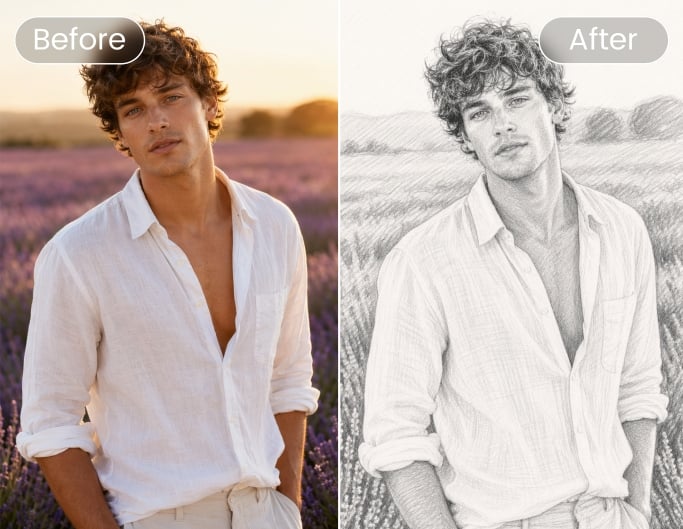
How to Turn a Photo into a Sketch in Three Simple Steps
- Click "Turn Photo into Sketch Now" and upload the image you'd like to transform. Portraits, pets, landscapes, and everyday snapshots all work well.
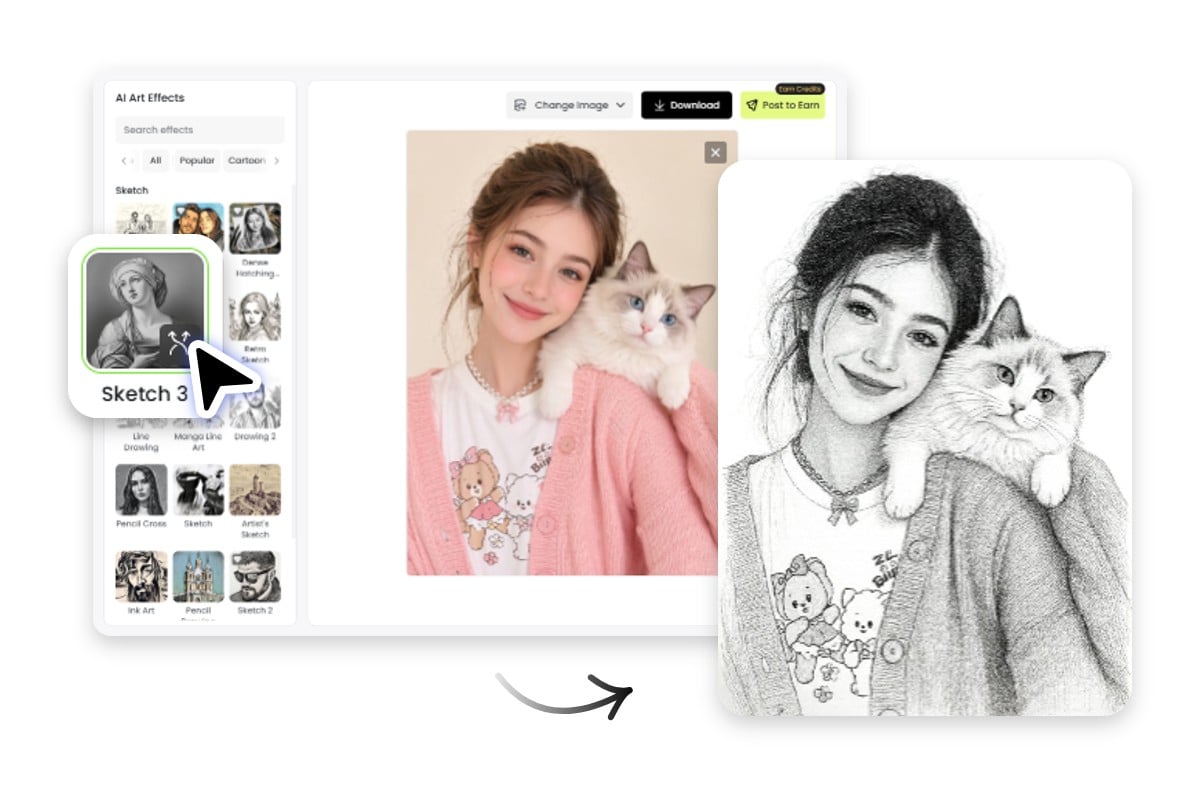
- Browse available sketch effects and choose your preferred style. The AI will automatically convert your photo into a realistic sketch in seconds.
- Save your finished sketch in high quality. Download it as a JPG or PNG file and use it for social media, printing, or creative projects.
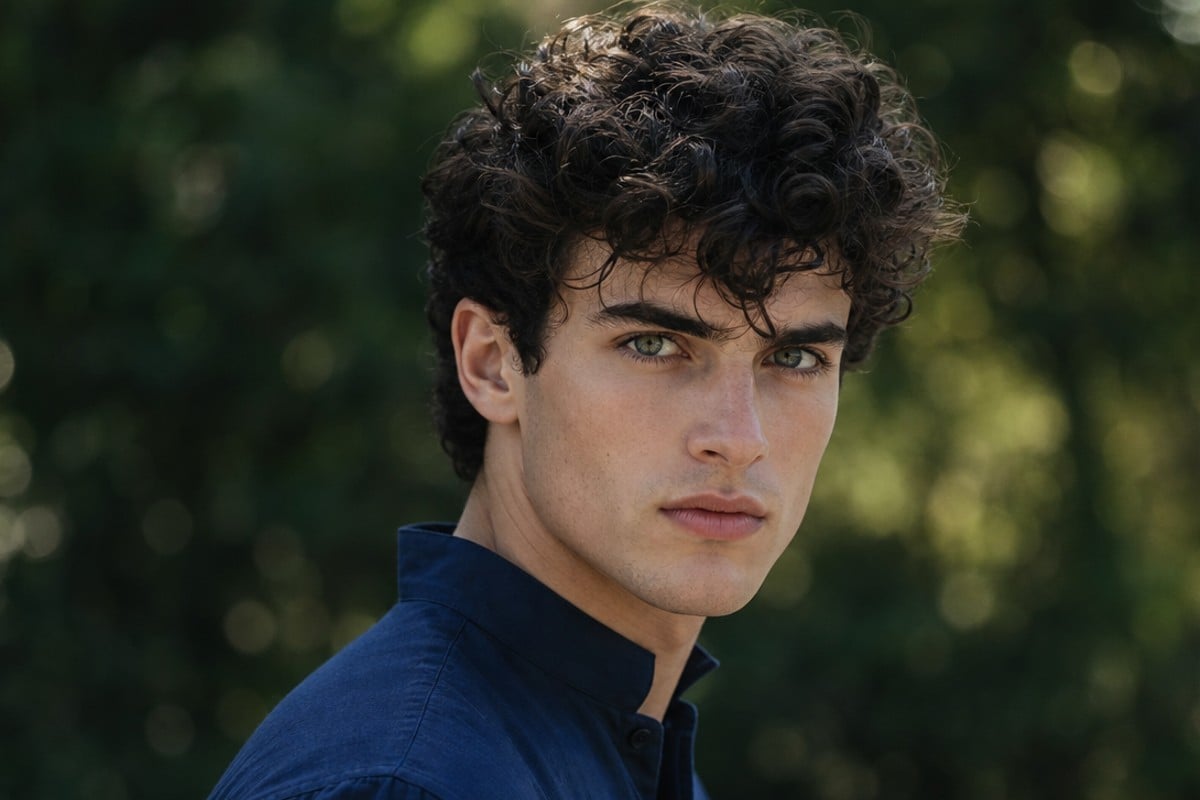
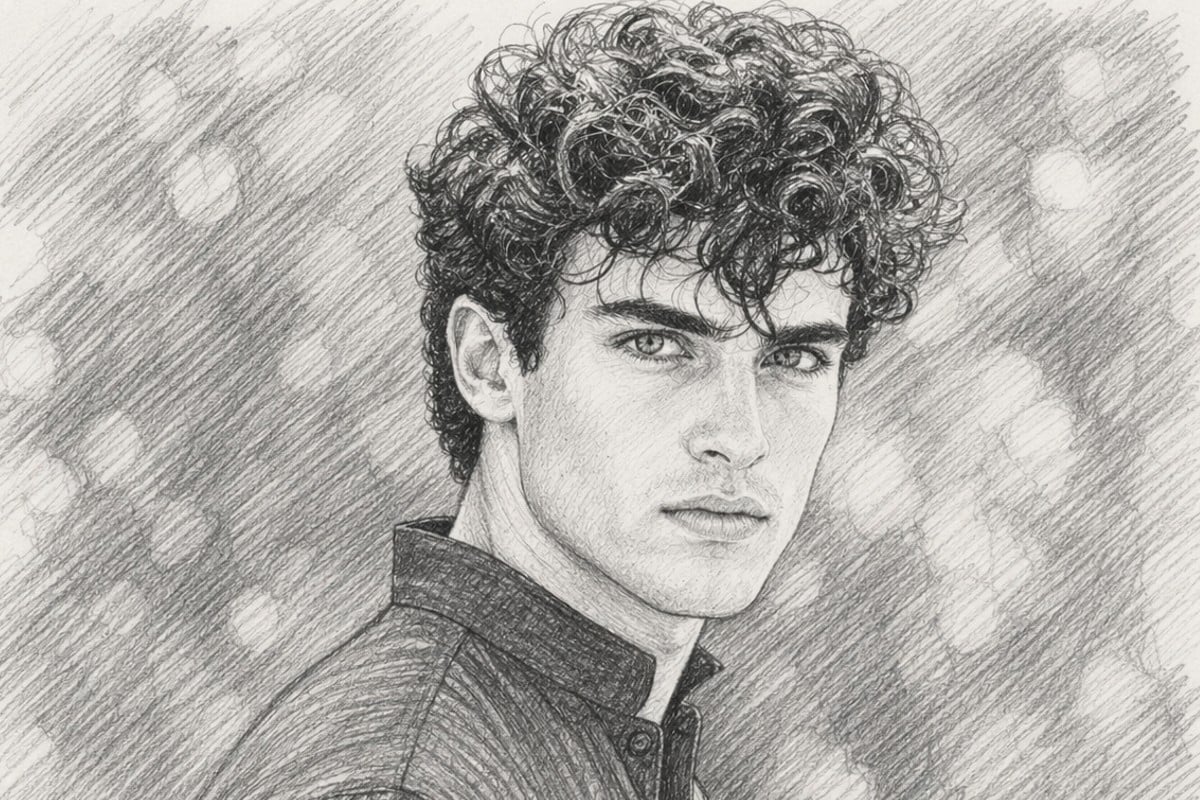
Convert Photos to Sketch Instantly Without Manual Drawing
Fotor’s photo to sketch tool enables users to transform images into sketch-style artwork without holding a pencil. Using free AI sketch filters, the system automatically analyzes images and converts it into clean pencil sketch or line art outputs within seconds. This ensures a fast and accessible image-to-sketch workflow suitable for beginners and professionals who need efficient visual creation.
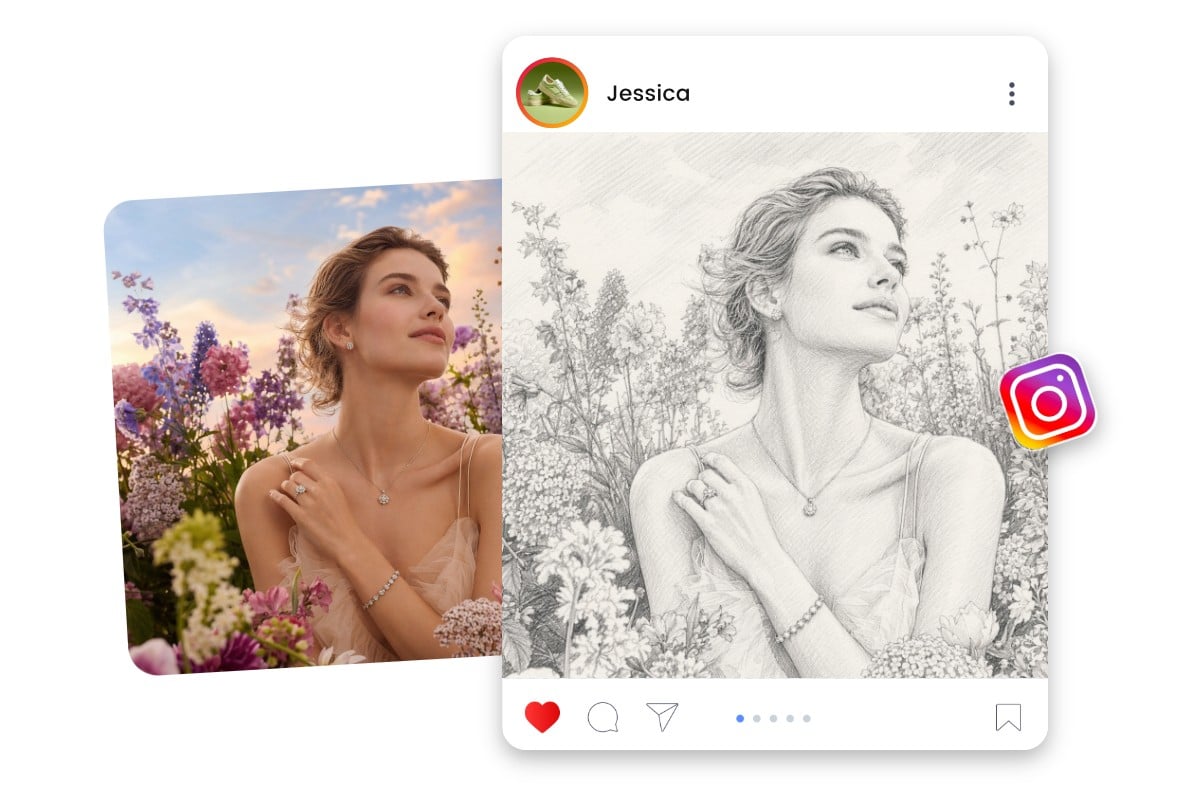
Turn Sketch Outputs into Ready-to-Use Creative Assets
Photo to sketch conversion often starts a workflow where users turn a portrait photo into a pencil sketch, then refine it for profile use or social posts. The output can be further adjusted or reused for creating branding logo, poster design, or multi-platform publishing with consistent high-resolution results. Converting a sketch to an image is also an available option for you to try.
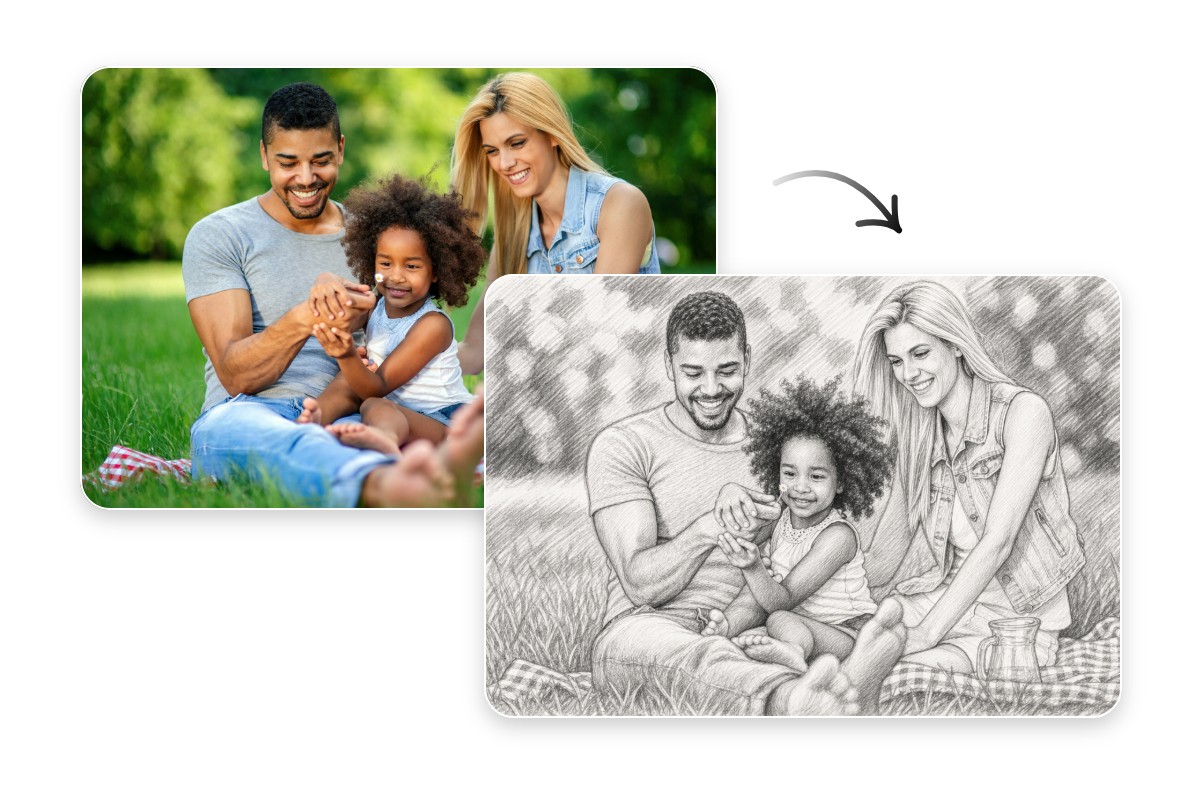
More than 14 Million Sketch Conversions with Fotor
Fotor's AI sketch filters launched in December 2023 and have been used in over 14 million edits since, by beginners and professionals alike, no drawing skills required. From social media avatars and portrait gifts to artistic styles, poster design, and tattoo references, upload a photo and the AI handles the rest.
Turn Photo into Sketch Using AI Sketch Filters & Effects
Fotor converts photos into sketch drawings using AI sketch filters and effects. You can use it make social media posts, create unique sketch posters, design a tattoo, or even business materials, this free AI photo to sketch converter delivers your artworks right away.
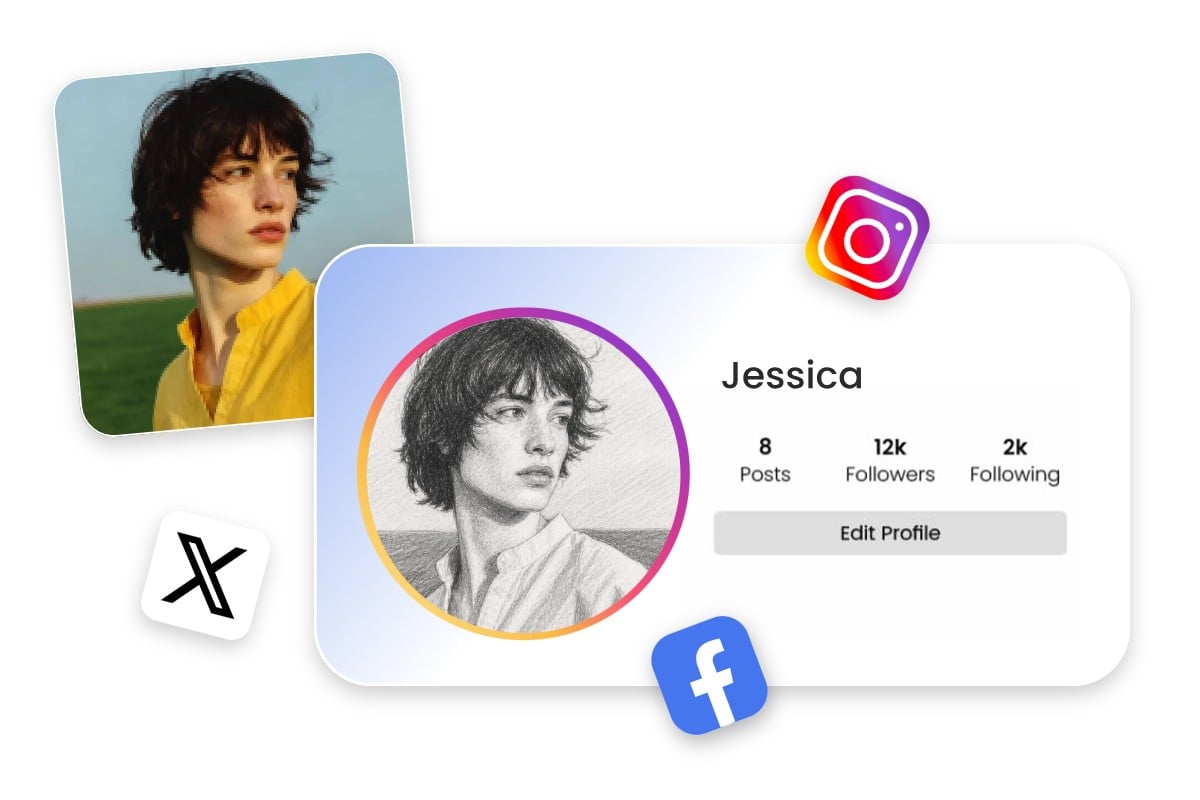
Profile Pictures
Convert ordinary selfies and profile photos into eye-catching sketch avatars with a unique artistic look. A photo to sketch effect helps your profile stand out across Instagram, TikTok, LinkedIn, and other social platforms while adding a personal, creative touch to your online presence.
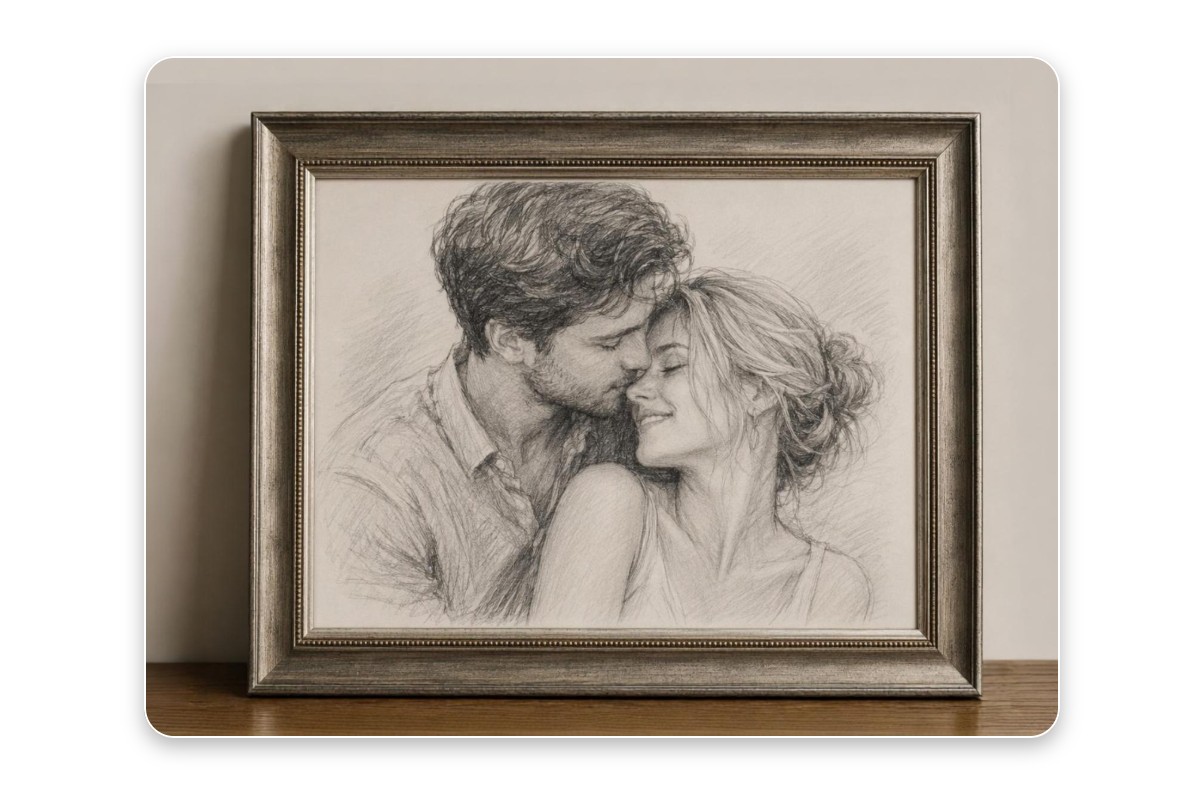
Gifts & Portrait Artwork
Transform meaningful photos into custom sketch portraits that feel more personal and artistic. Whether displayed at home or shared with loved ones, AI-generated sketch artwork offers a simple way to turn memorable moments into keepsakes that feel special and timeless.
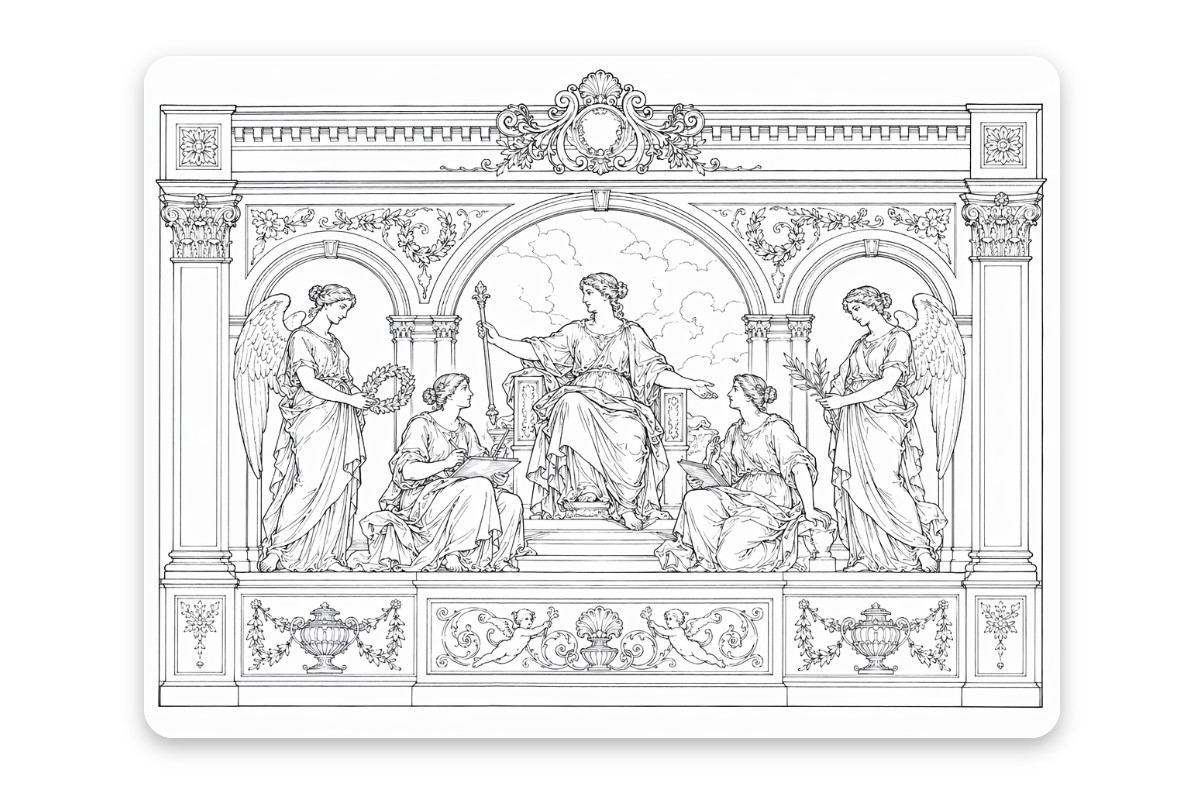
Prints & Wall Art
Convert your favorite photos into elegant sketch-style artwork ready for printing and display. From family portraits to travel memories, a sketch effect can add a handcrafted feel that works beautifully as wall decor, framed artwork, or personalized home decorations.
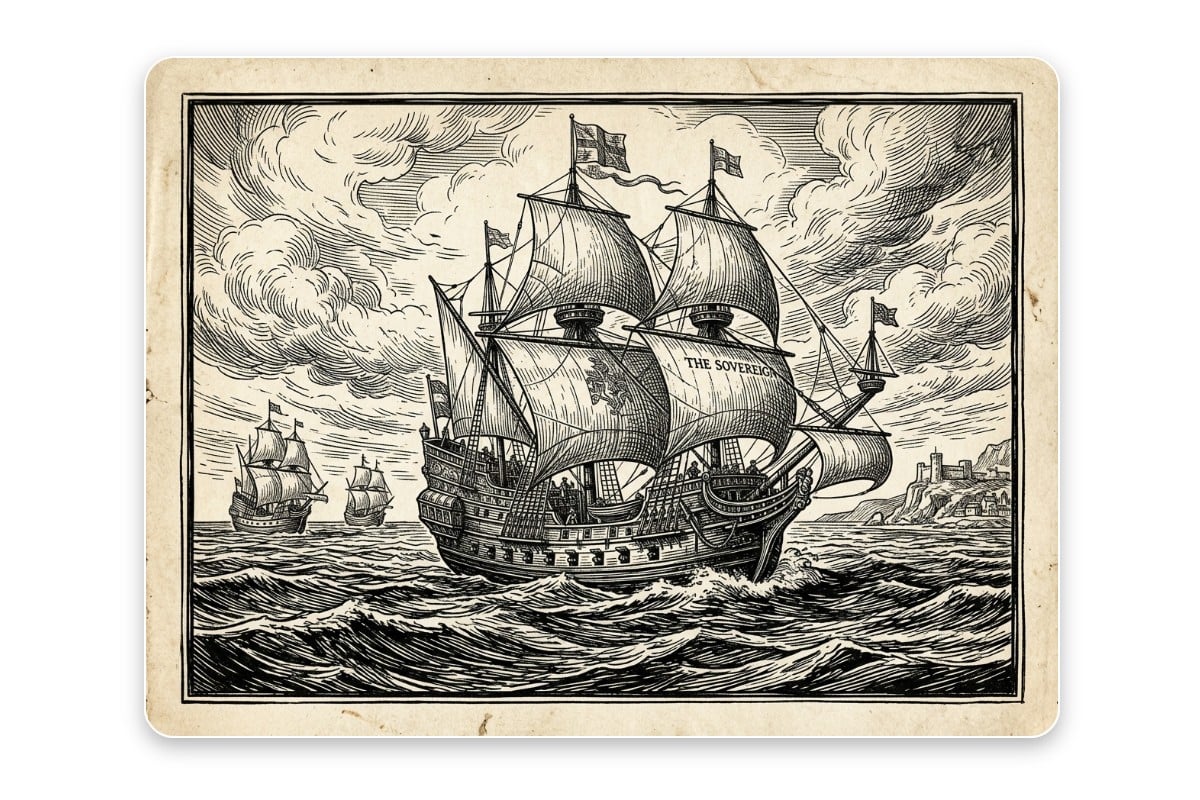
Illustration & Poster Design
Use photo to sketch conversion to create unique visuals for posters, flyers, book covers, and digital artwork. Sketch-style images offer a distinctive look that helps creative projects stand out while giving designers a quick starting point for further customization.
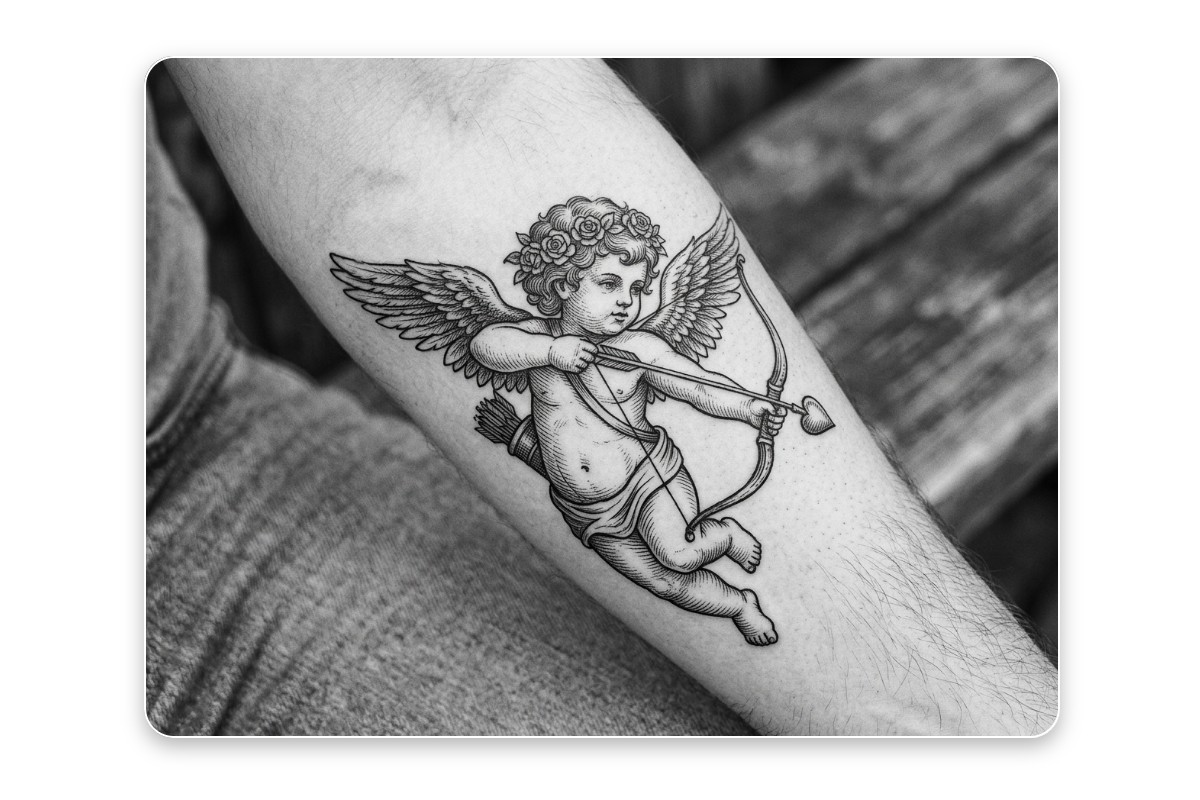
Tattoo Reference Sketches
Turn photos into clean sketch outlines that can be used as tattoo inspiration or reference artwork. Converting an image into a sketch helps simplify details, making it easier to explore tattoo design ideas, visualize compositions, and communicate concepts before finalizing a tattoo.