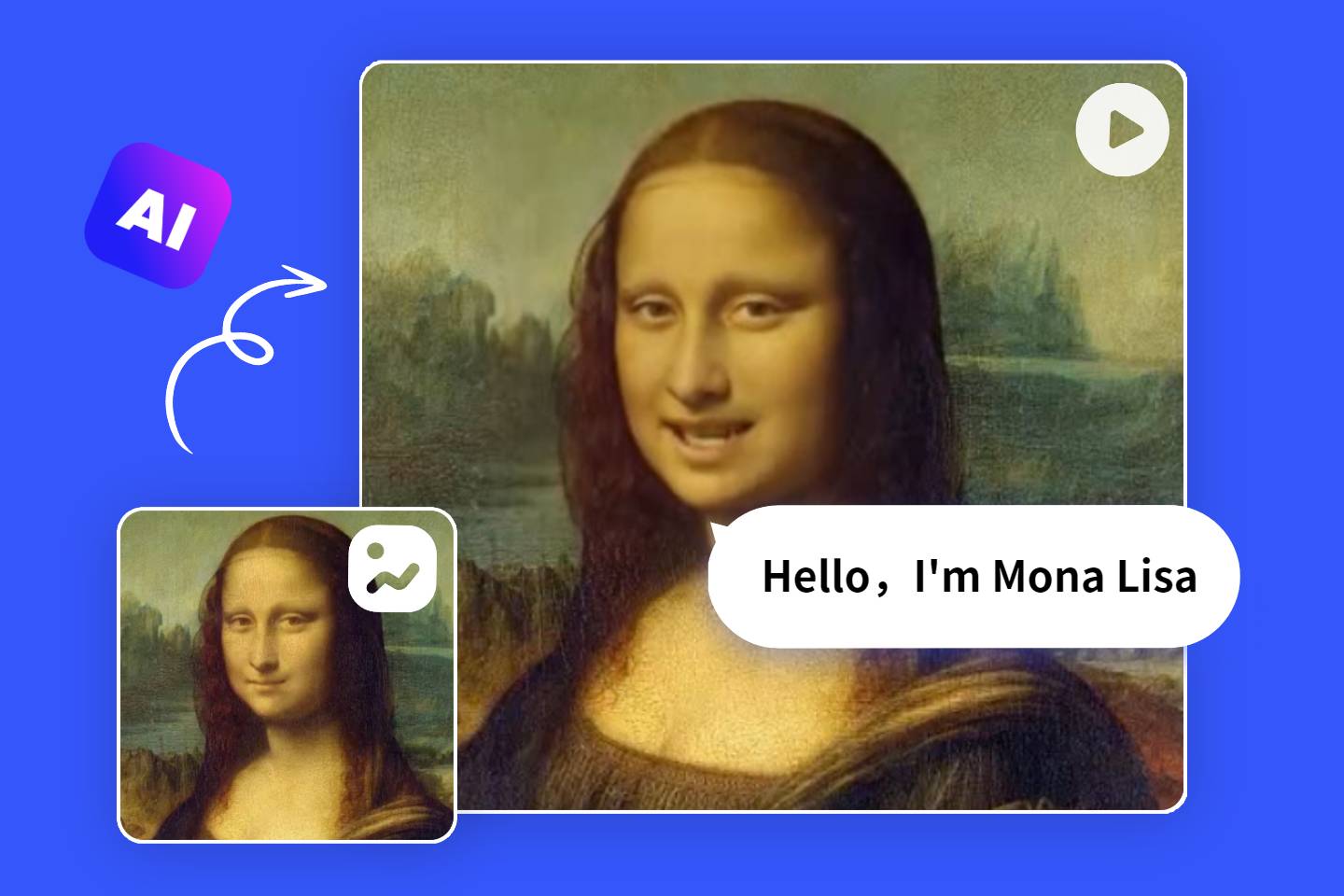
AI Simplifies Your Video Editing
Effortlessly elevate your footage to professional polish and bring out the best in every frame.

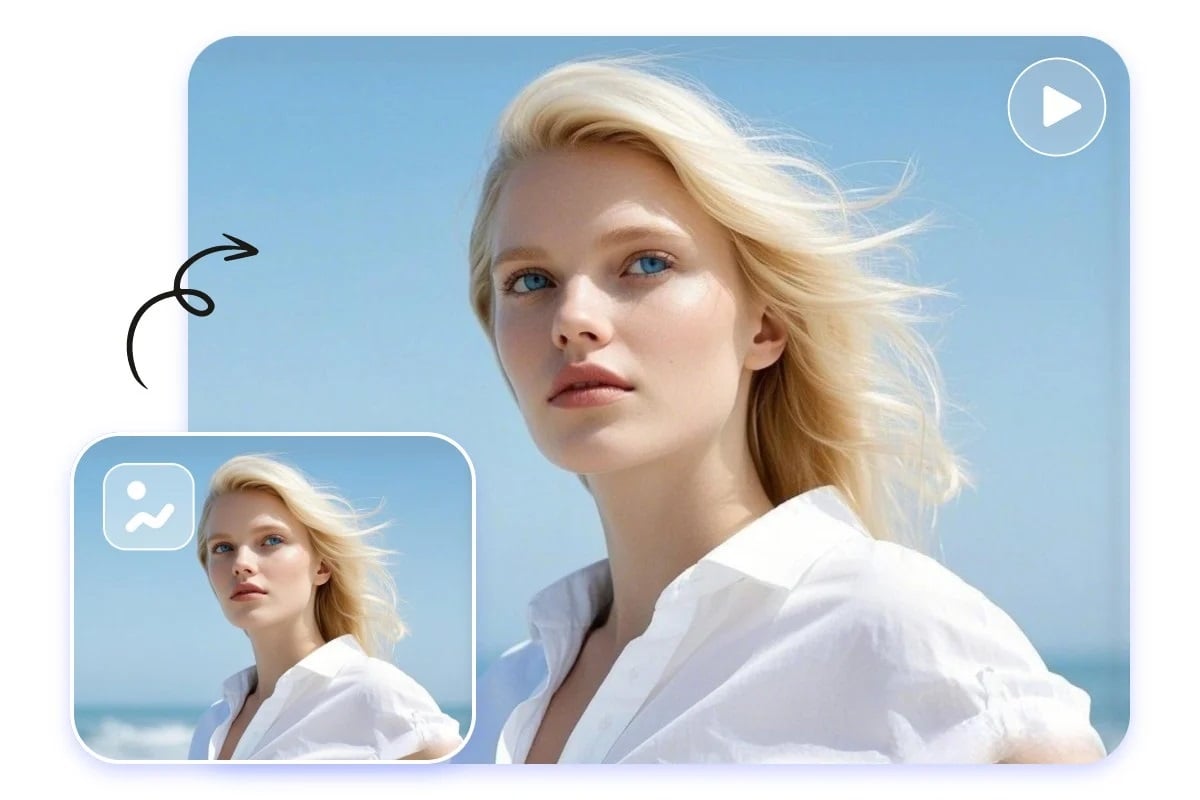
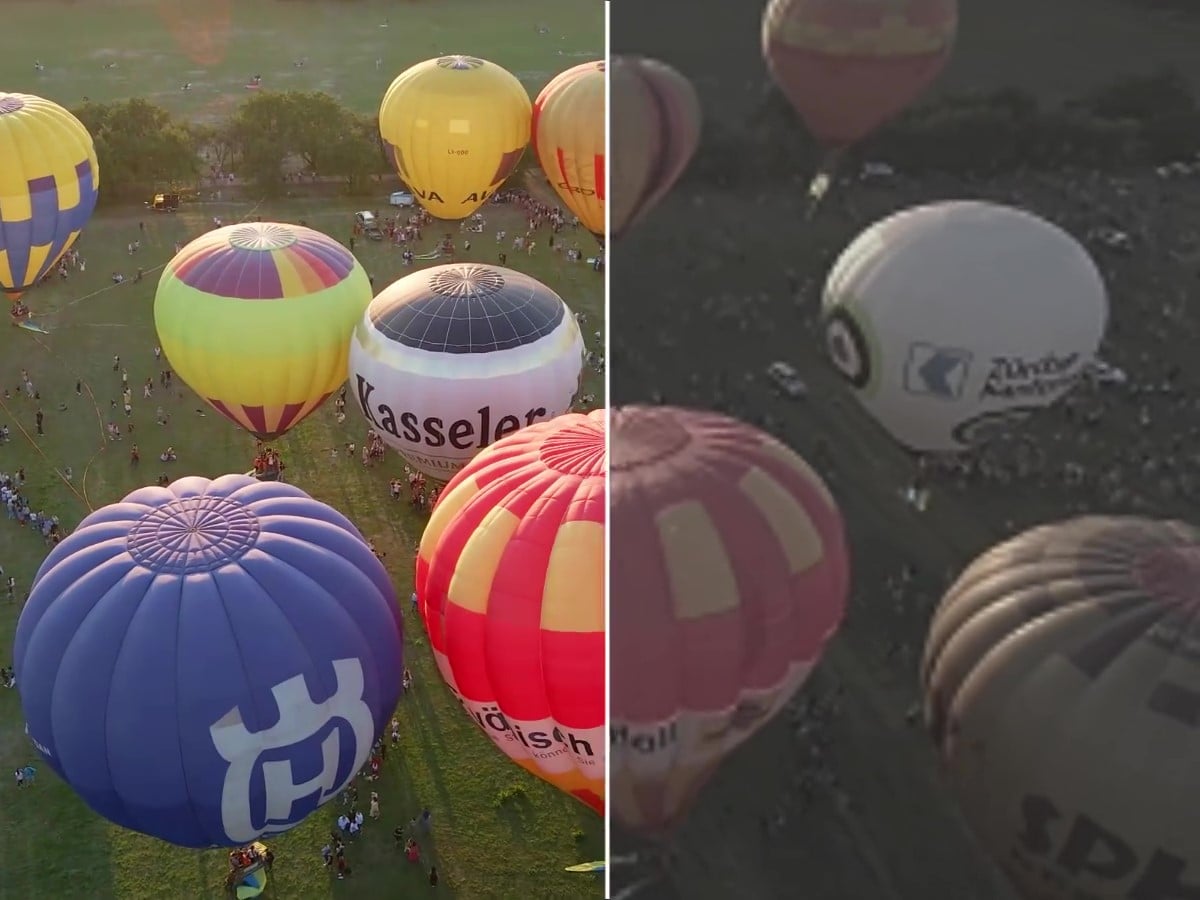
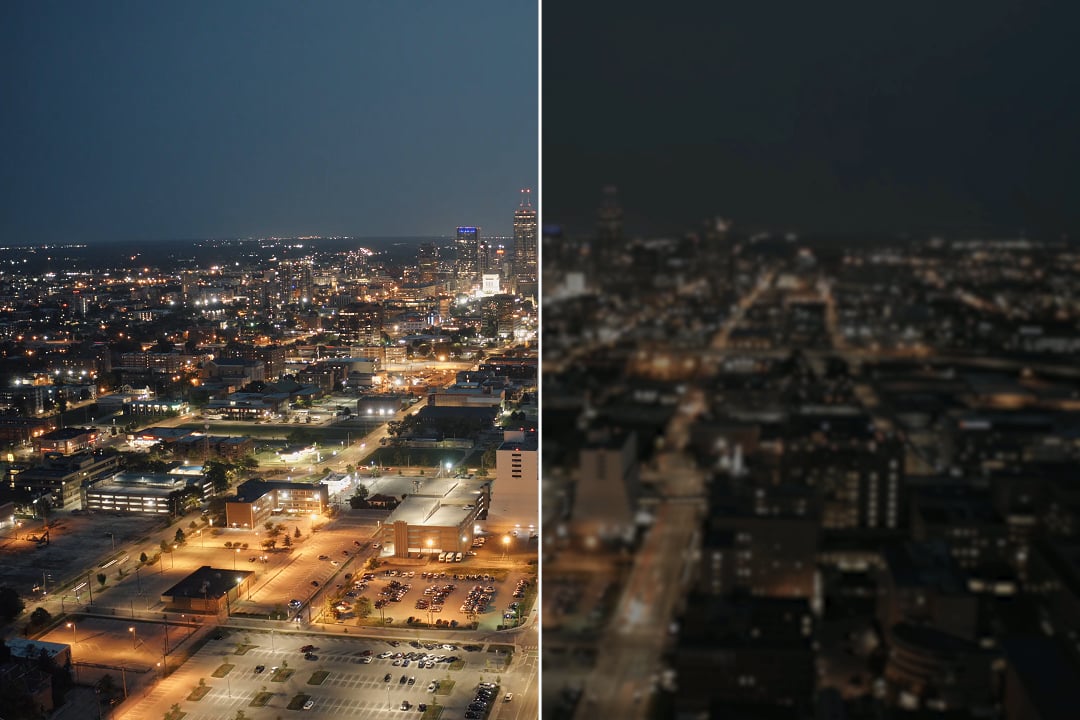
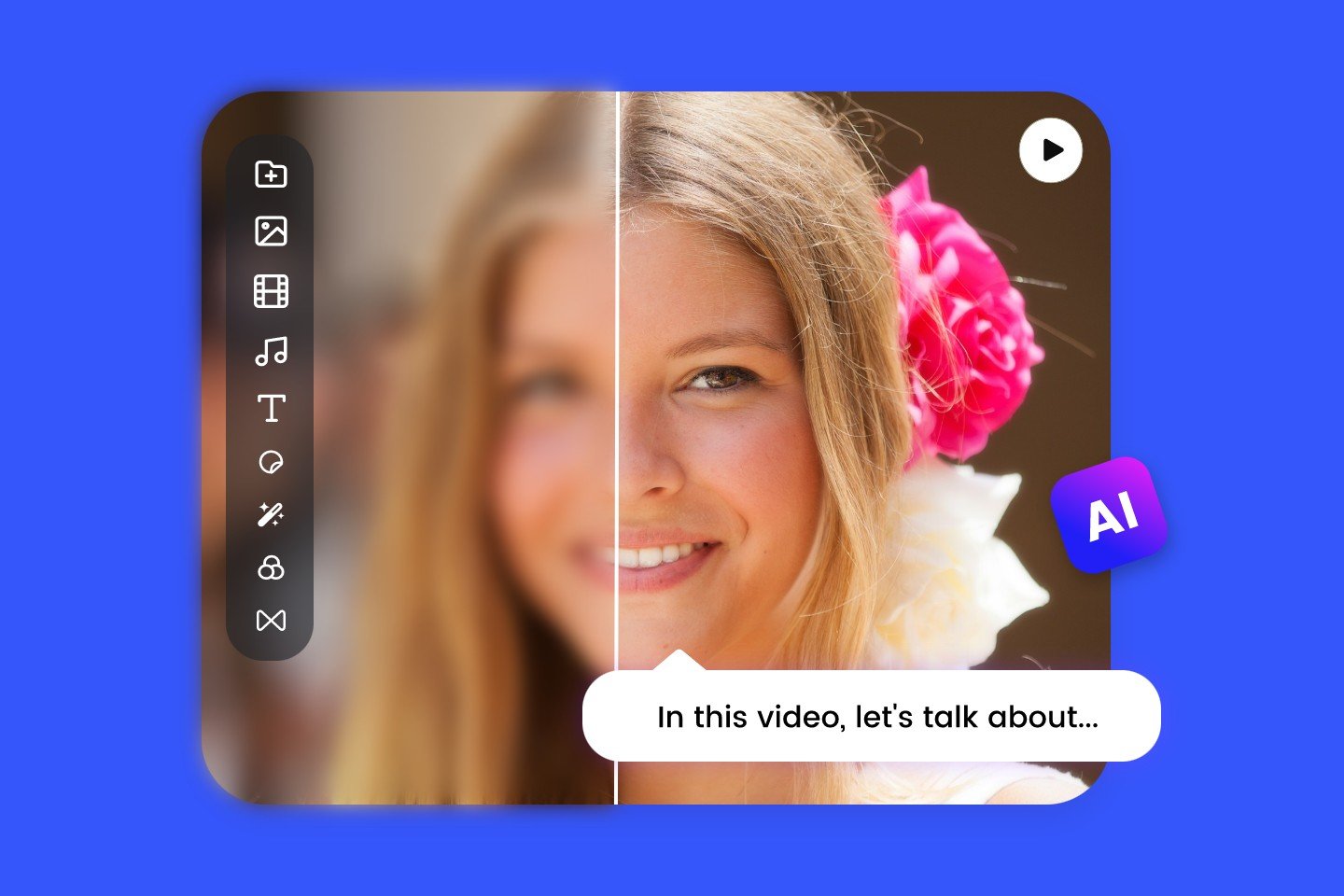
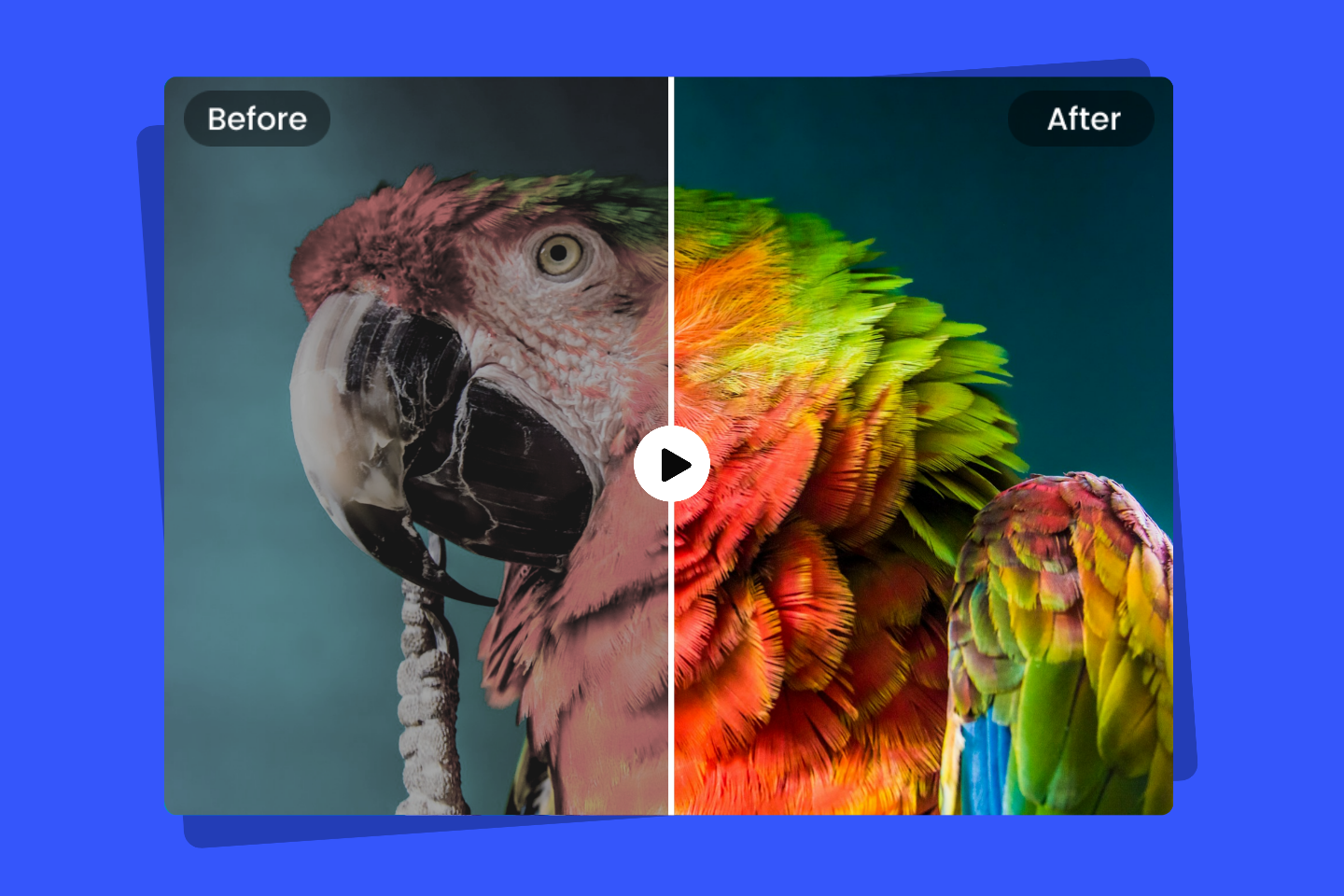
AI Video Enhancer
Instantly boost your video quality with AI. Improve clarity, color, and detail in a single click.
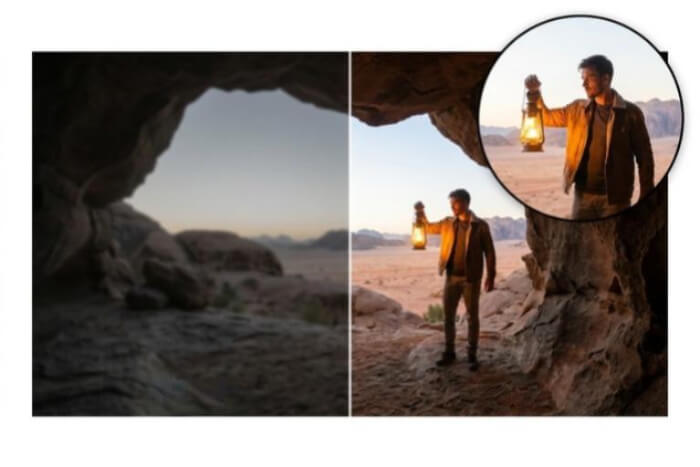
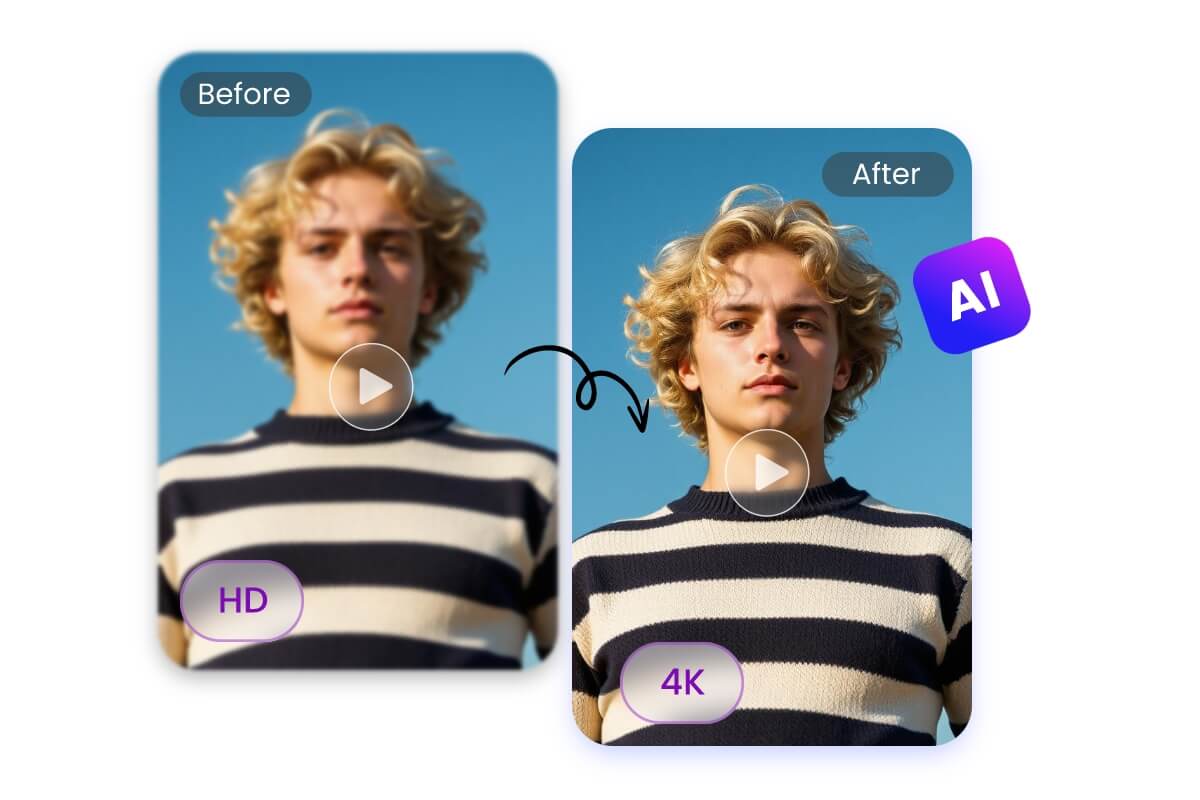
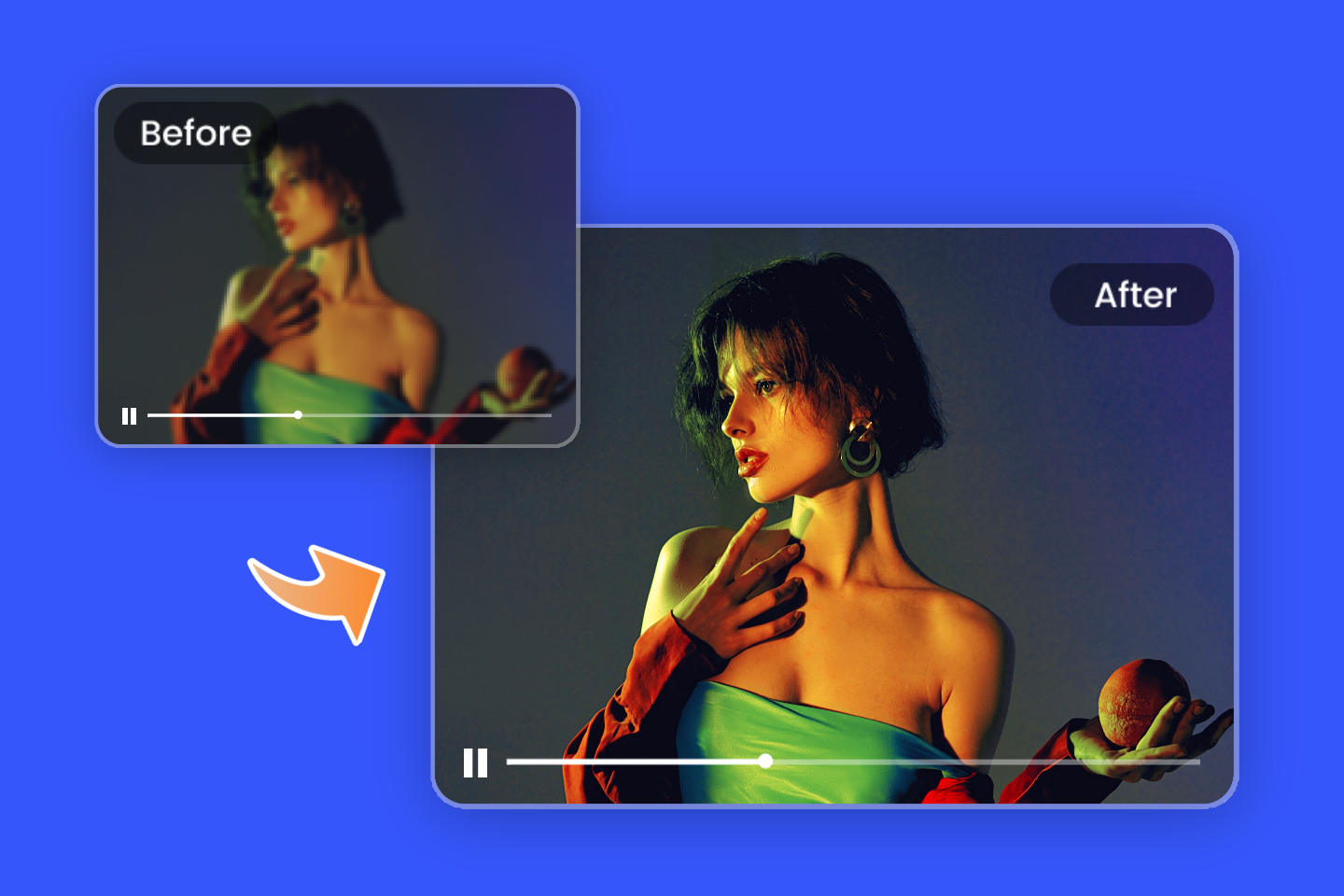
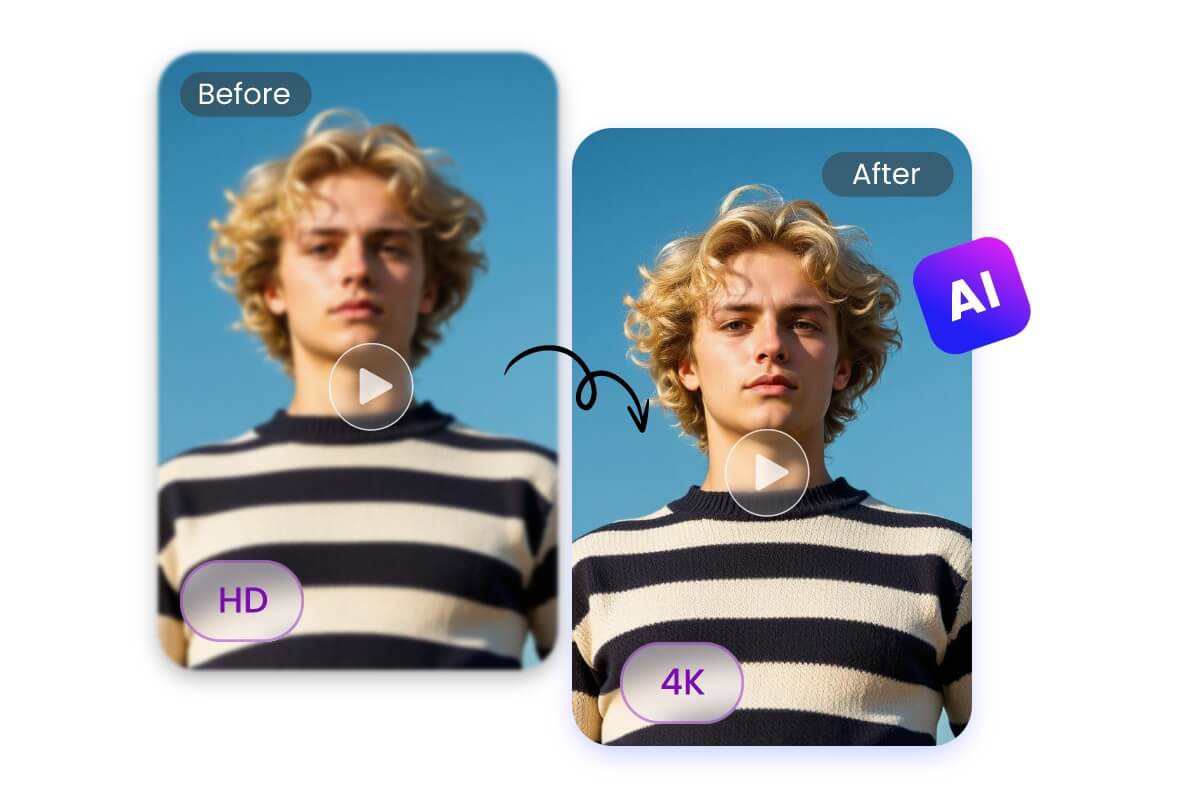
AI Video Upscaler
Turn low-resolution video into HD or 4K quality for larger screens and professional presentations.

AI Video Editor
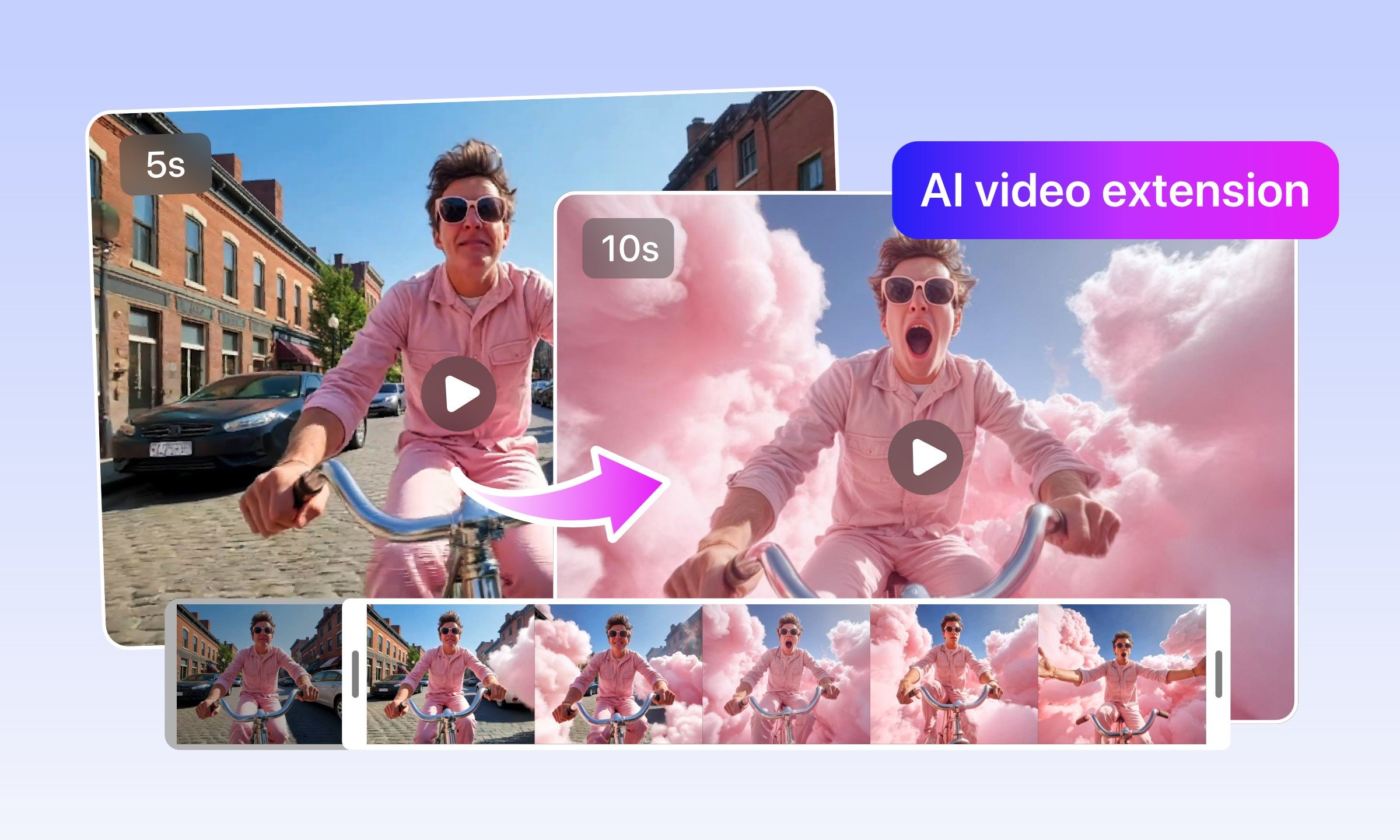
Leverage the power of artificial intelligence to simplify your video editing process.
Remove & Replace Elements in Videos
Modify video scenes—cut out backgrounds, erase objects, and clean up distractions with AI effortlessly.
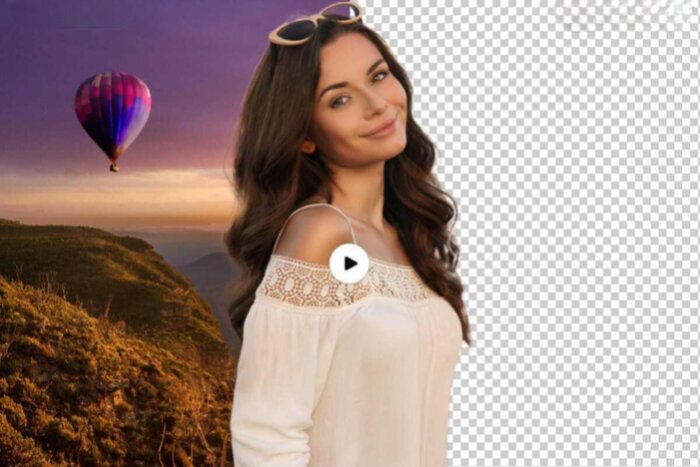
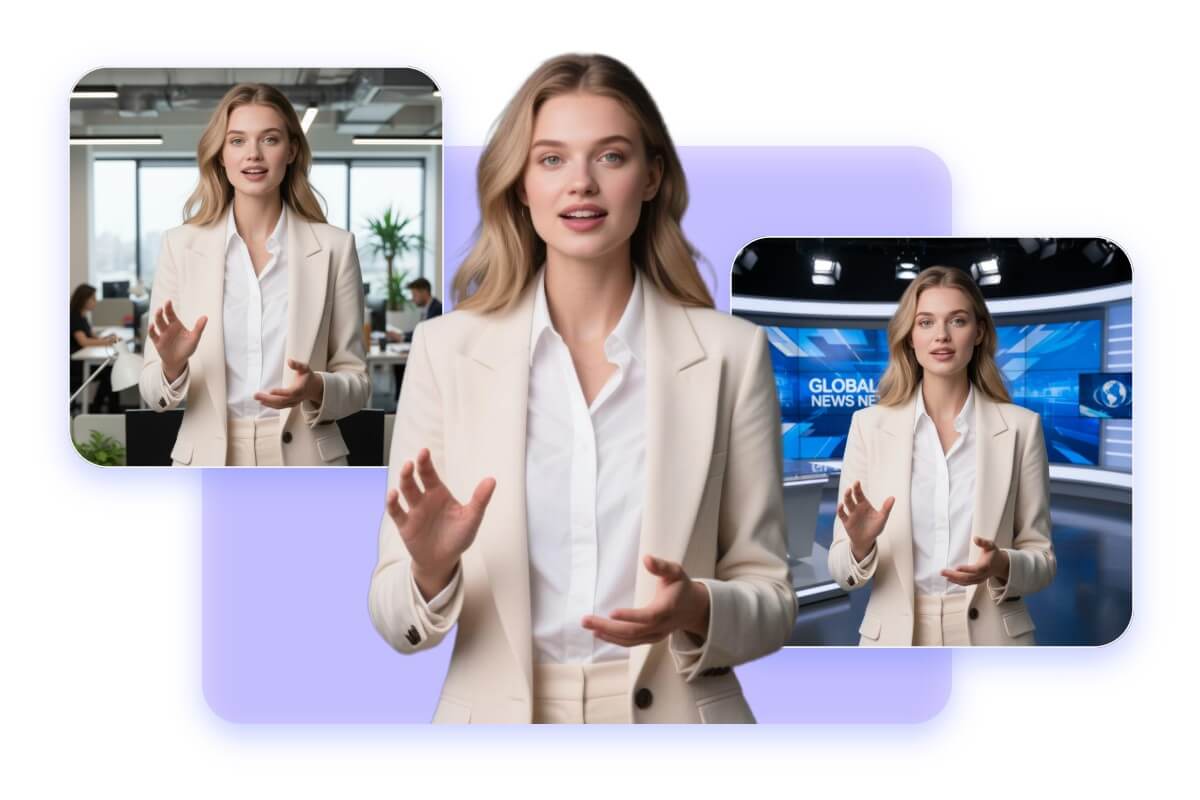
Video Background Remover
Automatically separate foreground subjects from video backgrounds. No green screens needed anymore.
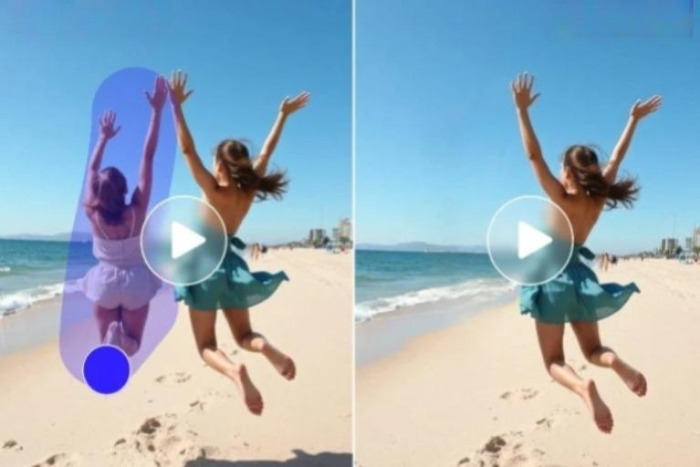
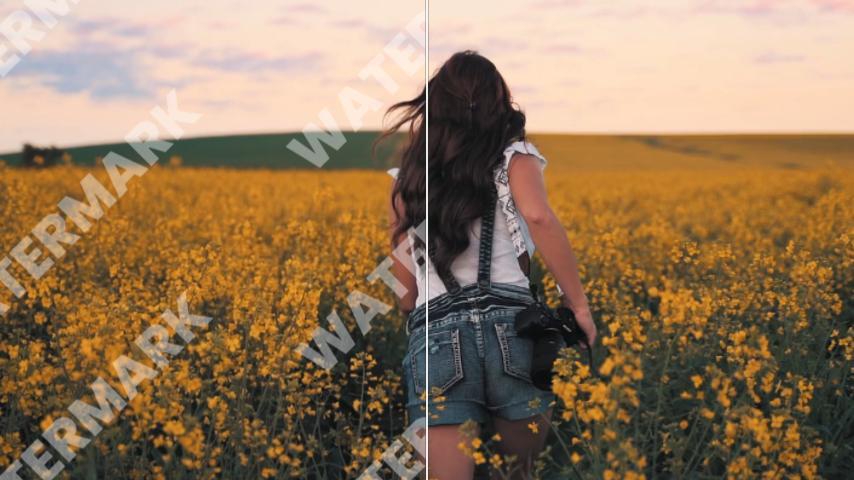
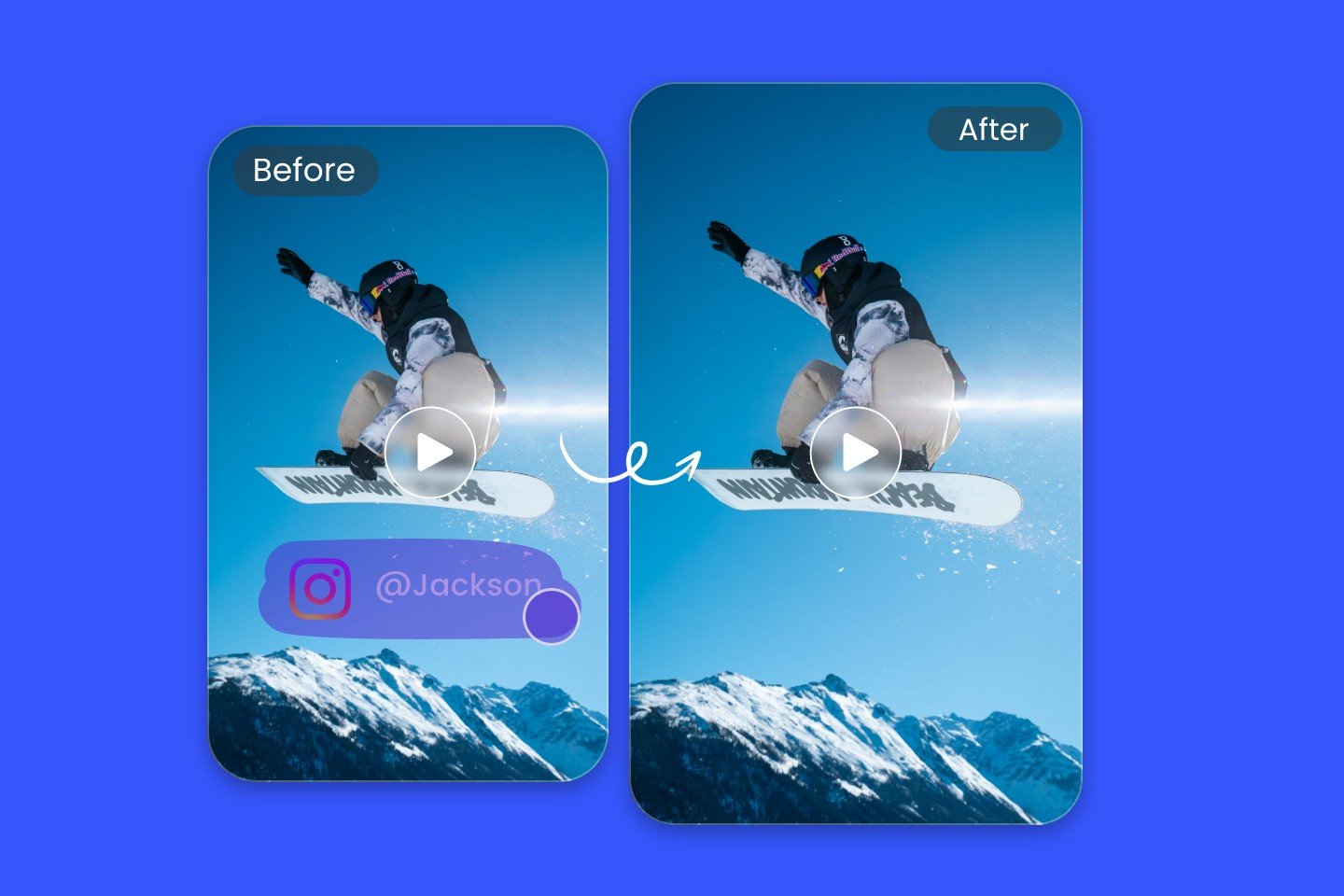
Remove Object From Video
Erase unwanted objects from videos—people, captions, and any moving element easily.
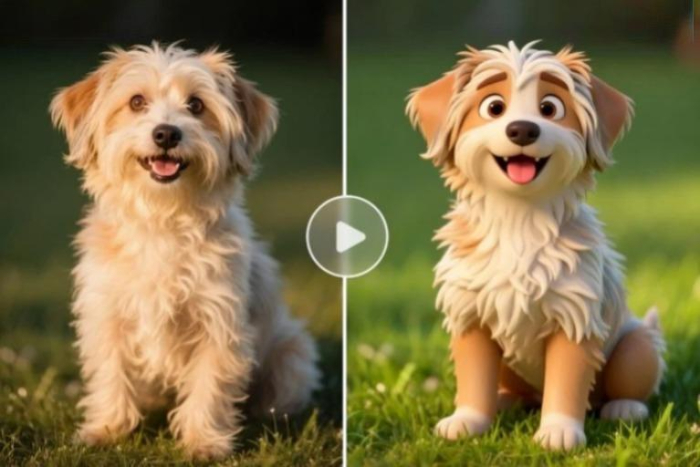
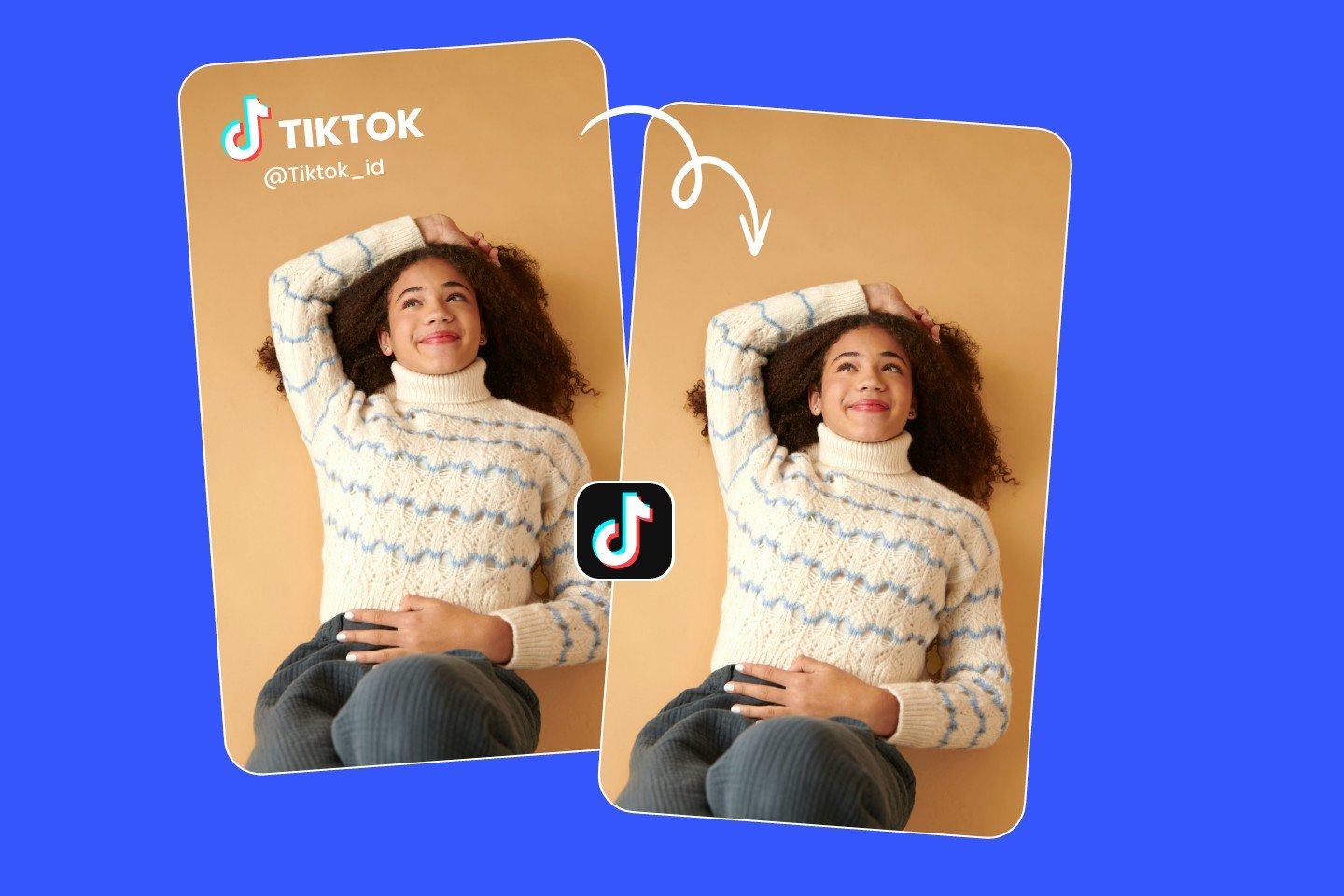
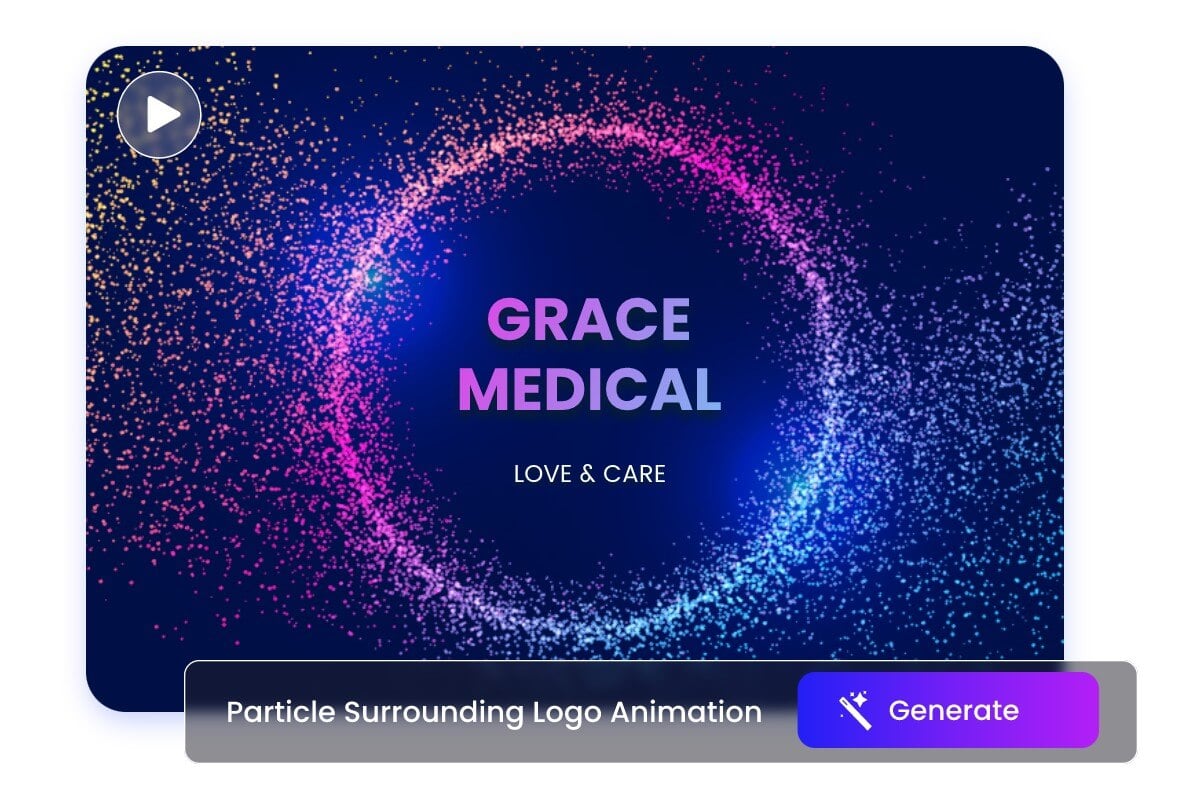
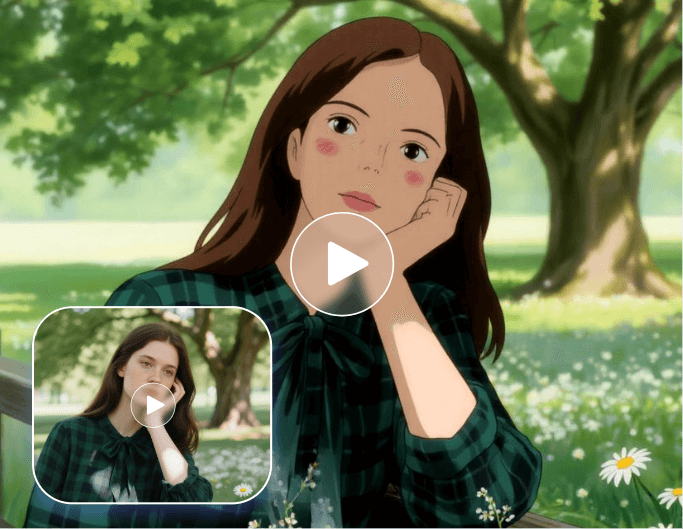
Video to Video AI
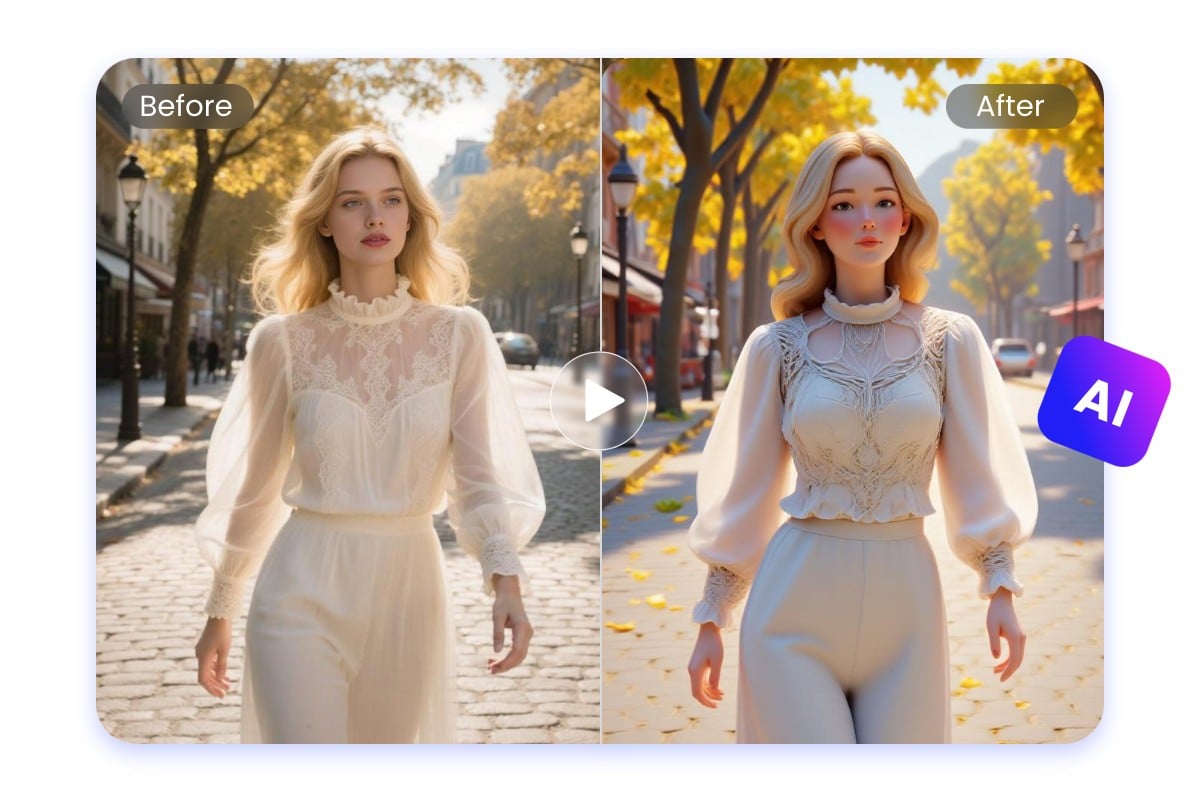
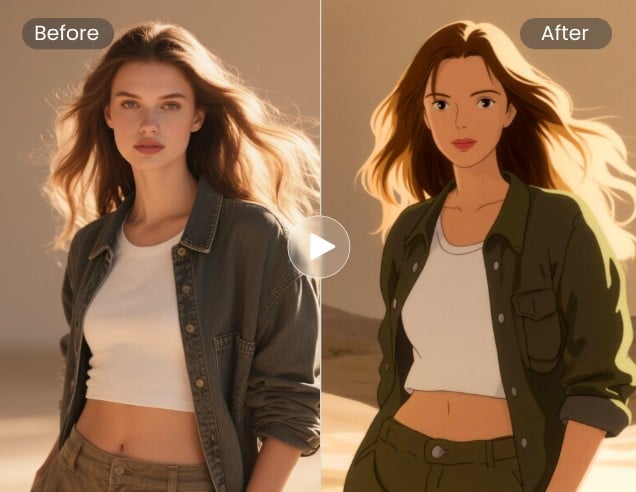
Convert videos to cartoon, anime, 3D, and more. Restyle your videos with a different look.
Go From Idea to Finished Video
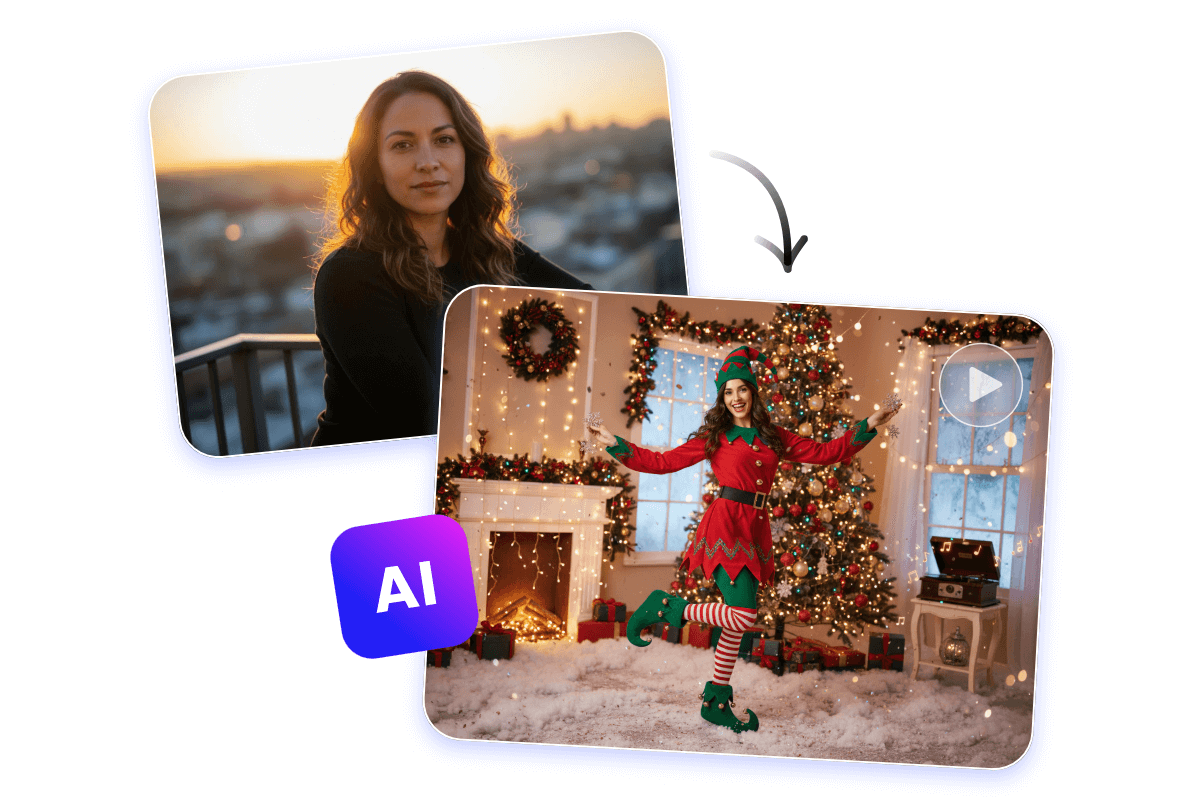
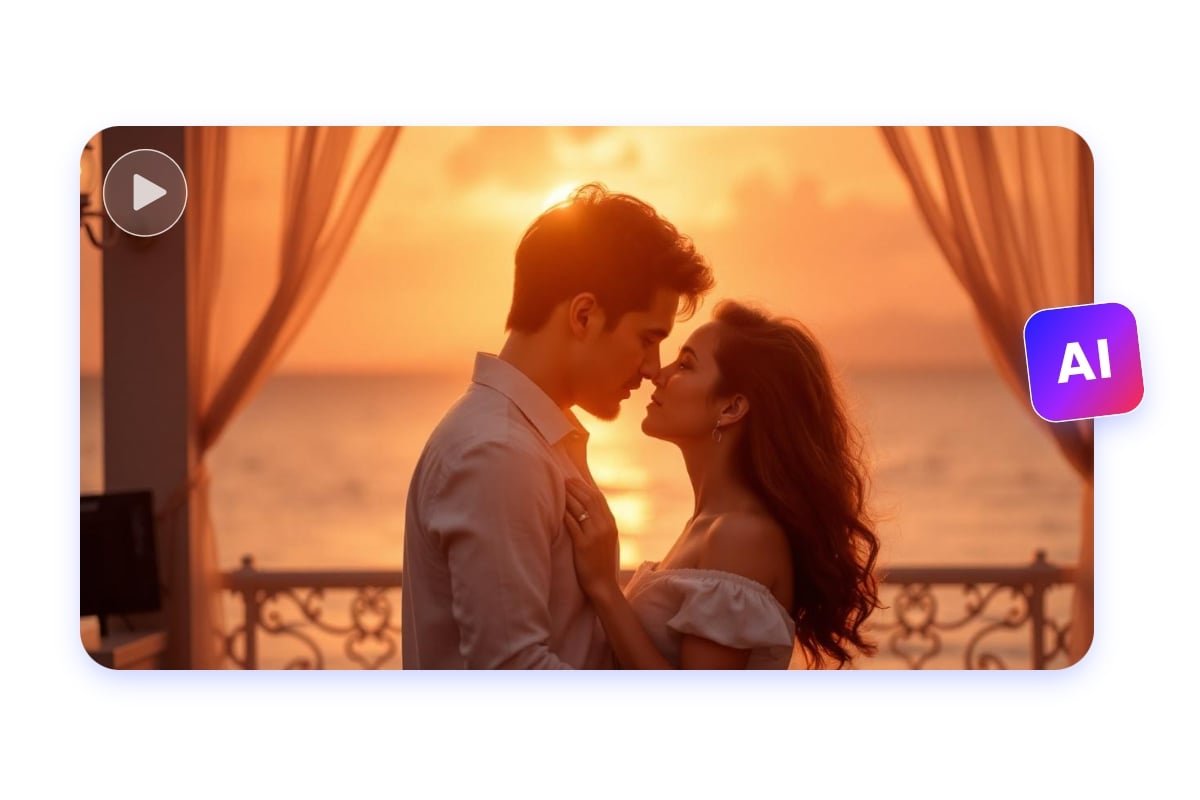
Turn a prompt or photo into a professional video. No footage, no filming needed.
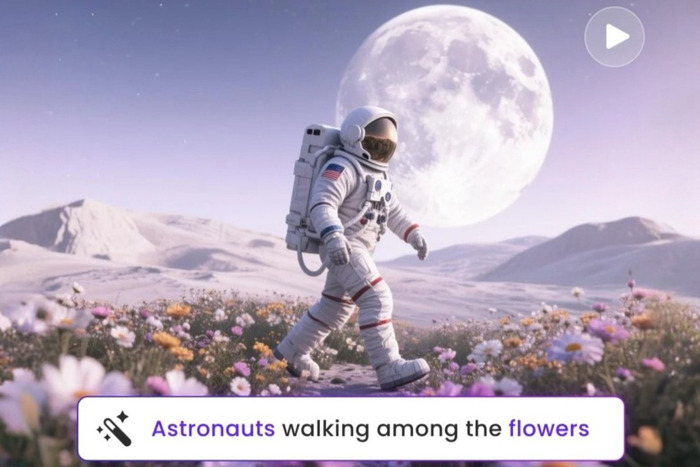
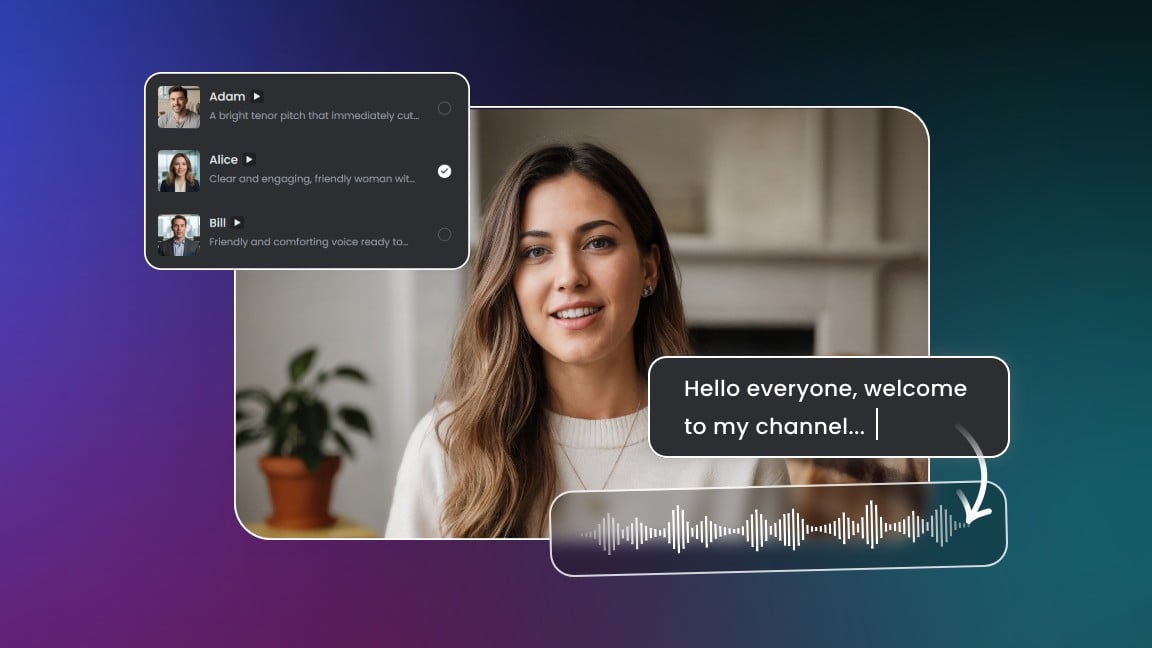
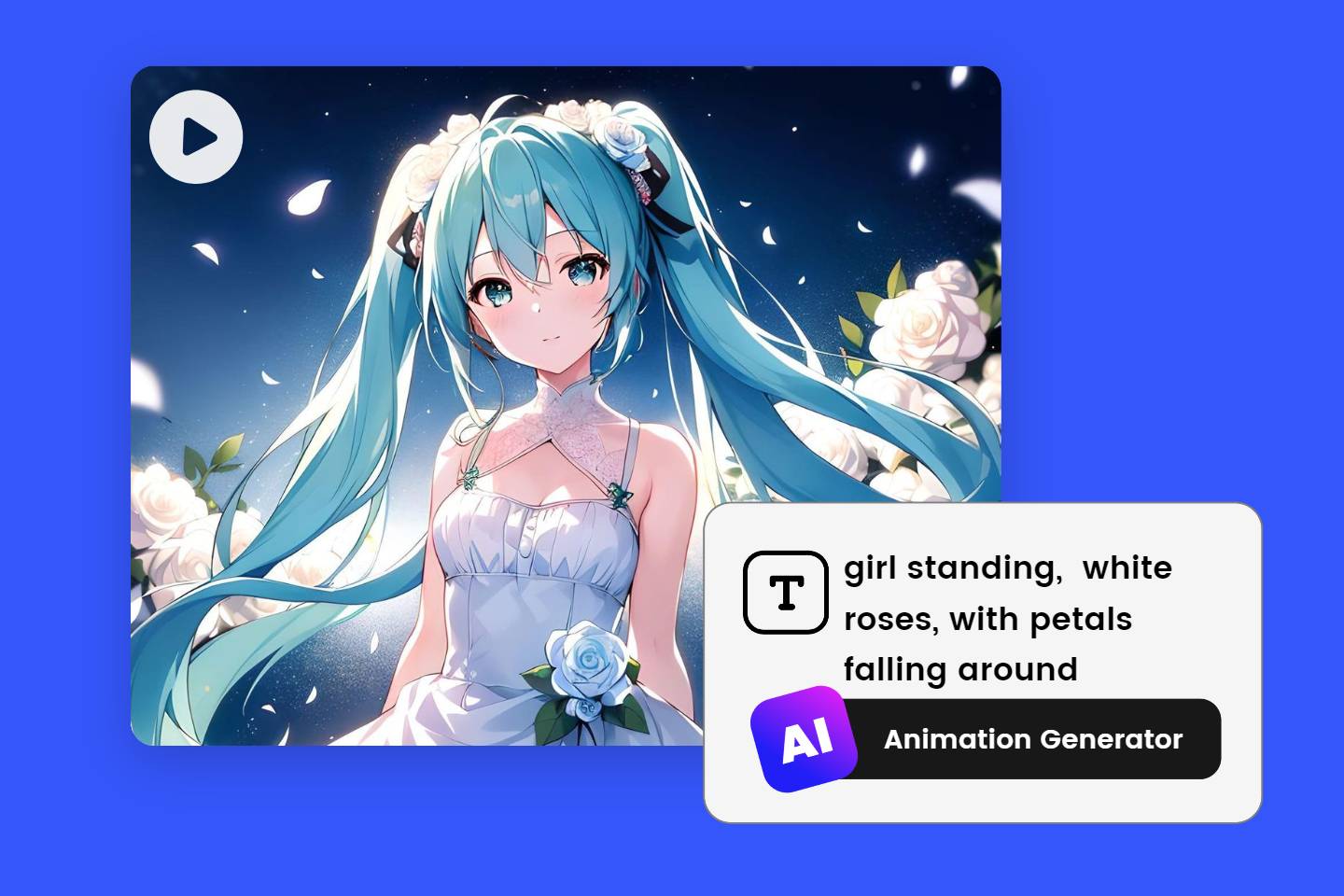
AI Video Generator
Describe what you want to see and watch AI build it into a video.

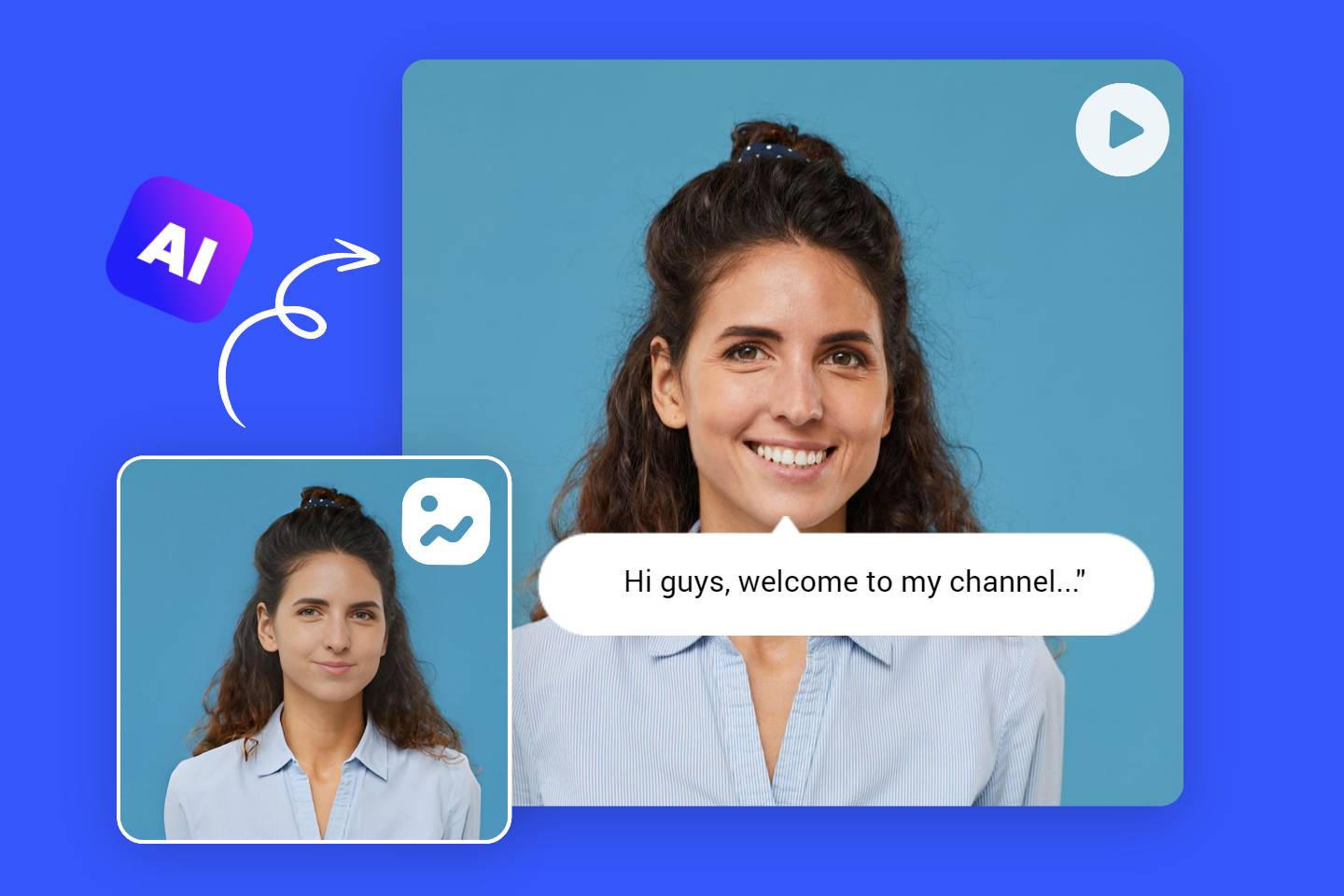
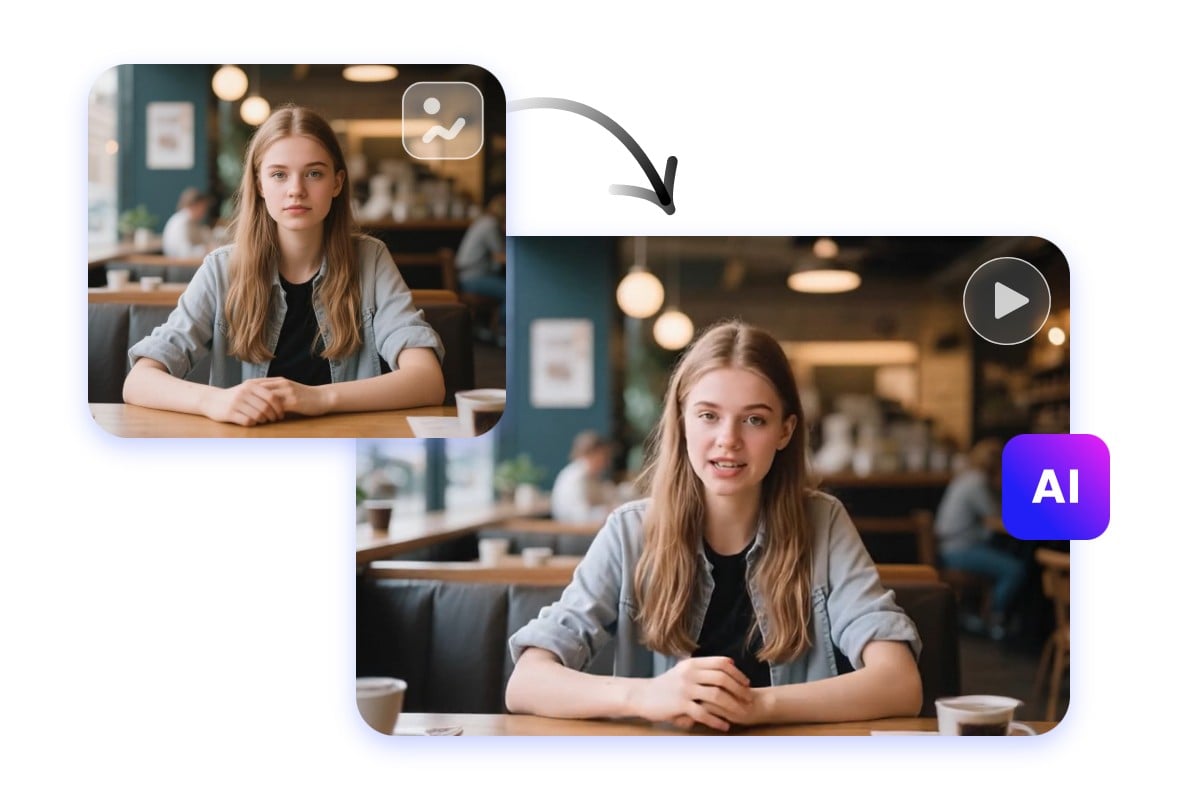
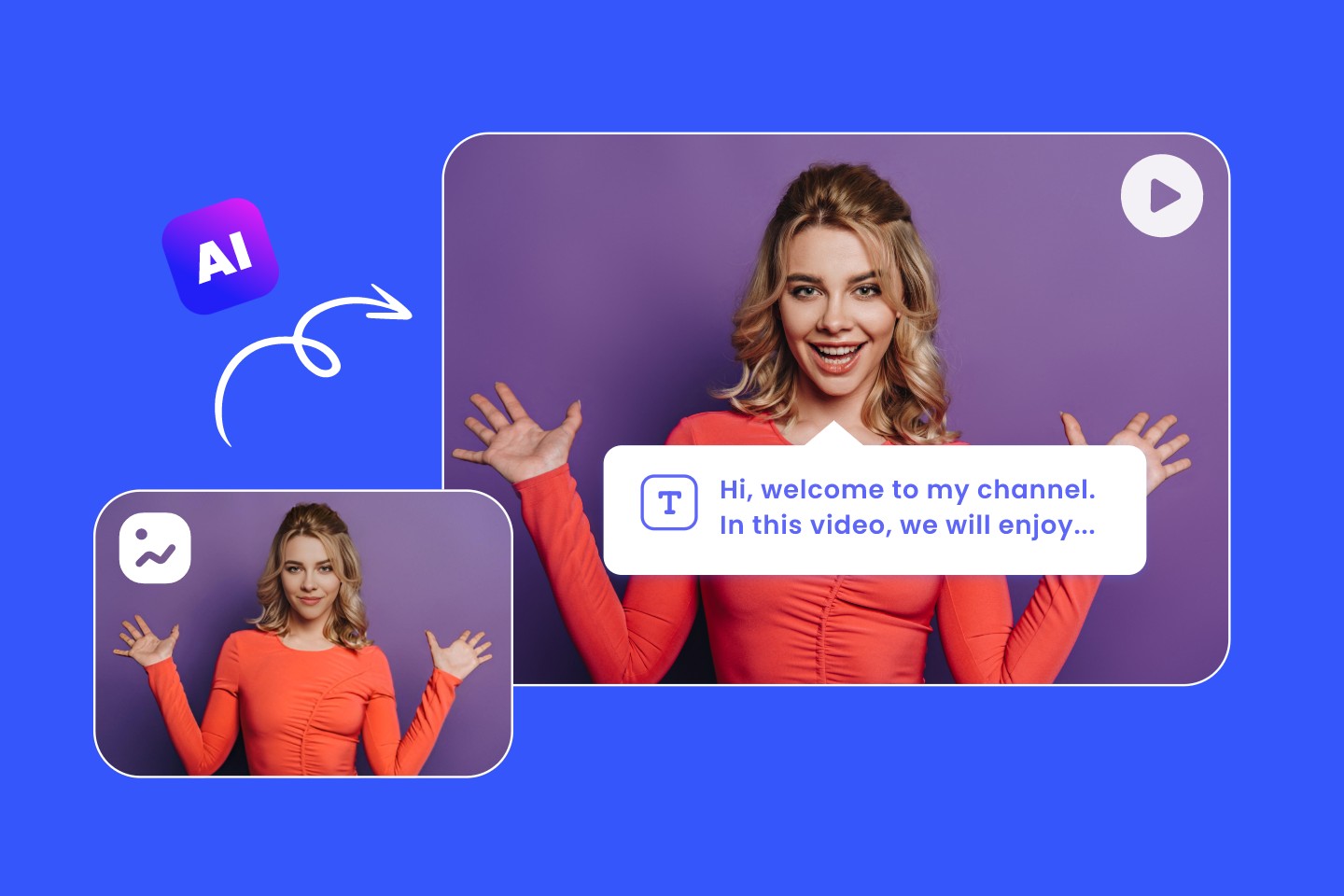
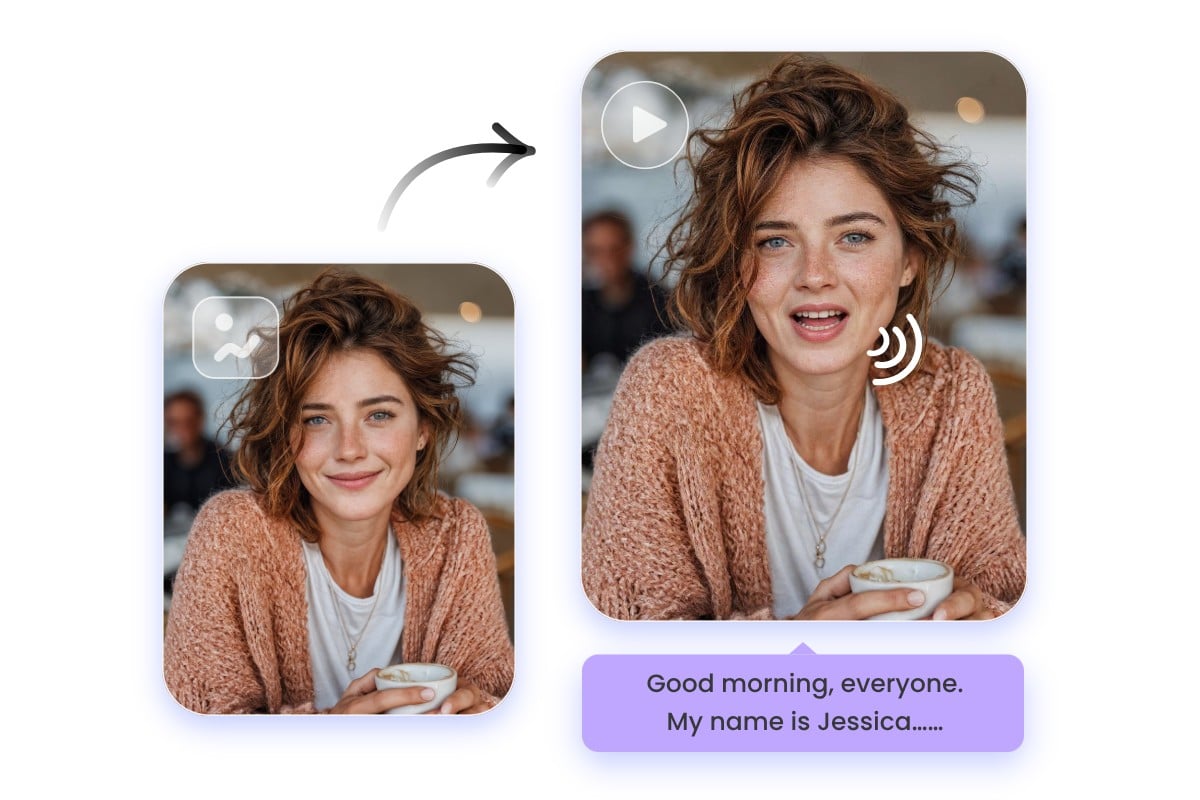
Image to Video AI
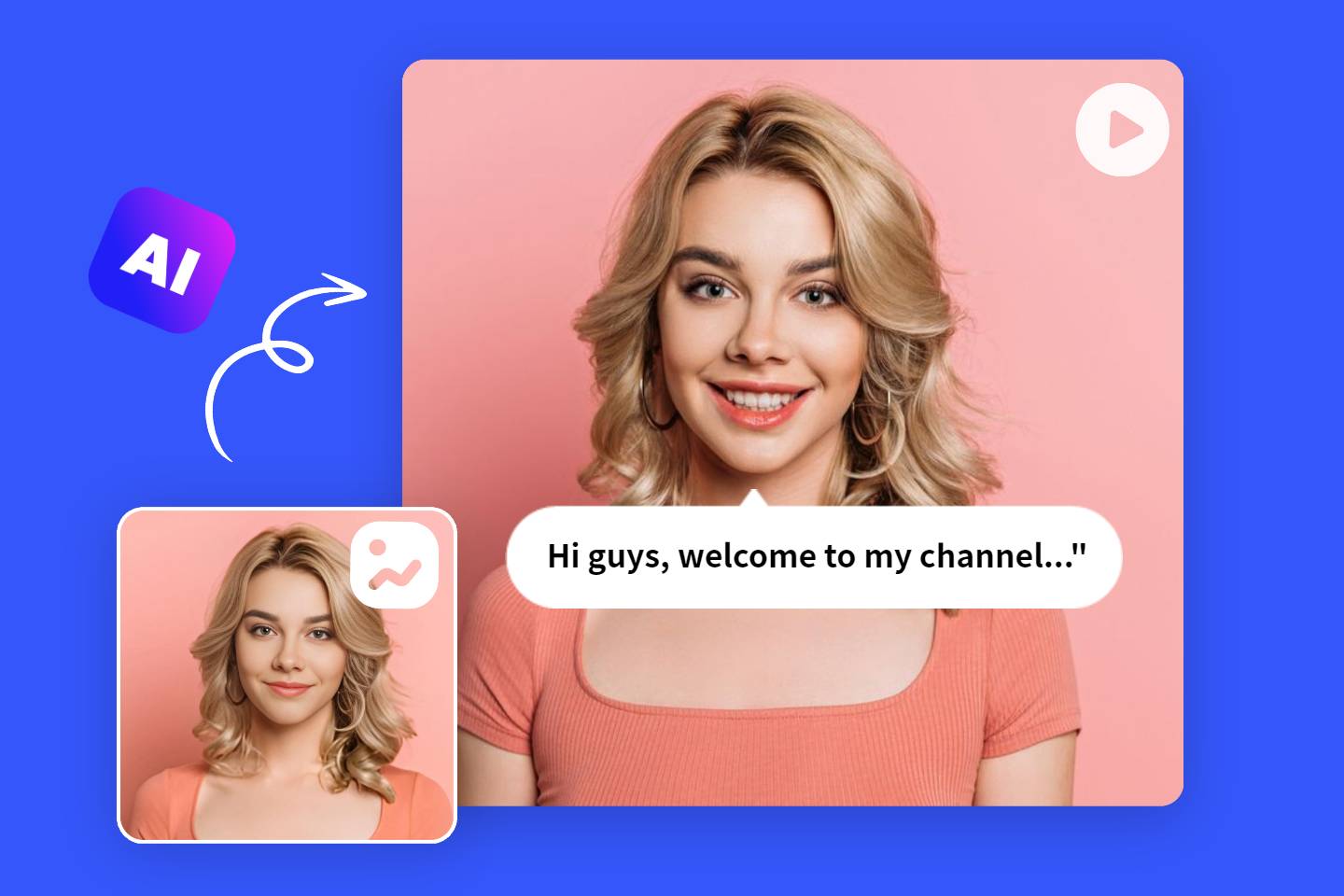
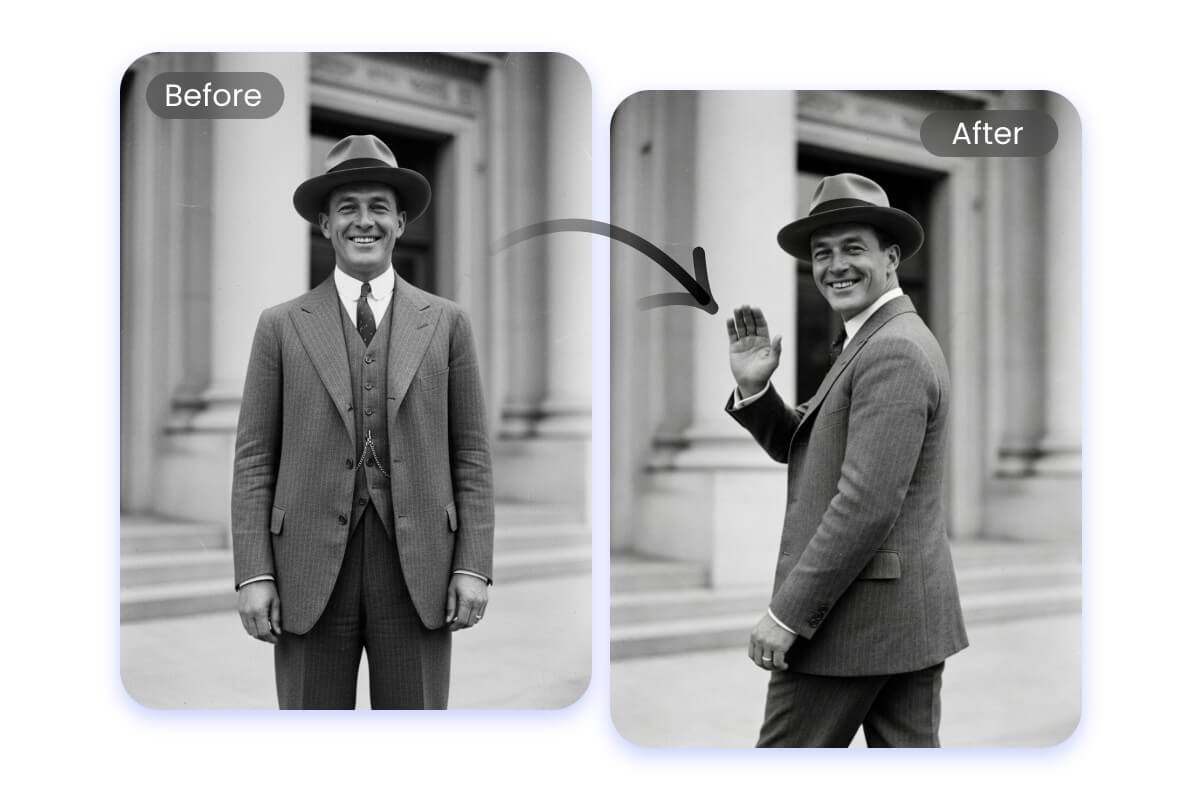
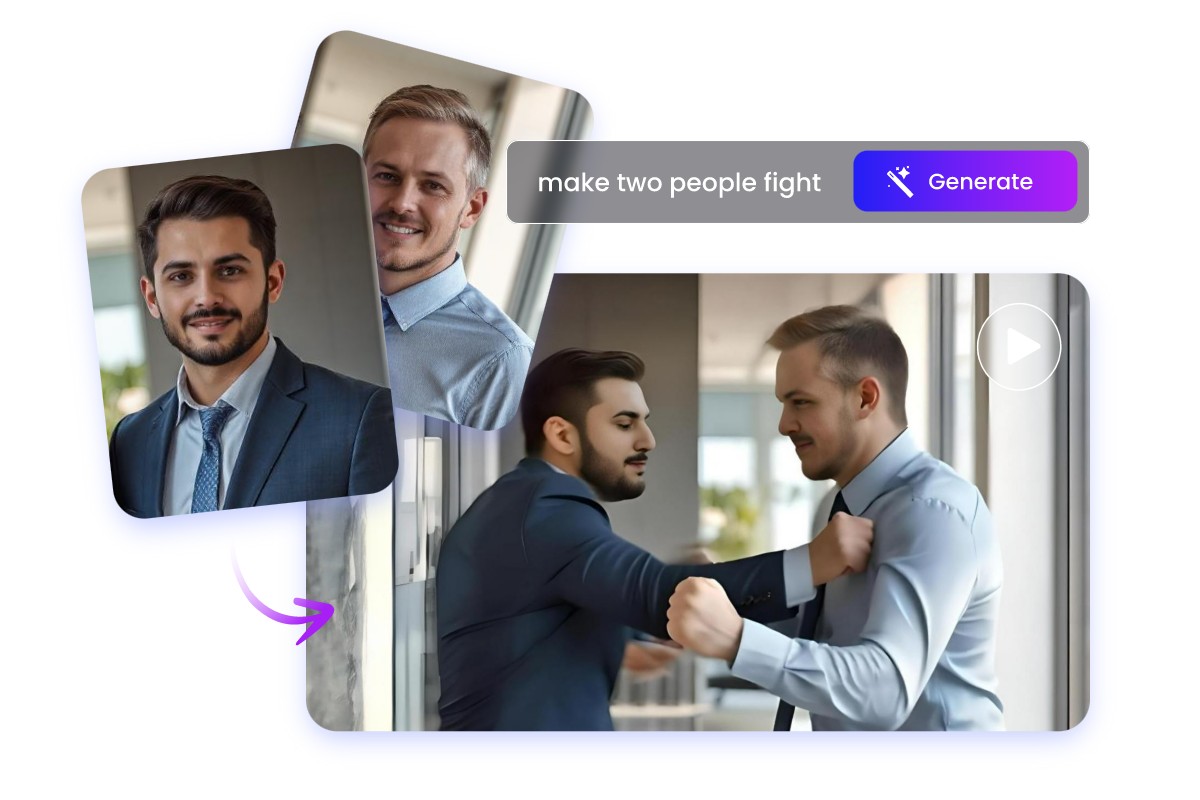
Upload an image, add a prompt to guide the movement, and AI does the rest.
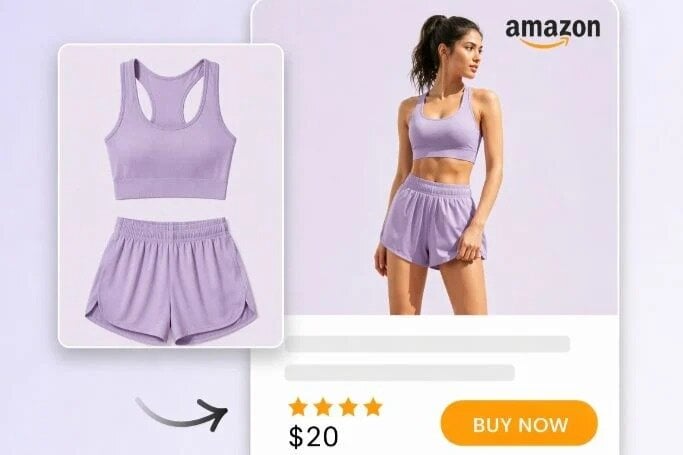
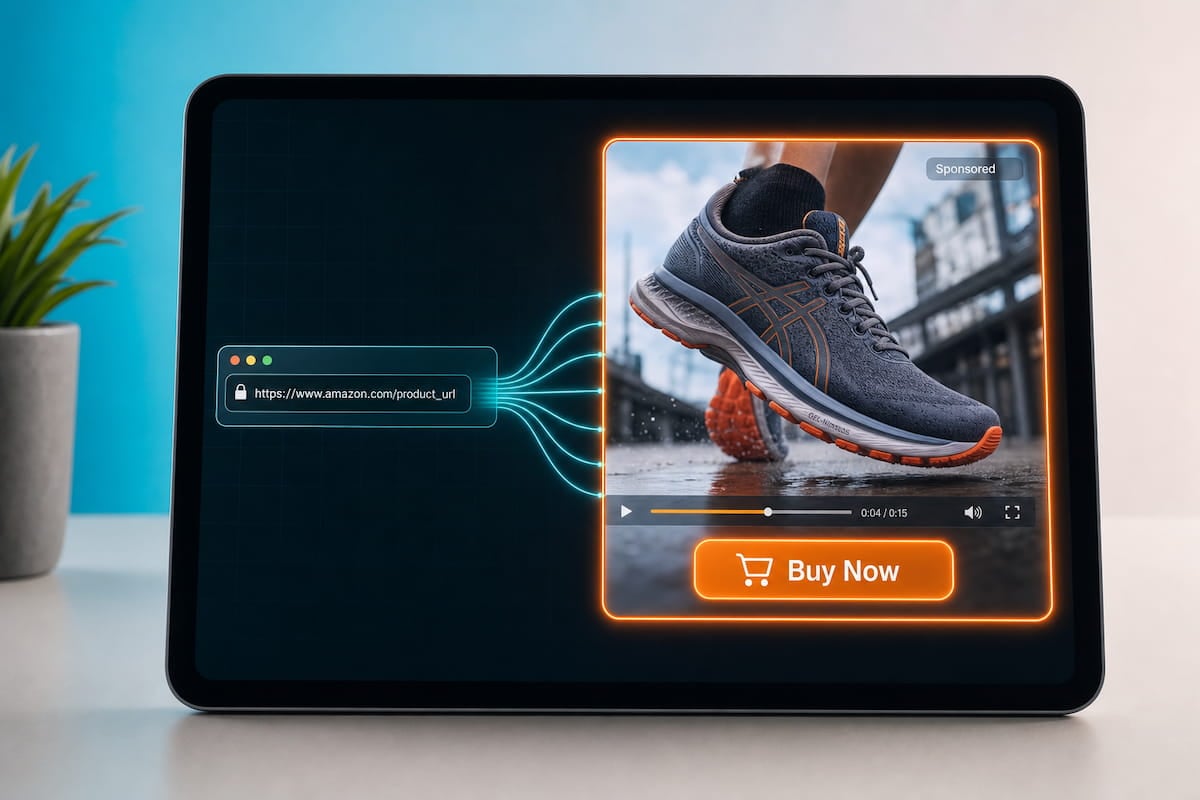
AI Product Video Generator
Create high-converting product videos from product photos, links, or text descriptions. Elevate your e-commerce and marketing efforts.