

Free Online AI Photo to Painting Converter
Easily turn pictures into paintings online for free with Fotor’s AI photo to painting converter. Upload a photo and choose from various painting filters to convert photos into sketches, oil paintings, watercolors, and other types of paintings in just seconds.
✅ Multiple Painting Styles ✅ Real-Time Preview ✅ High-Res Export
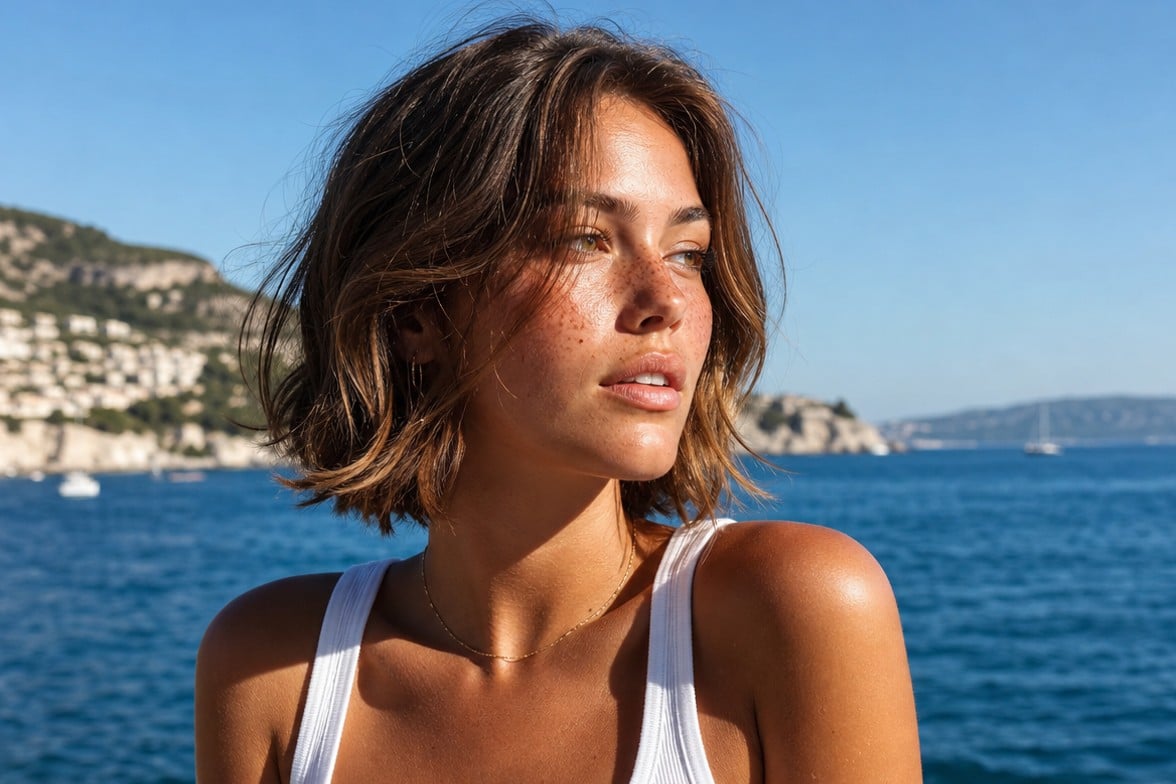
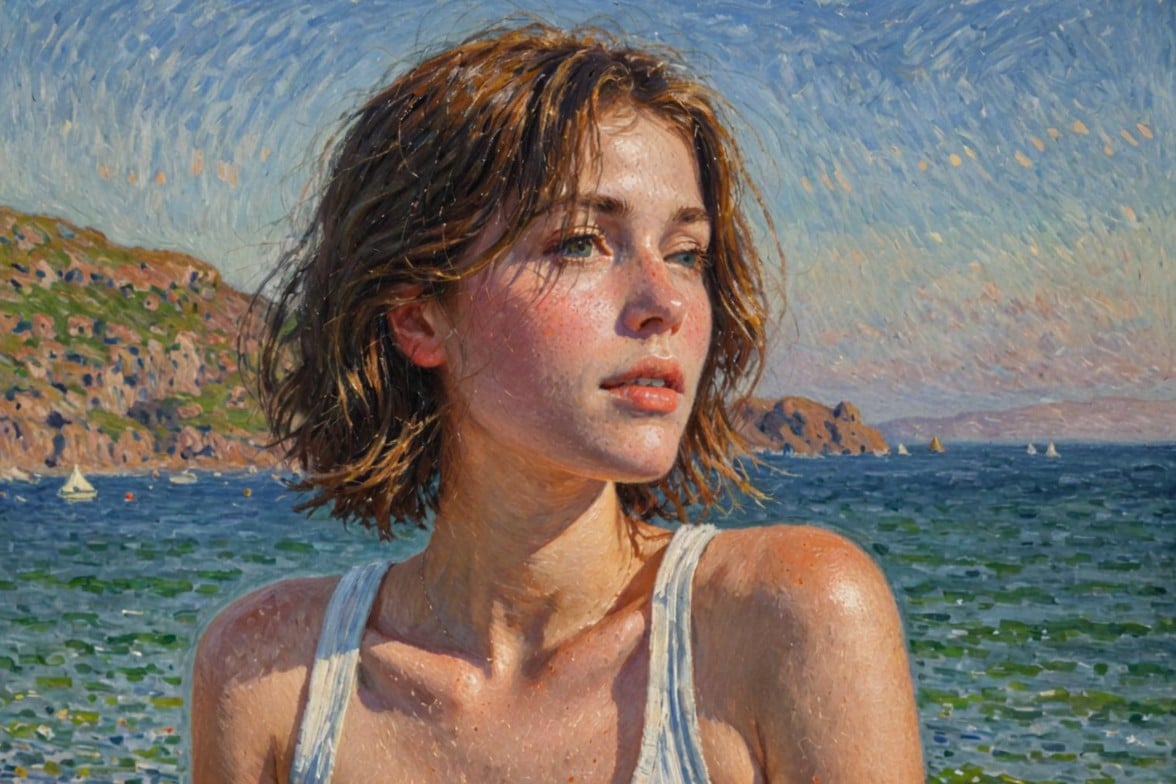
Drag image here or click to upload
Drag image here or click to upload


800M+
Users Worldwide
4.5★
on Capterra
200+
Countries & Regions
Turn Your Photo into Different Painting Styles
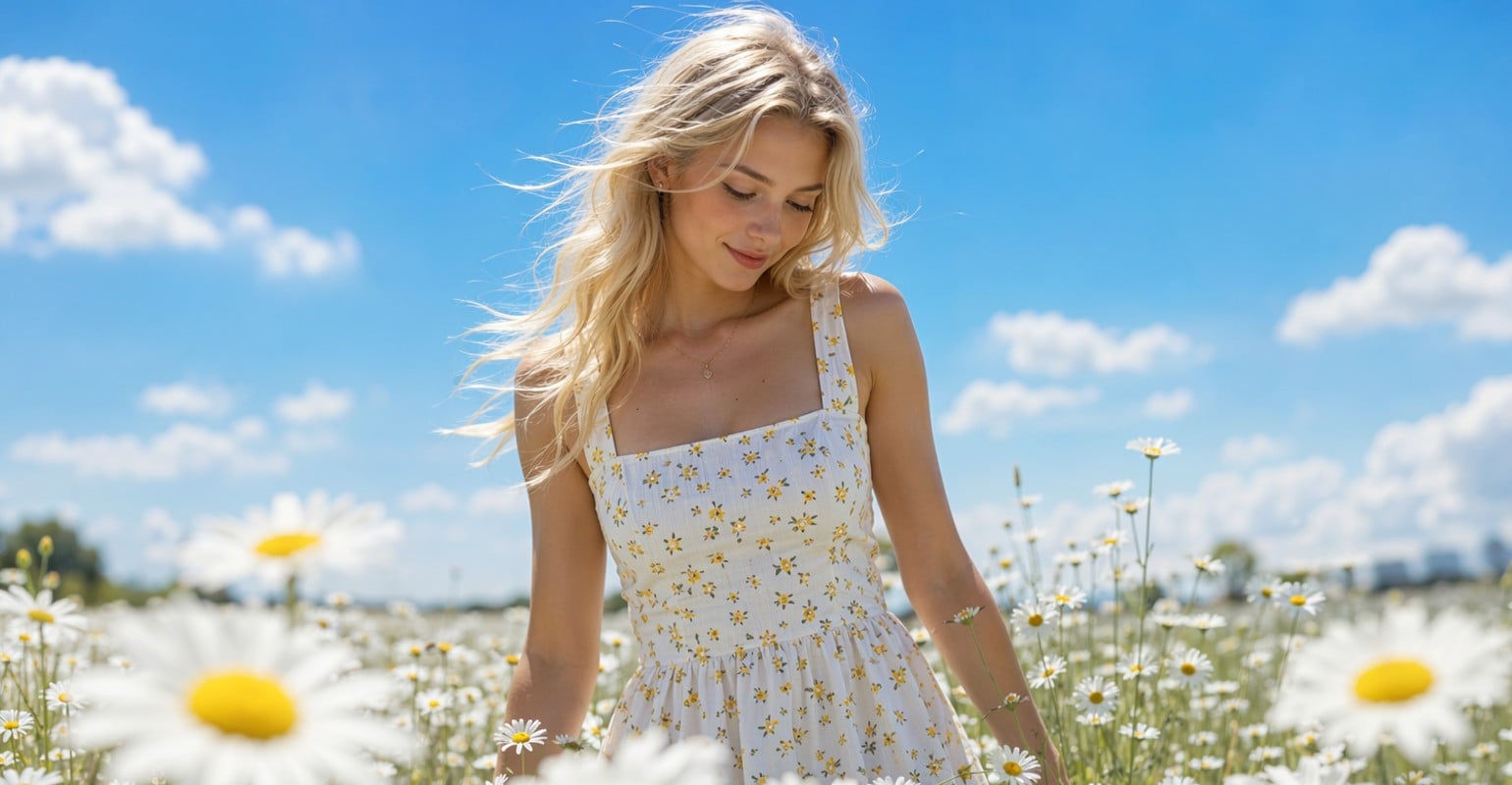
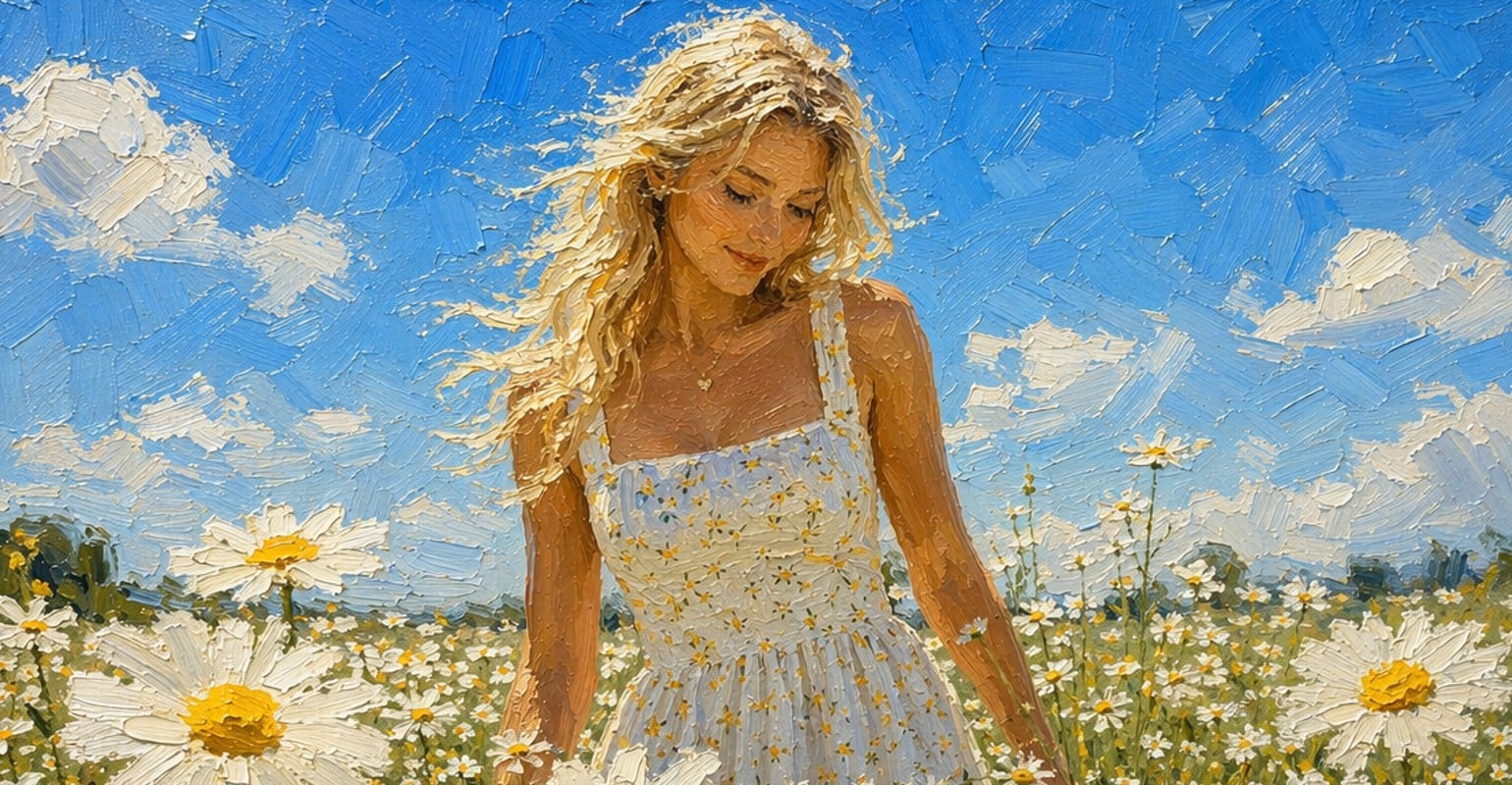
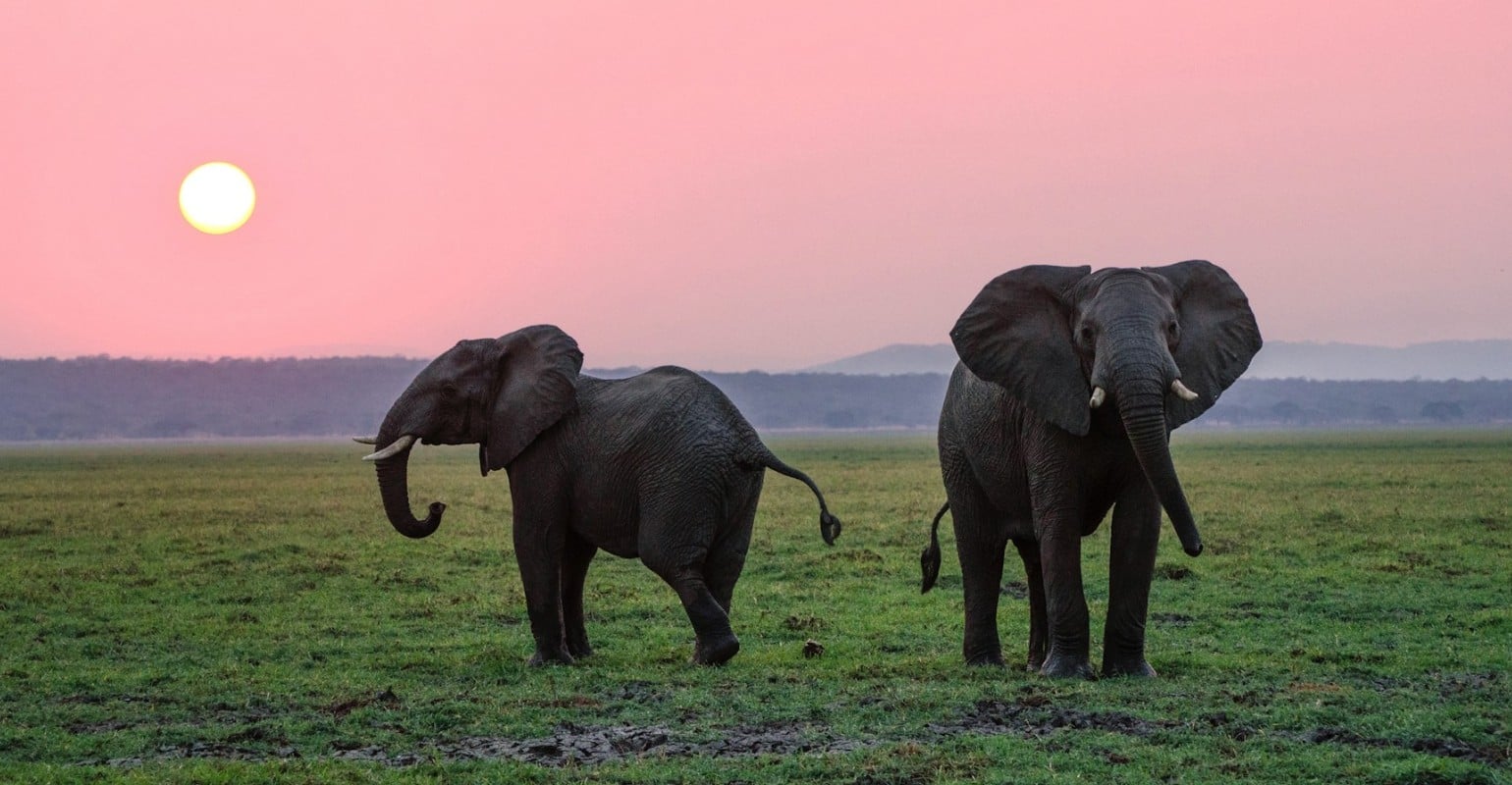
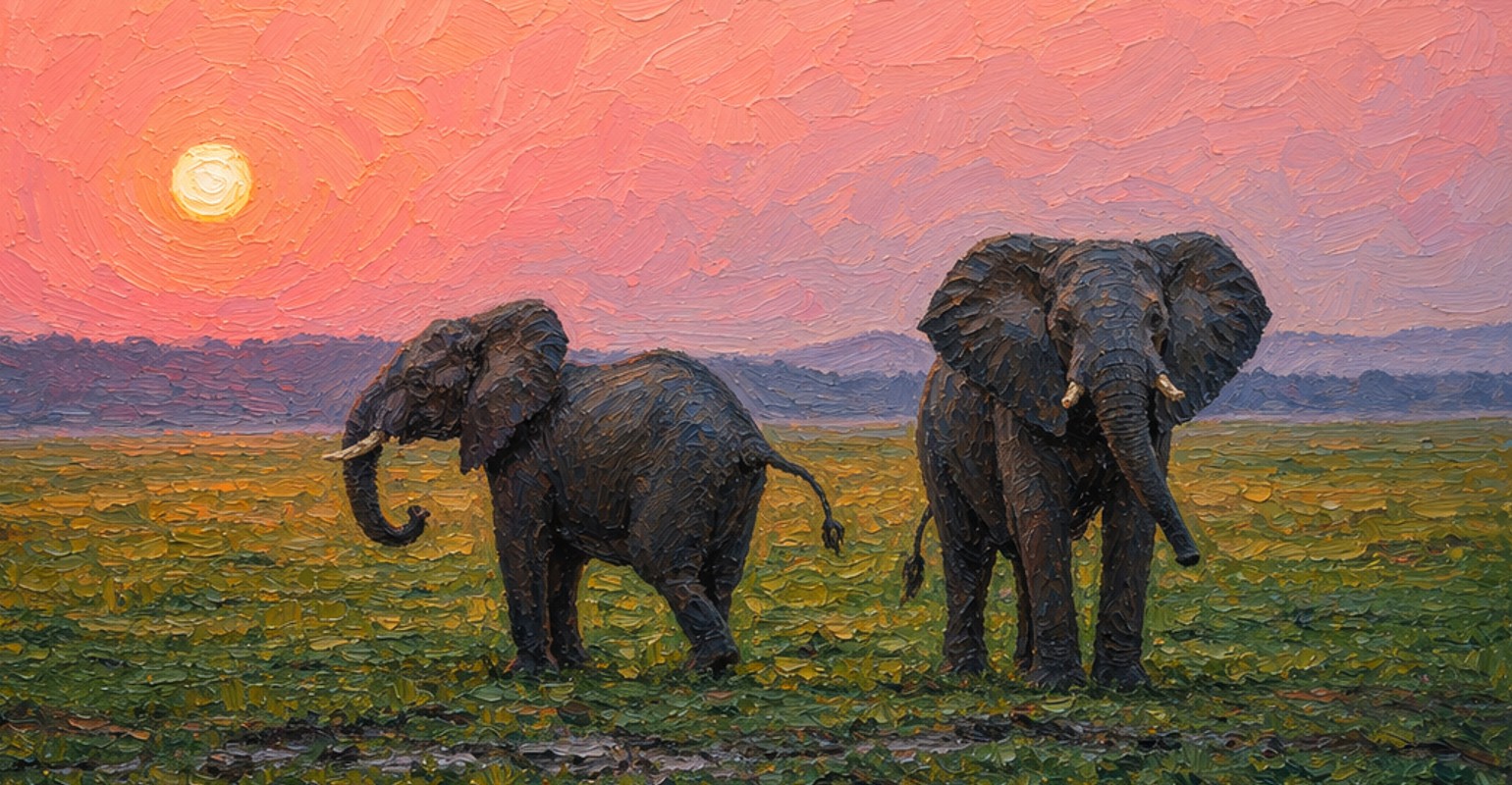
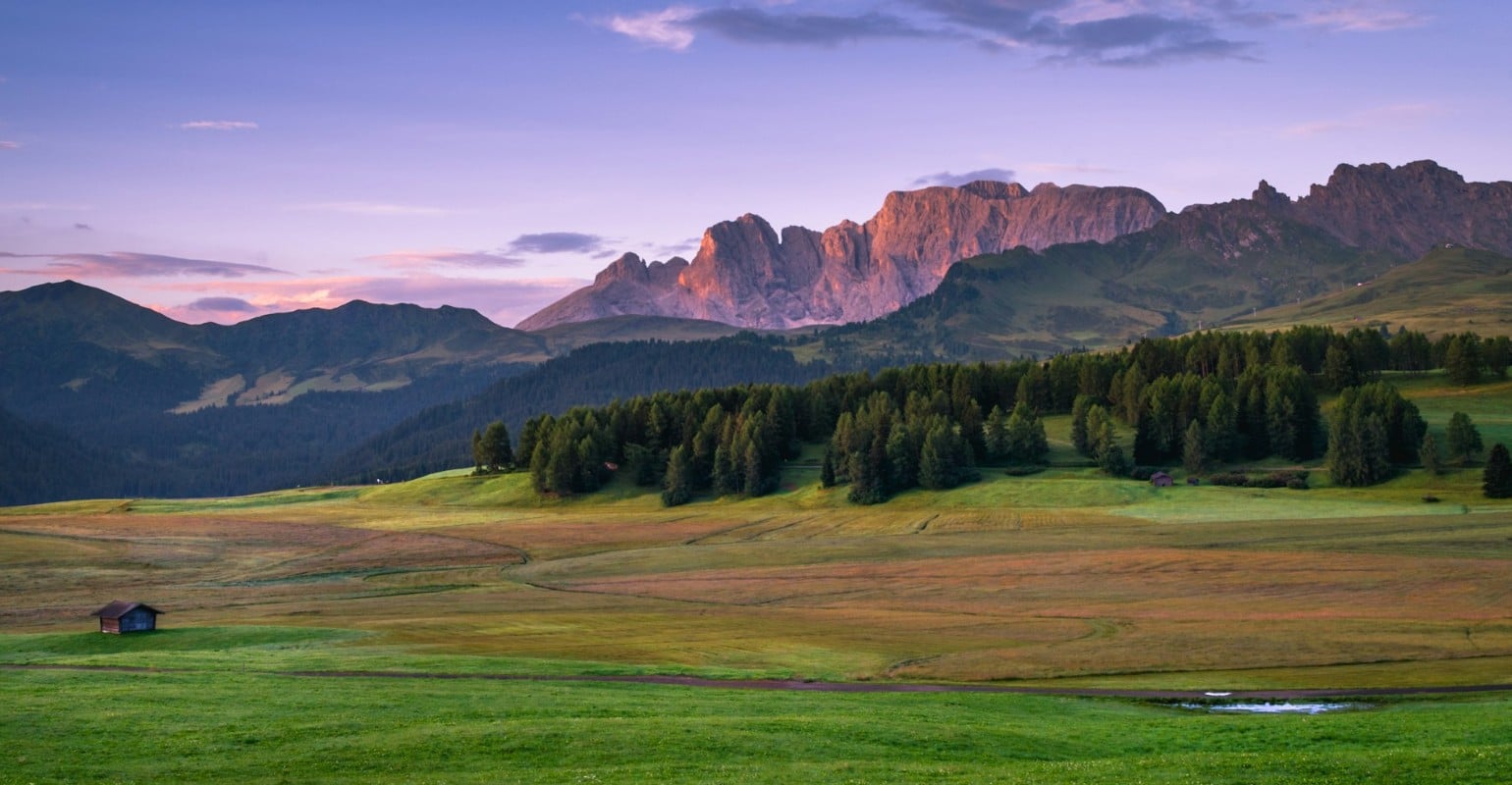
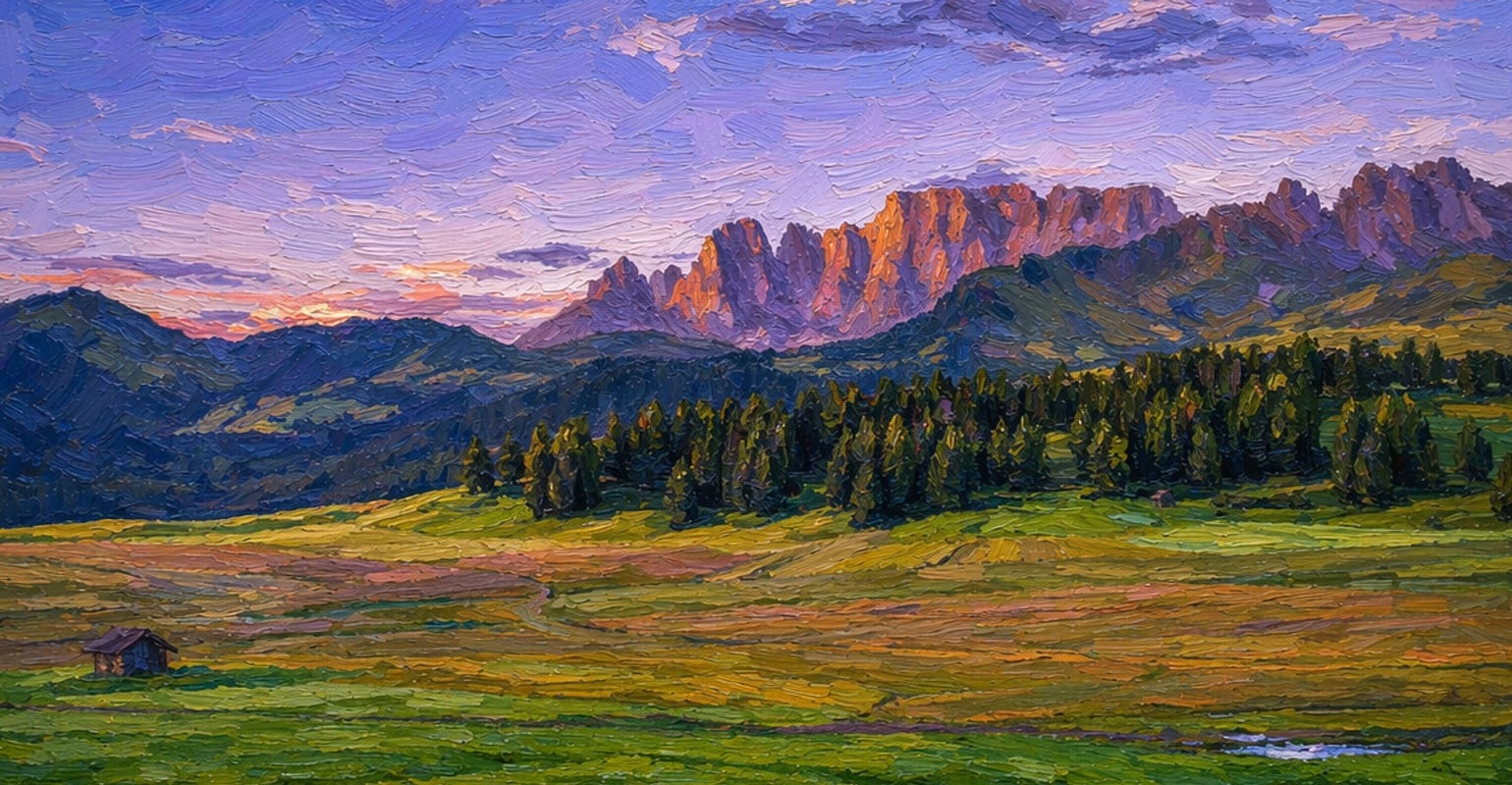
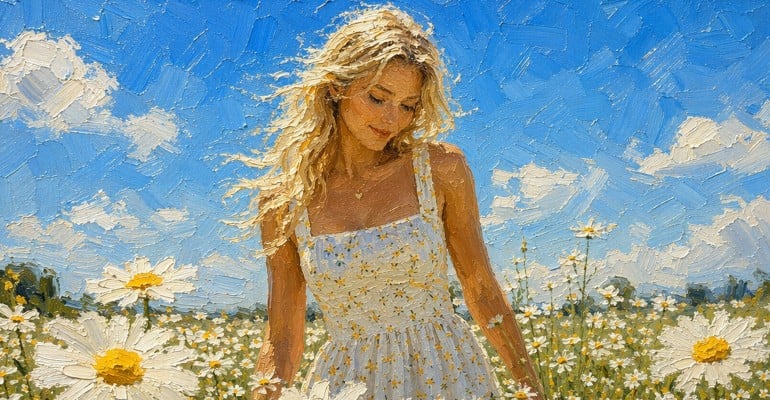
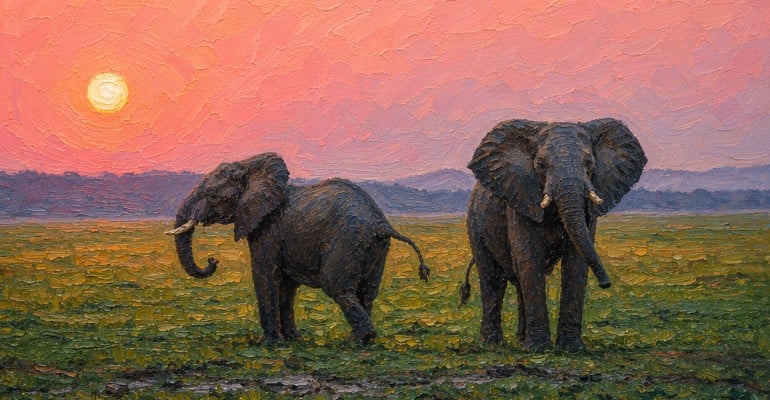
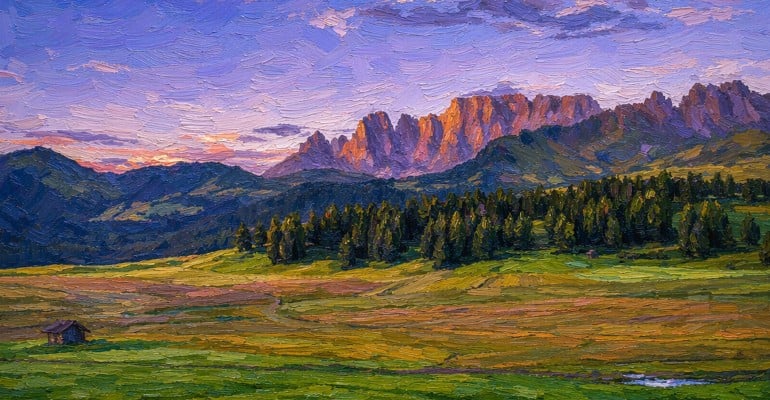
Multiple Ways to Turn Photo into Painting Online
With Fotor GoArt, you can convert photo to painting online free using a variety of over 50 unique styles such as oil painting, watercolor, sketch, and cartoon. Each painting filter changes how textures, colors, and details appear, allowing you to create different artistic results from the same image.
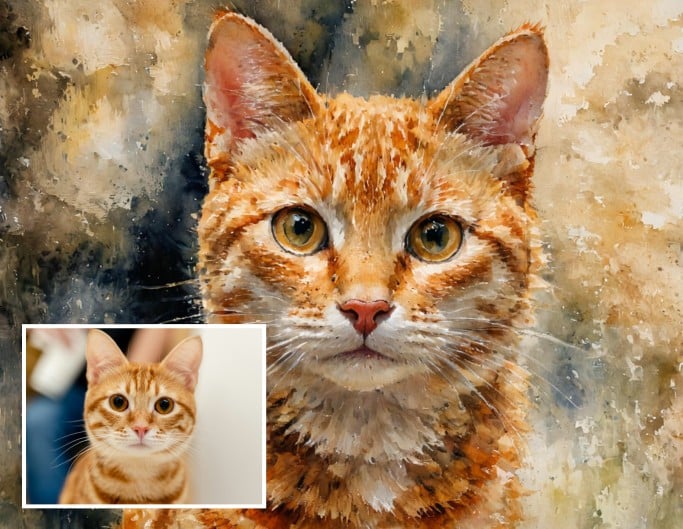
Oil Painting Filter
Convert photo to oil painting with rich textures. This photo to oil painting converter works best for portraits and landscapes, adding depth and a classic artistic look.
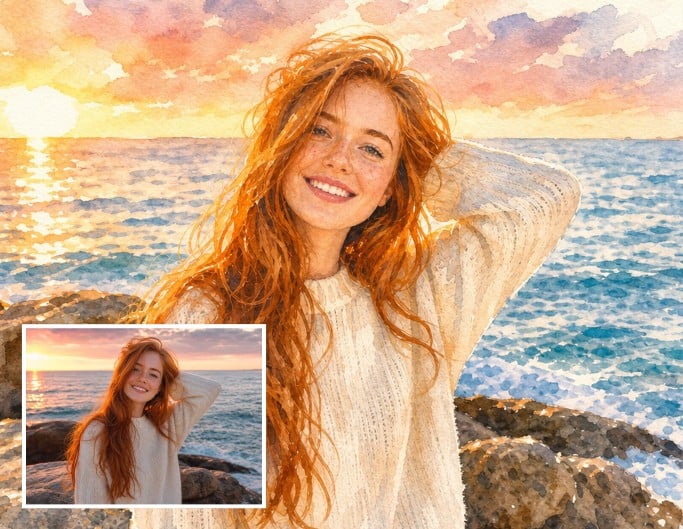
Watercolor Filter
This photo to painting AI effect turns your image into a soft watercolor artwork. Ideal for lifestyle photos and portraits, it blends colors naturally and creates a light artistic feel.
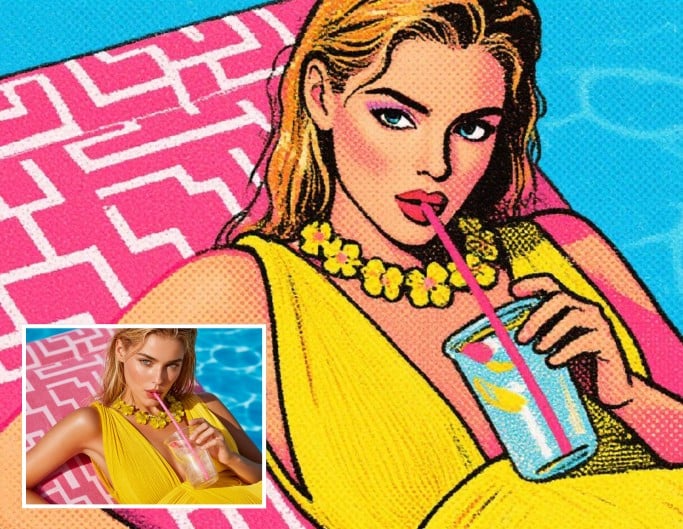
Pop Art Filter
Turn picture into painting with vibrant colors and high contrast. This painting filter is perfect for social media visuals and creative projects that need strong visual impact.
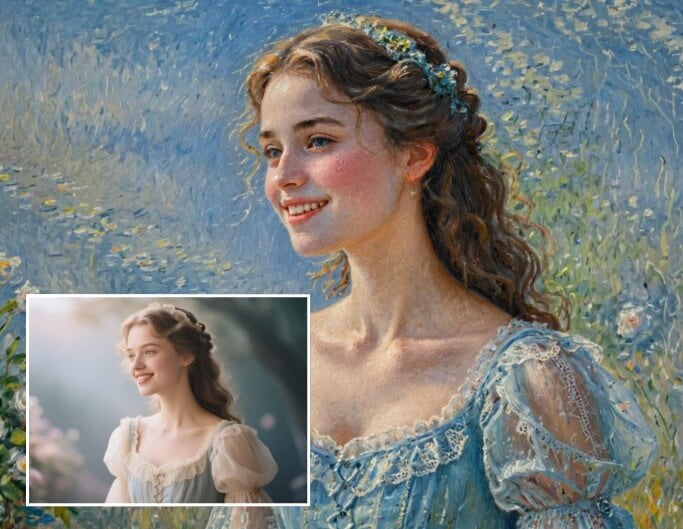
Famous Painting Filter
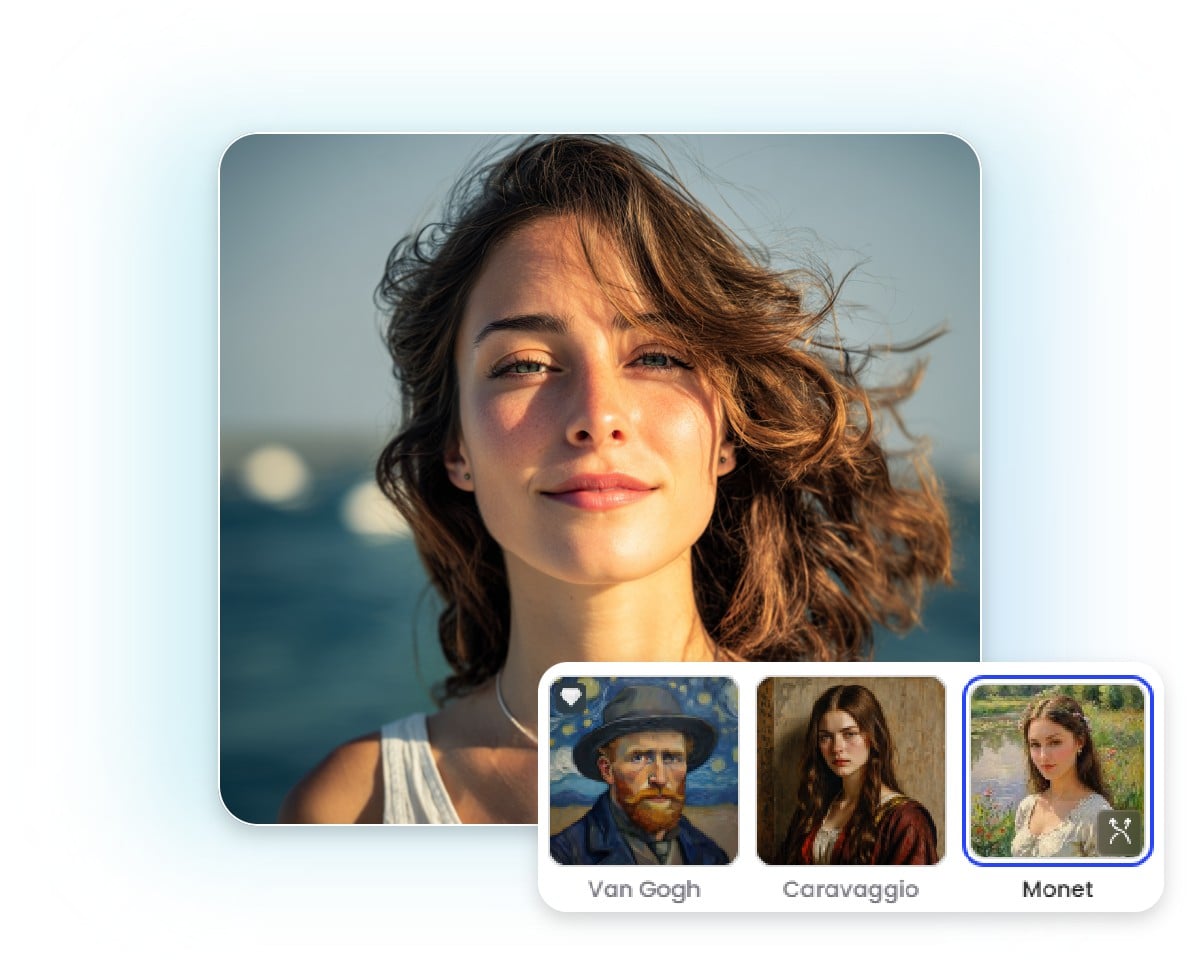
Use this image to painting converter to create artwork inspired by classic styles. Best for portraits and scenic images where creative interpretation matters more than realism.
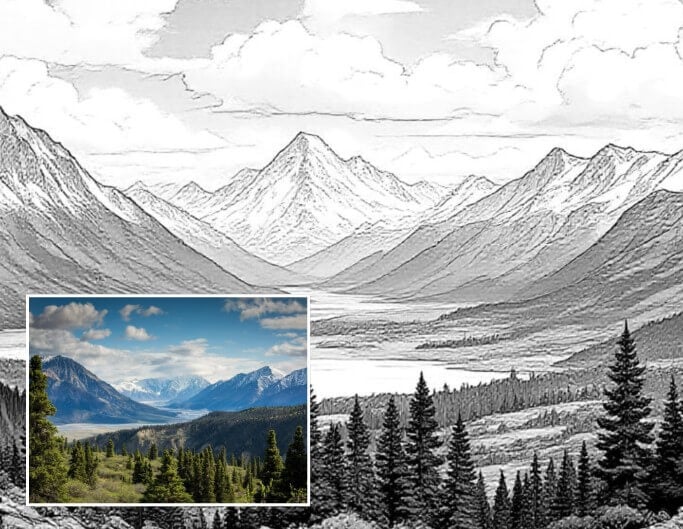
Sketch Filter
Turn image into painting with detailed sketch effects. This image to art converter highlights outlines and structure, making it ideal for portraits and architectural photos.
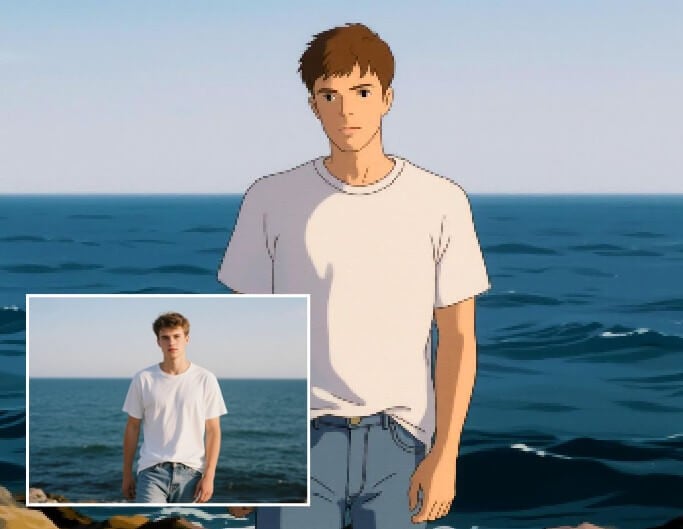
Cartoon Filter
Turn your picture into a cartoon instantly that simplify details and add playful elements. Great for avatars, profile pictures, and social content.
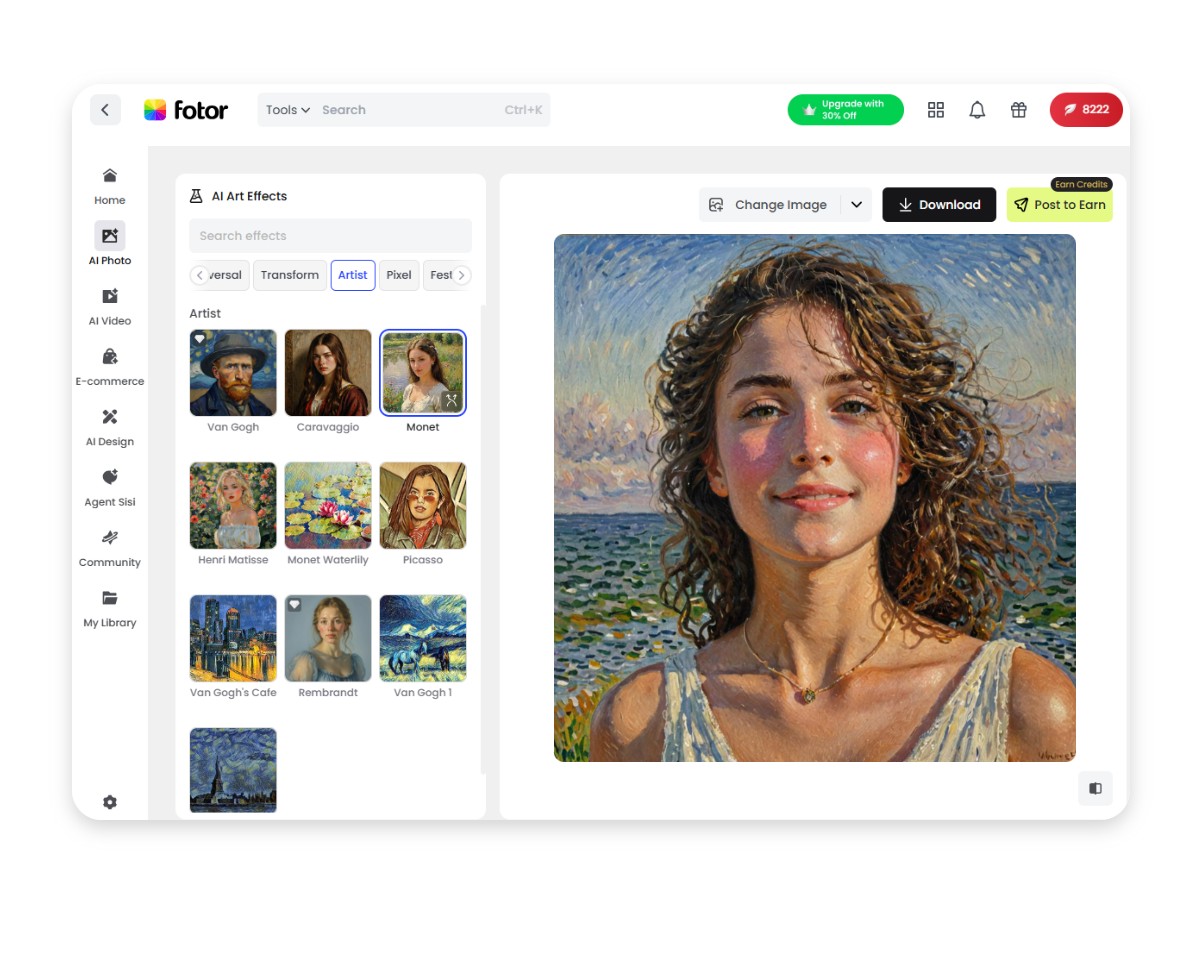
How to Turn a Picture into a Painting in Three Steps?
Upload a Picture
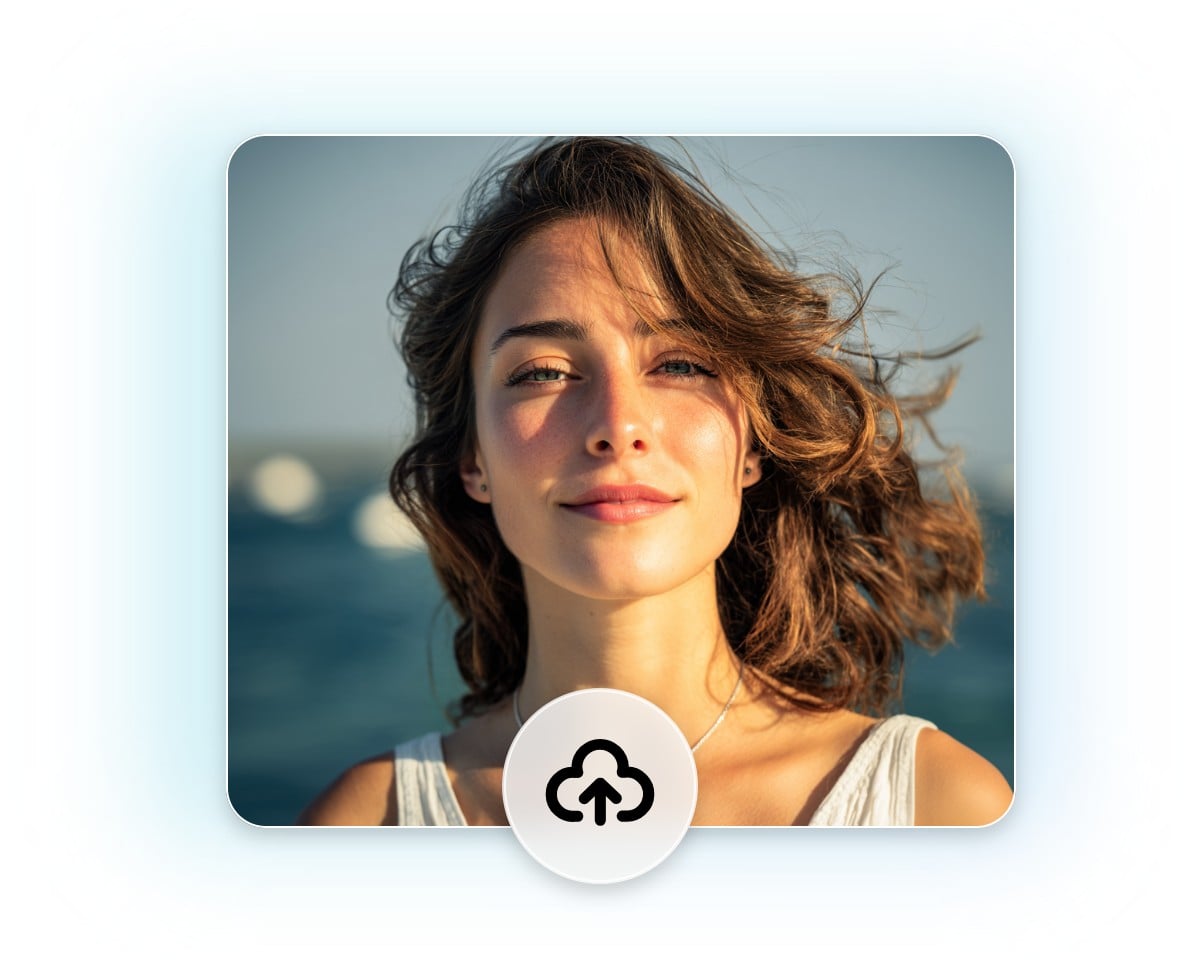
Upload your image to Fotor’s photo to painting converter. You can use portraits, landscapes, selfies, or pet photos. For better results, choose a clear image with good lighting and subject focus.
Choose a Painting Filter
Download Your Artwork
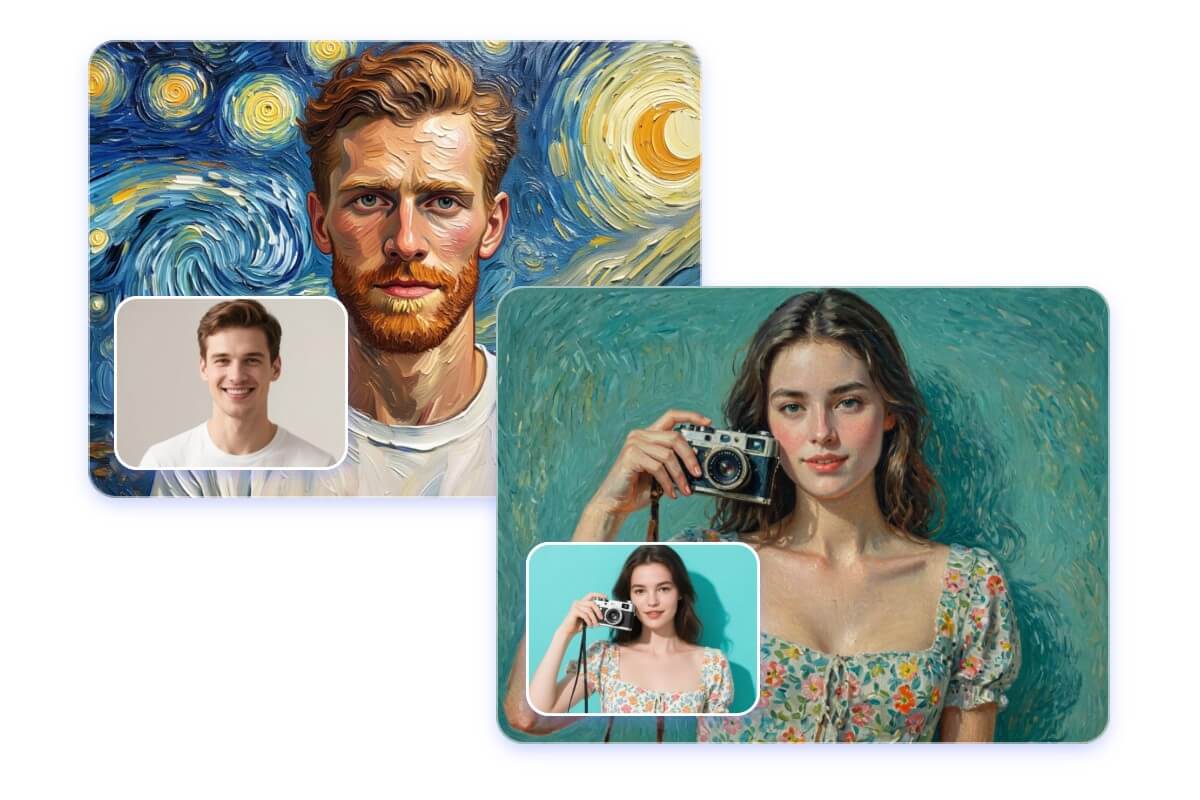
Fast and Flexible Photo to Painting Conversion
Turn any photo into a beautiful painting in just a few clicks with Fotor’s photo to painting converter.
No manual editing skills are needed, simply upload your image, apply an effect, and get instant results.
You can quickly test different styles and adjust your selection, making it ideal for portraits, landscapes, or social media content.
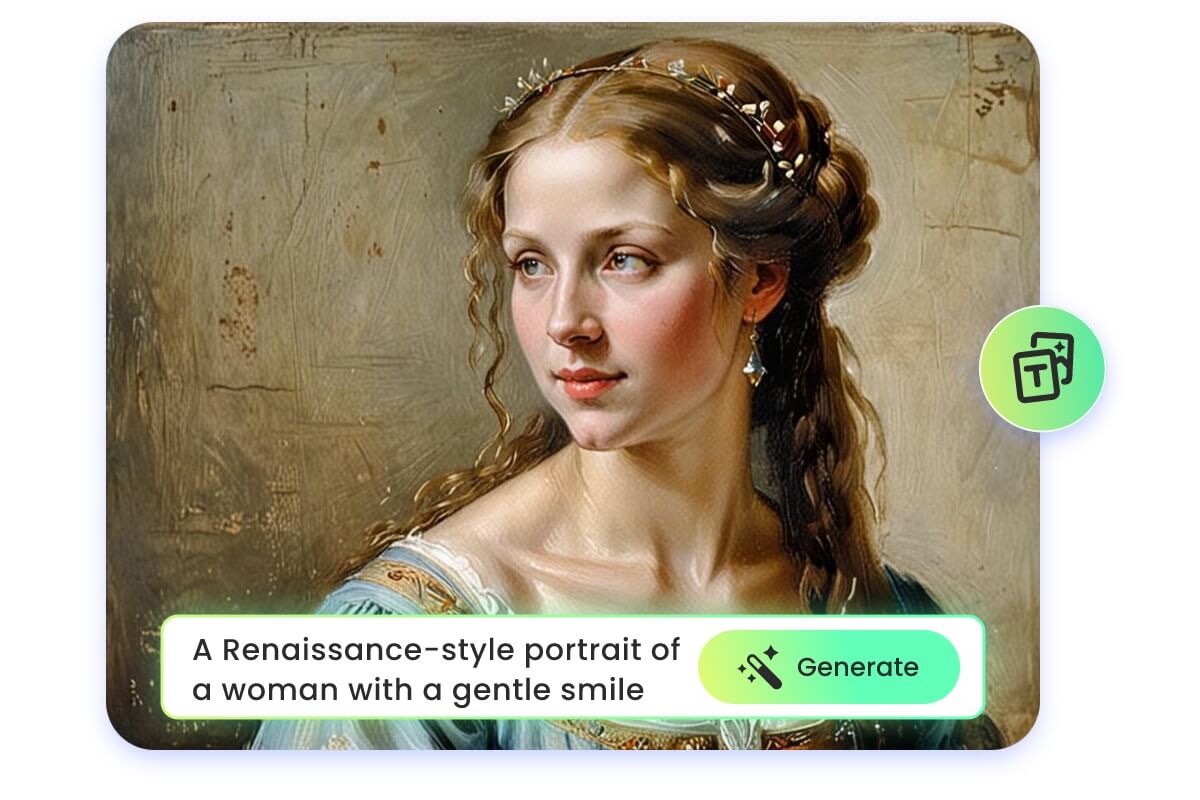
Why My Output Results Look Different
Results vary when you turn a photo into a painting online for free due to factors like lighting, background complexity, and subject clarity. To achieve the best output:
1. Use clear, well-lit images
2. Test multiple effects and filters
3. Adjust photo composition as needed
4. These steps help you create high-quality, detailed paintings quickly, perfect for personal projects, social media, or printing.
Discover More Photo to Art Styles You’ll Love
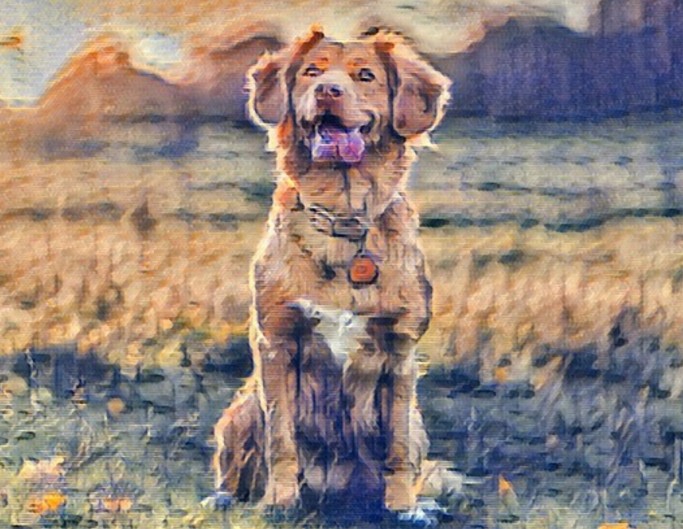
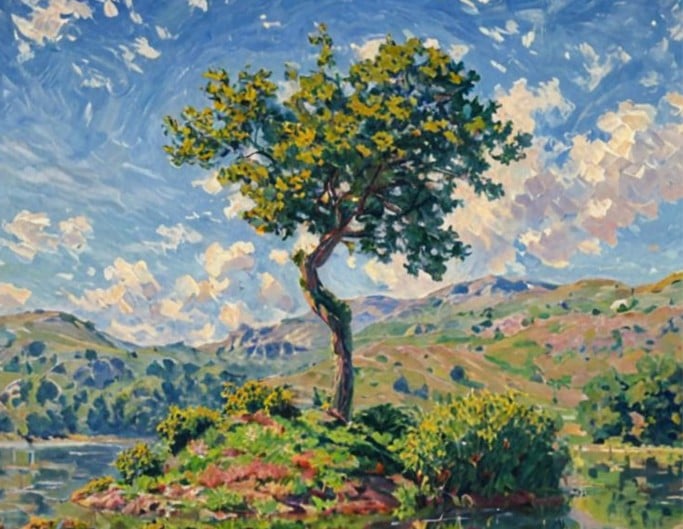
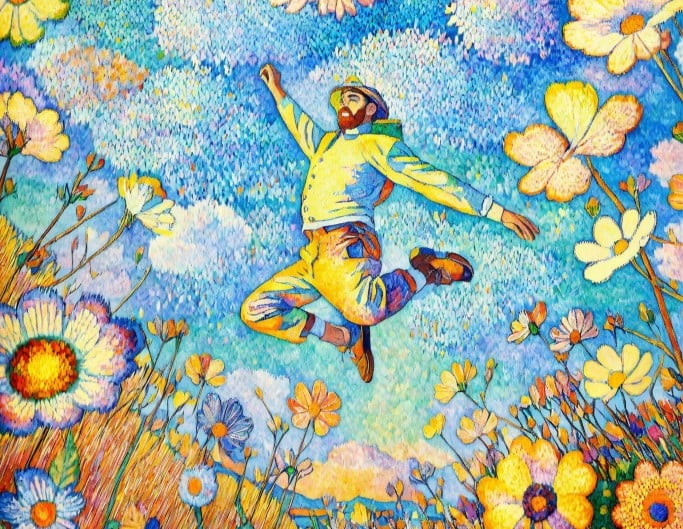
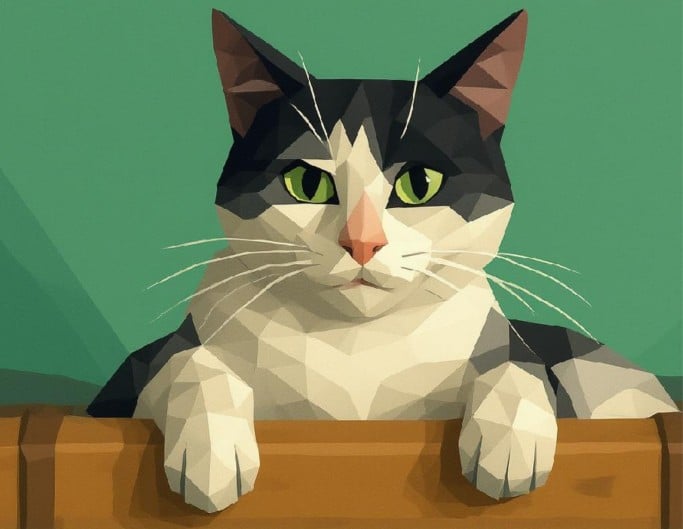
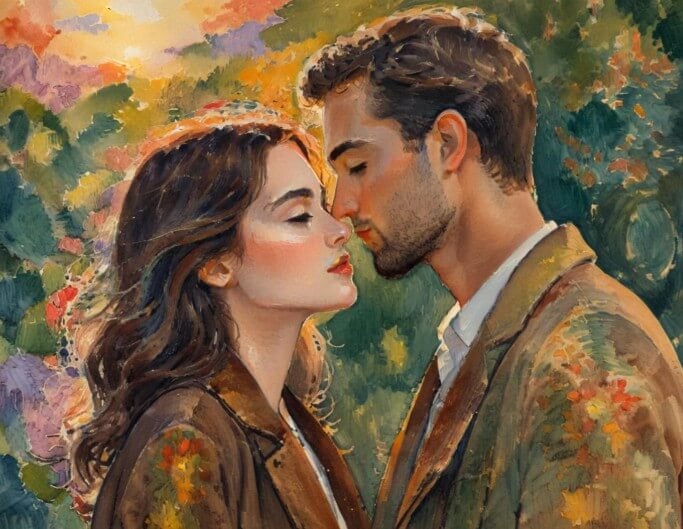
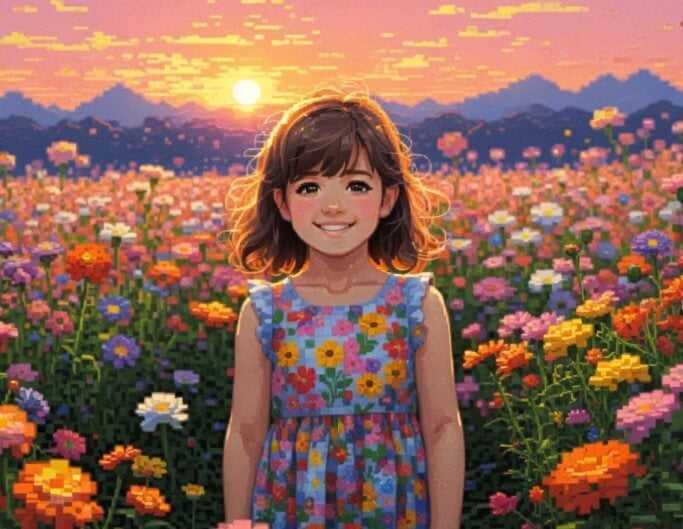
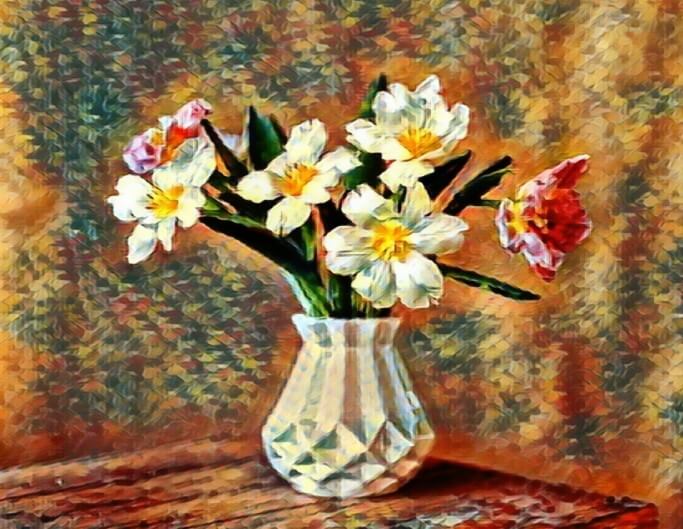
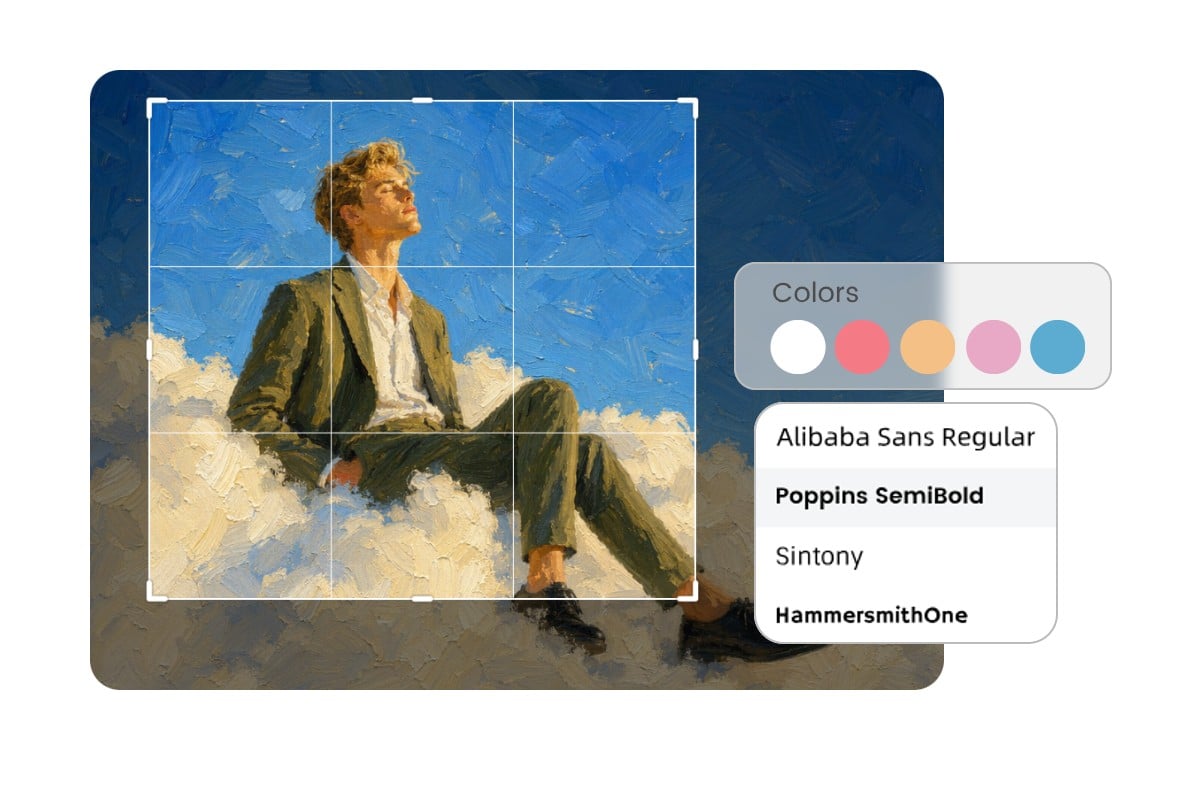
Check out our most popular photo to art styles and filters using our image to painting converter, and pick one to start turning your pictures into paintings right away.
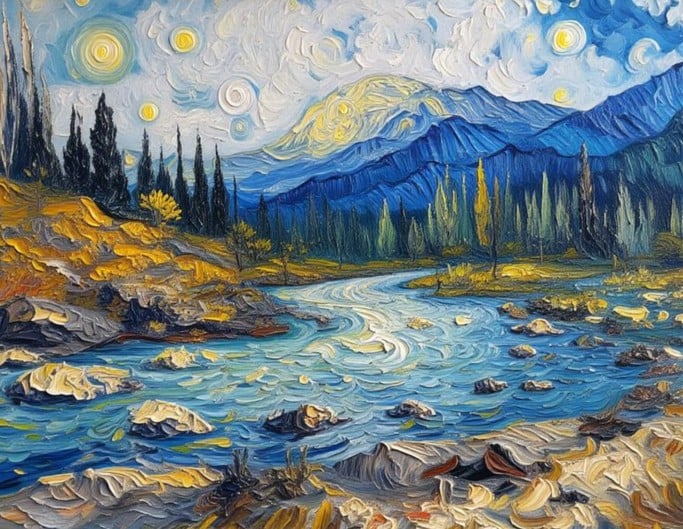
Turn AI Paintings into Creative Projects
Your AI-generated paintings can be used in many ways beyond a simple photo effect. Create unique profile images, personalized gifts, wall art, posters, and other creative designs from your transformed photos. After converting your photo into a painting, you can download the artwork and use it for printing, sharing, or further editing.
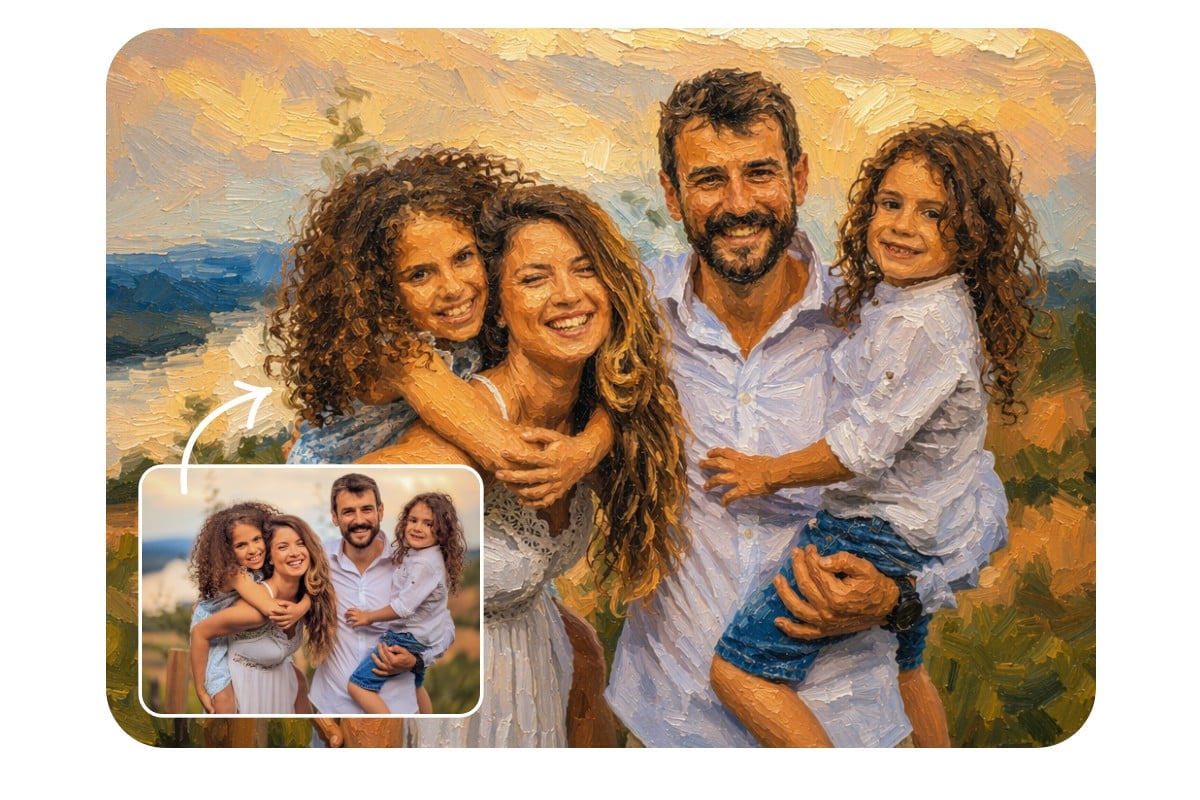
Million+ AI Art Creations Made with Fotor
Since its launch, Fotor’s AI art tools have helped millions of users transform everyday photos into different artistic styles, from painting-style portraits and watercolor effects to sketches and other digital artwork. No drawing skills are needed, simply upload a photo and choose a style to create your own AI painting.
Image to Painting Converter for Any Purpose
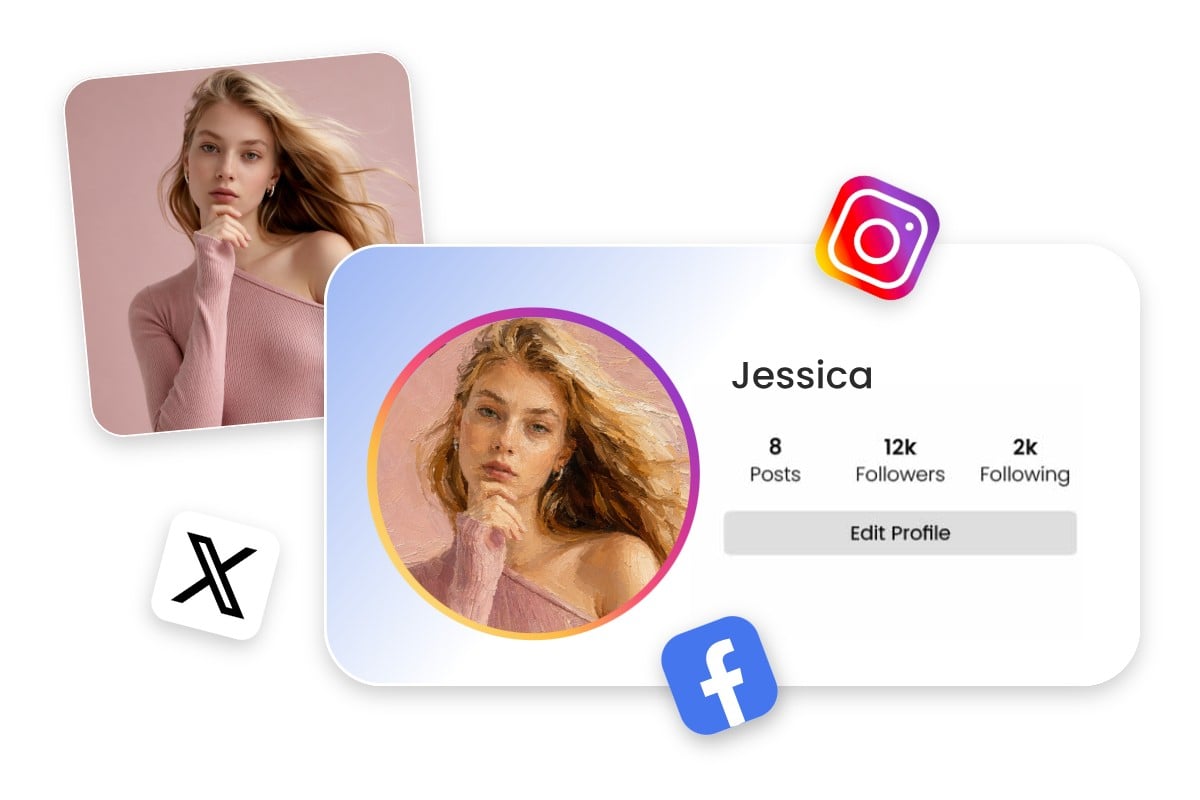
Social Media Avatars & Digital Content
Turn photo into painting online to create scroll-stopping visuals for Instagram, TikTok, and YouTube Shorts. Use painting-style images for posts, video covers, or profile avatars to make your content stand out and improve engagement.
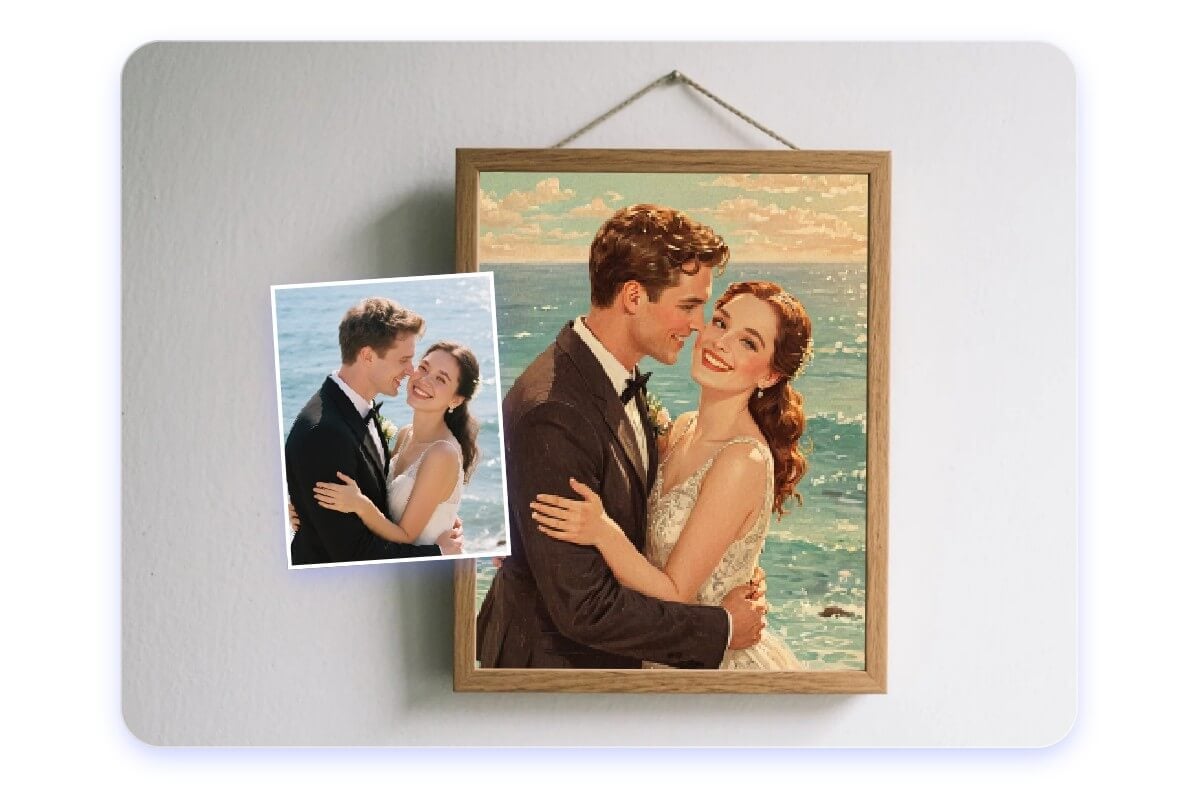
Wall Art, Prints & Home Decoration
Convert photo to painting and download high-res artwork for prints, posters, or home decoration. It helps you create digital paintings suitable for framing, gifting, or showcasing in online galleries, making it easy to turn personal photos into lasting artwork.
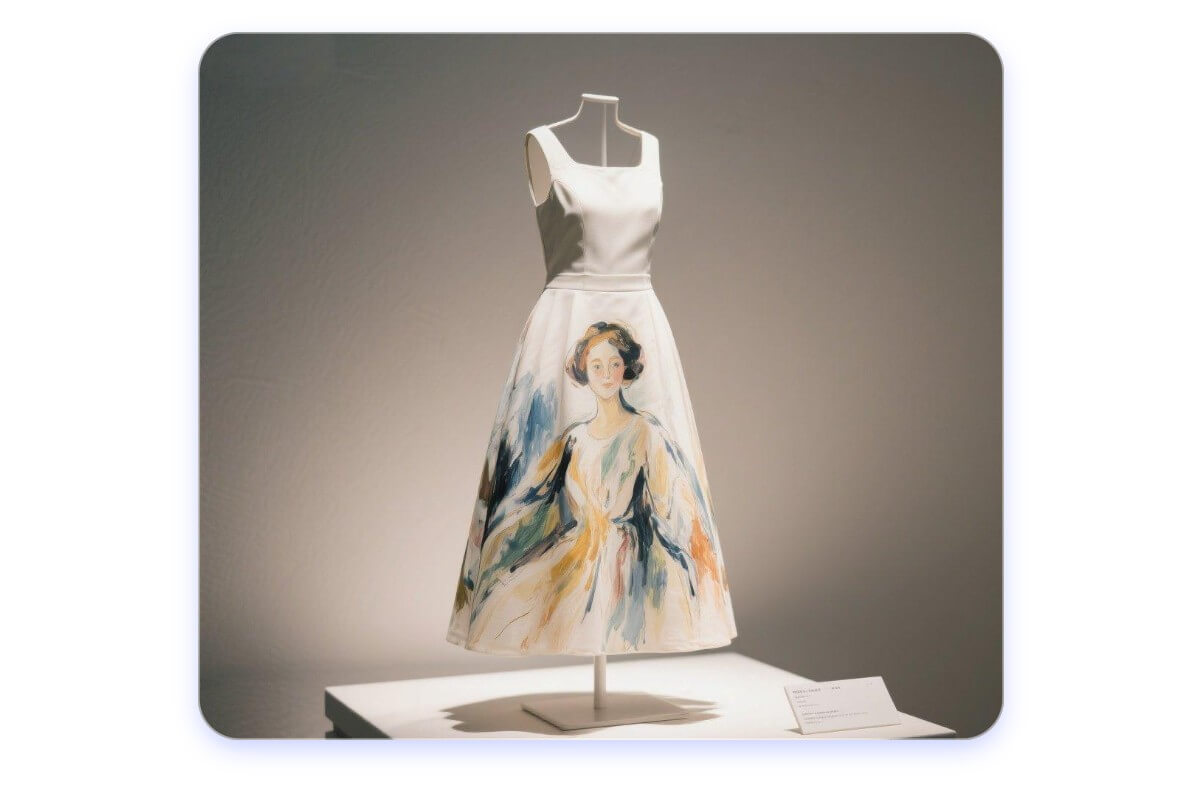
Commerce & Custom Merchandise
Use this image to painting converter to design custom products such as T-shirts, phone cases, or posters. Many sellers turn images into paintings for print-on-demand platforms, helping create unique merchandise, gifts, or branded visuals.
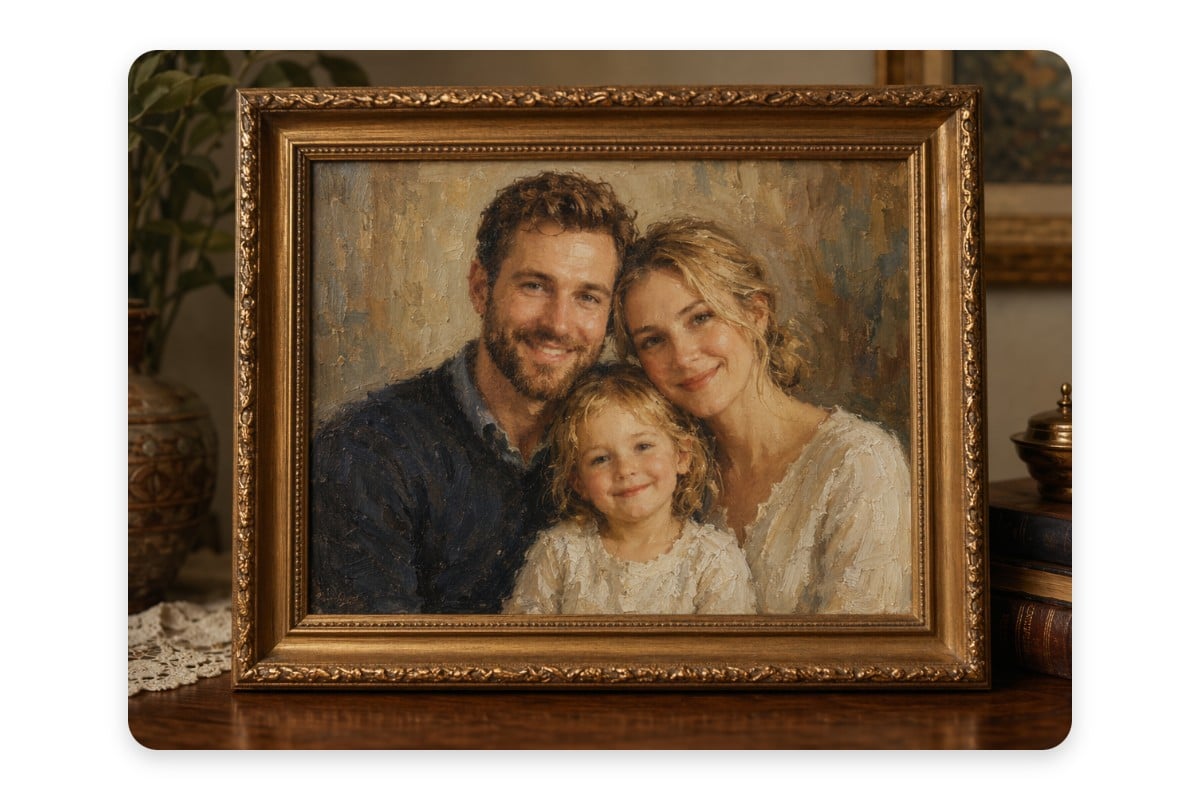
Personalized Gifts & Memory Keepsakes
Turn meaningful photos into personalized painting-style gifts for birthdays, anniversaries, weddings, or special occasions. Create unique keepsakes from family portraits, couple photos, or favorite memories without needing traditional painting skills.
Why Choose Our Image to Art Converter?
![easy to use icon]()
Easy to Use
Automatically turn your photos into different painting styles with the help of AI.
![No Signup Required]()
No Sign-Up Required
You don’t need an account or to register to start creating your own art.
![Icon for various generation methods]()
50+ Different Painting Filters
A variety of art filters give your photos a creative new look and feel.
![studio quality icon]()
High Definition Output
Instantly export your finished artwork in high-resolution formats- print and share with ease.
![no sign up icon]()
Paintings to NFT Art
Use our NFT creator to get your photos instantly transformed into digital NFT art that you can sell.
![Any device supported icon]()
Cross-Device
Download our photo-to-art app for your iOS or Android device. Create unique artwork on the go.




Fotor Photo to Painting Converter Reviewed by


The platform emphasizes speed and ease of use, making it perfect for users who want quick artistic transformations without complex editing processes.
Fotor’s Picture to Painting tool lets you transform your images with over 50 filter options you can choose from. This includes sketches, pop art, watercolor, oil paintings, van Gogh-style art, and many more.

GoArt is simple to use, requiring no design skills, making it ideal for course creators who want to add a creative, artistic element to their visuals.
Trusted and Loved by Millions of Global Creators





Learn more about Fotor's upload formats and requirements. See how we protect your content in our Privacy Policy.