

Video Text Remover: Remove Text from Video with AI
Remove text from video in a single magic click with Fotor's AI video text remover. Effortlessly and instantly remove text watermarks or overlays, captions, background text, stickers or anything unwanted from your personal or business videos. No video editing skills required.
Drag your video here or click to upload
Drag your video here or click to upload
90%
Satisfactory Results
4.7
Rating on App Store
800M+
Watermark Remover Users
![Fast photo restoration icon]()
Easy Text Removal
Our text remover from video is equipped with an intuitive interface and allows every user to erase text from video in just one click.
![AI auto deblur]()
Natural Background Fill
With powerful AI technology, our tool can intelligently analyze surrounding details and fill the removed area naturally to leave no blurriness.
![Batch black background removal icon]()
High-Quality Output
Get text-free videos without losing quality and download them in high-res MP4s for your creative projects.



Remove Different Text Types from Videos
Whichever text you intend to get rid of, from captions and BG text to date stamp or stickers, our video watermark remover can help you take it out of your video without blur.
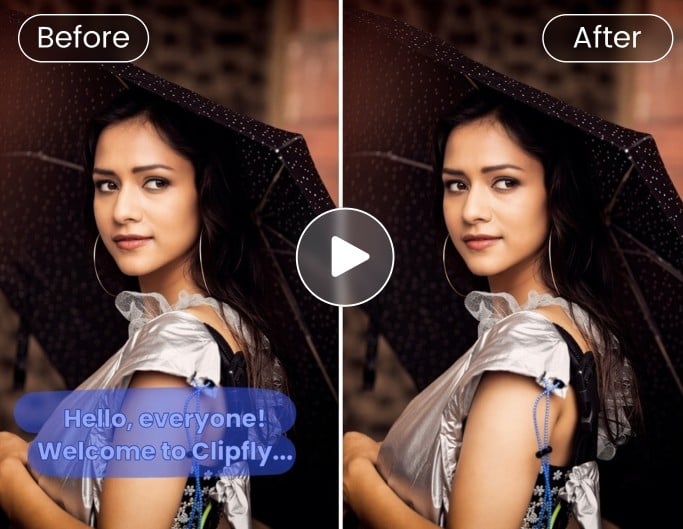
Remove Captions/Subtitles
Cut unwanted captions or subtitles in any language out of your saved videos.

Remove Text Stickers
Say goodbye to annoying text stickers that cover the subjects in your video clips.

Remove Background Text
Erase the distracting text in the background of your video to get a clean result.
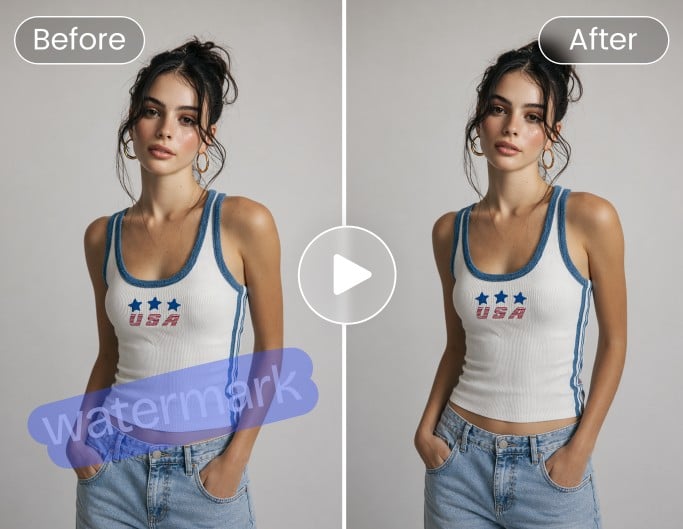
Remove Text Watermark
Clean solid and transparent text watermark, such as Sample or others, in your video.
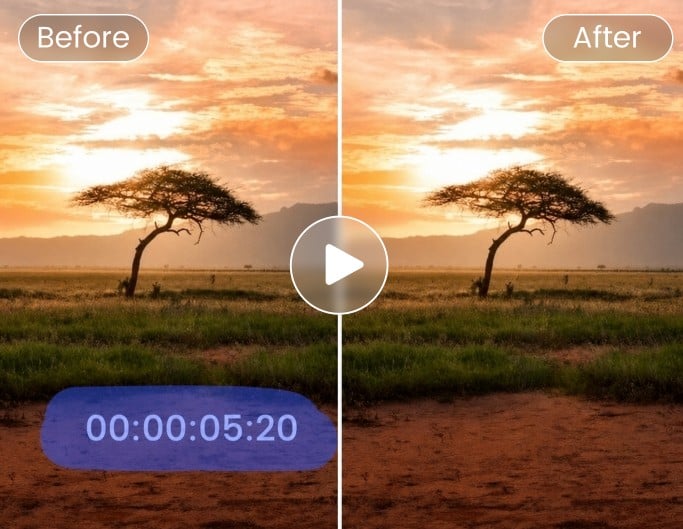
Remove Date Stamp
Delete the undesired date stamp or timestamp from your personal video.
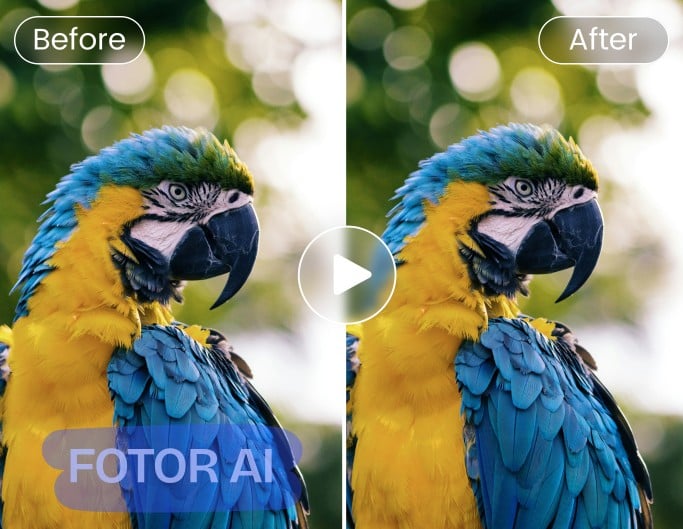
Remove AI-Generated Text Overlays
One click to eliminate the text overlay that appears on your AI-generated video, such as "AI", "Sora" or more.



How to Remove Text from Video with Fotor?
Upload Video
Tap any button to upload your video to our video word remover. Supported formats: MP4, MOV, WebM and MOV.
Select and Remove Text
Preview and Download
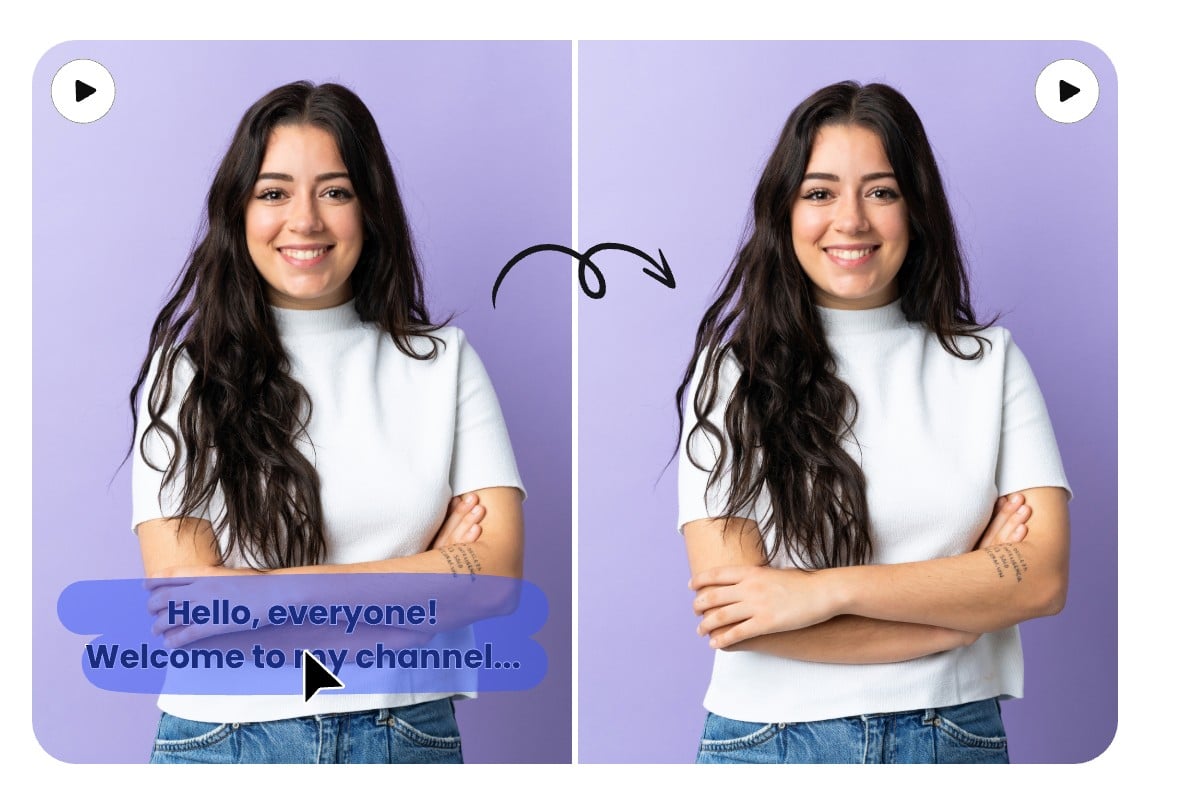
Remove Text From Video With AI Magic
Whether it's for a crisp video without distractions or a watermark-free video for sharing and downloading, an AI text removal tool is essential. Fotor offers a solution to eliminating unwanted text from your videos without complex editing skills.
Our AI technology simplifies the process: simply upload your video and use the brush tool to highlight the text. Then, our tool will intelligently detect the text across frames and automatically clean it while preserving all its original clarity and details.
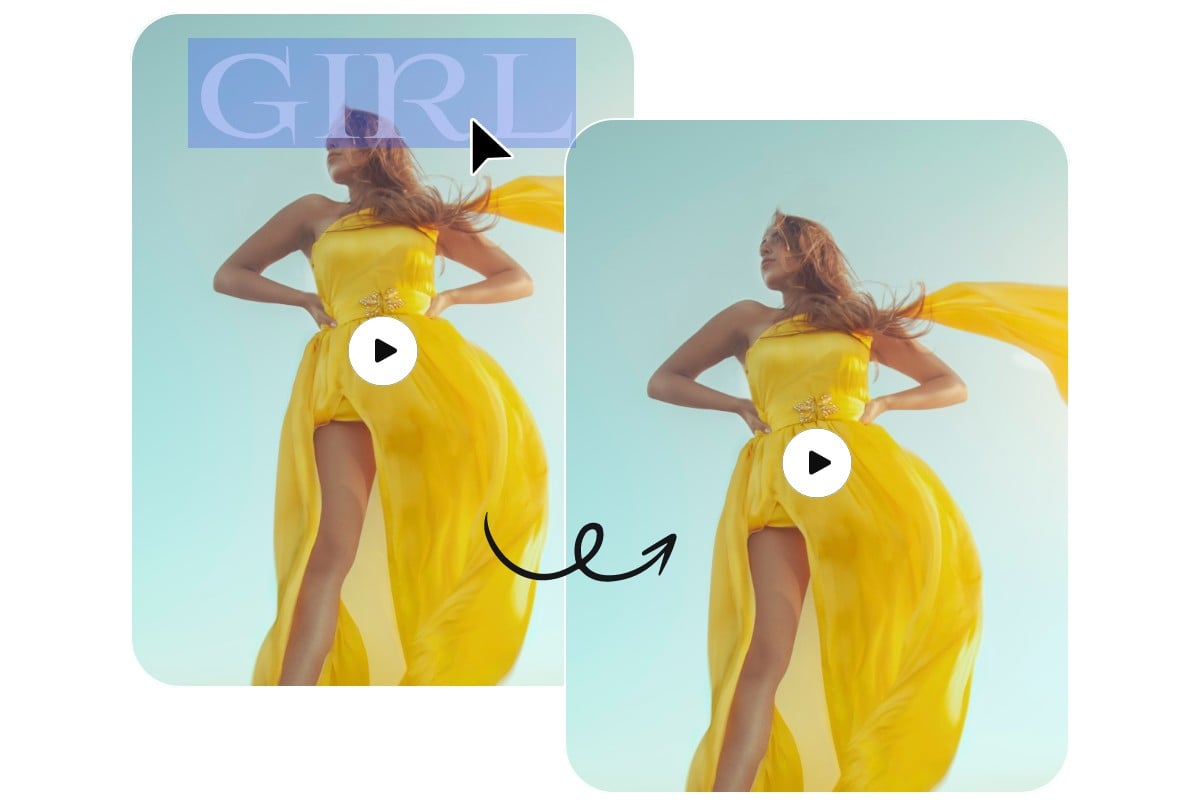
Erase Text from Video Without Blur & Quality Loss
Some online watermark removers compromise the video quality when removing its text. But here in Fotor, just let this concern go with the wind. Our advanced AI algorithm meticulously preserves the original video quality while erasing text elements. This ensures that every pixel of your video retains its sharpness and vibrancy, as if the text were never there to begin with.

Multi-Functional Video Content Remover Tool
In addition to erasing text from video, Fotor can also help you remove anything from it. For example, you can effortlessly remove video backgrounds for new backdrops swap, clean unwanted objects to enhance visual appeal or get rid of distracting people to create unobstructed landscape videos. Just access the Fotor remover tool to eliminate any photobomber from your video.

A Complete AI Video Cleanup & Editing Workflow
Unlike other tools that focus on text removal from video only, Fotor, a practical AI photo editor, offers a complete video cleanup and editing workflow. After removing the text from video, you can conveniently enhance its quality, apply video filters and resize it for the desired platforms without switching between different tools. With Fotor, you can quickly transform raw, text-free footage into polished, professional videos with greater efficiency.
Remove Words from Video for Everyone
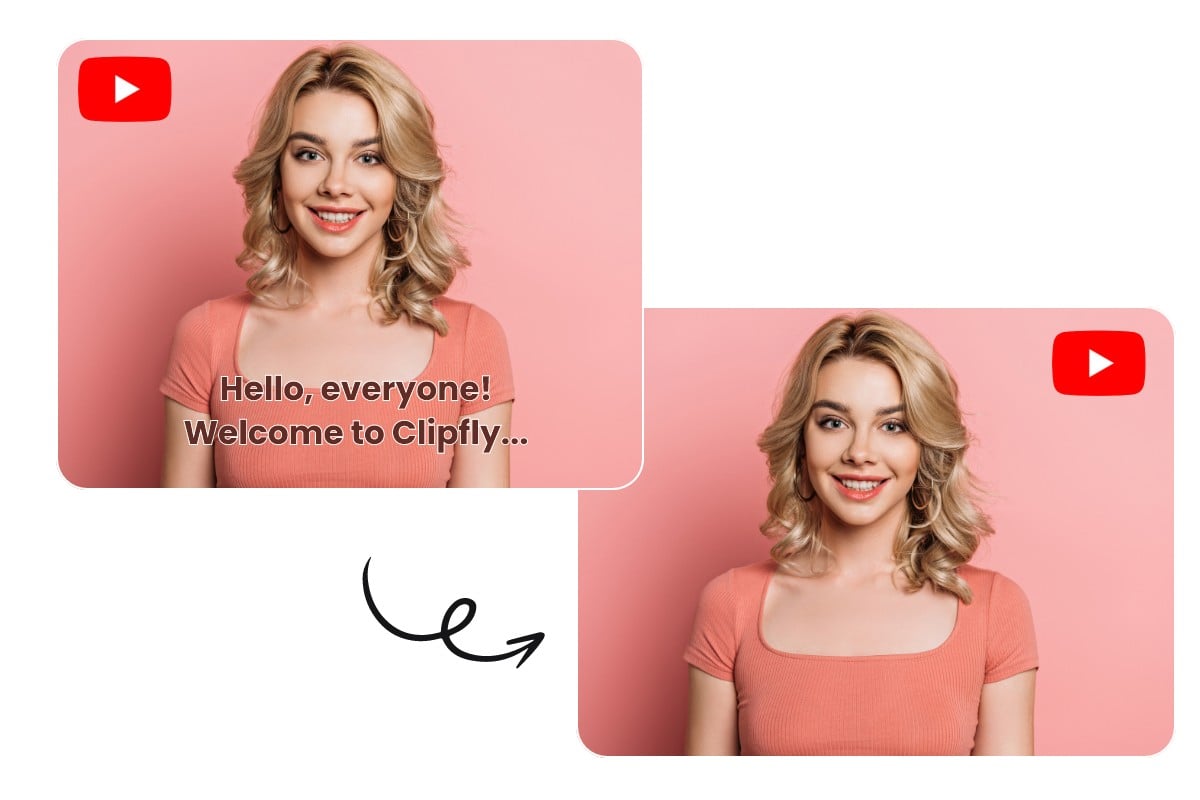
Remove Letters from Video for Social Media Content
Video bloggers, YouTubers and social media influencers can use our video font remover to edit videos online easily. If they have previously added captions, stickers or timestamps that they later want to remove or replace, this tool enables them to do so, giving their videos a professional and updated look.

Reusing Text-Free Footage for Advertising
Marketers often repurpose video ads for different platforms or campaigns where the original text may no longer be relevant. Our word remover from video allows them to easily update the product messaging without having to reshoot the entire video.

Text Removal for Clear Product Display
When showcasing products in videos, unwanted text, like promotional stickers, price tags or model information, can distract audiences from the product's appeal. With precise text elimination, you will get more captivating products presented in their purest form, which allows customers to focus solely on design details and textures and can enhance the overall shopping experience to boost conversion rates.
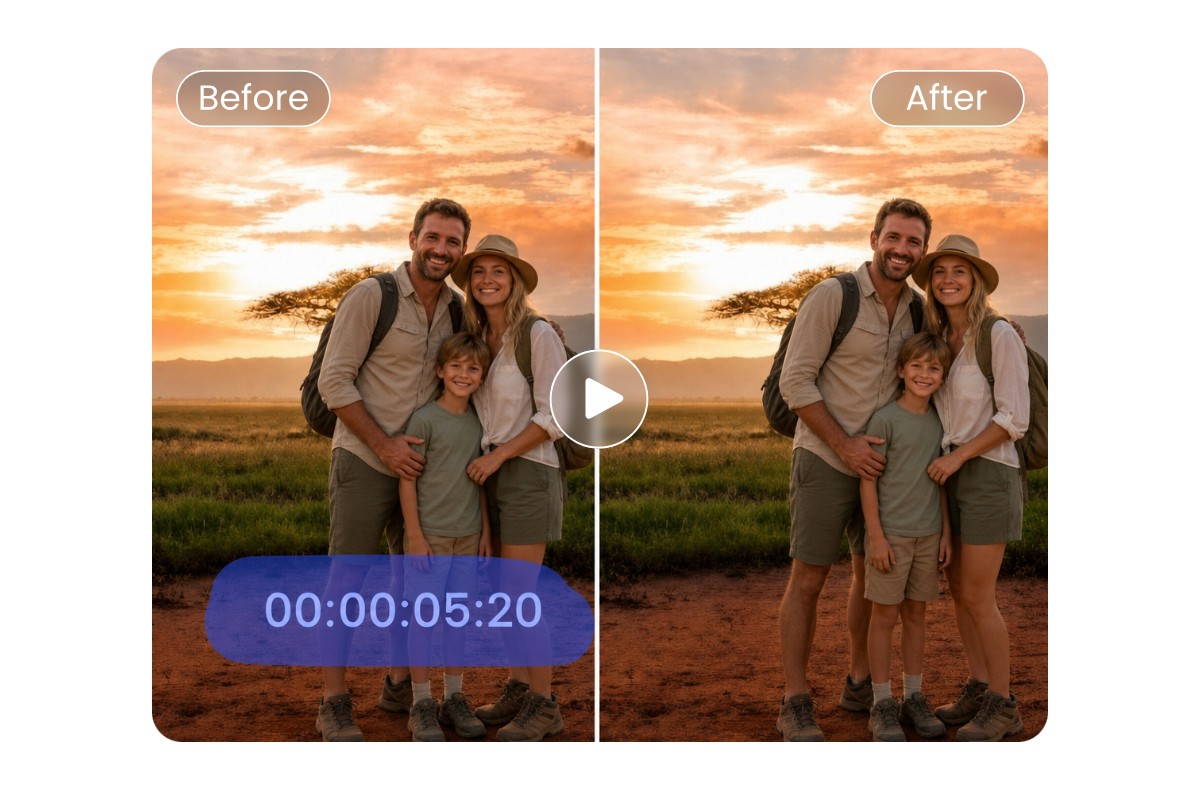
Erase Unwanted Messages from Personal Videos
Whether you are annoyed by the timestamp on a vintage family or travel video, the text watermark on an AI-generated video or chat bubbles on a saved Snapchat video, our AI video cleanup tool can take all of them out of your video clips without complicated editing or frame-by-frame adjustments, while preserving the original scene.
Our Video Text Remover is Praised by


Fotor video text remover: Dedicated tool for deleting hardcoded subtitles, captions, and date stamps. Attempts to preserve surrounding sharpness while removing burned-in text.

Fotor can help remove simple watermarks like logos, text, or timestamps, although results may vary depending on background complexity. No need for any technical knowledge; just try out and clean up videos without any hassle. Here’s one video tested.

The tool is browser-based, supports main video formats such as MP4, MOV, WebM, and M4V, and allows videos up to 4K, 60 seconds, 60 FPS, and 1 GB. Besides that, its AI provides a smart background fill after the object removal, which gives a natural and blur-free output.





Learn about Fotor's upload formats and requirements. See how we use your content in our Privacy Policy.