

Video Watermark Remover: Remove Watermark from Video with AI
Effortlessly and quickily remove watermark from video online without blur through Fotor's AI video watermark remover. Upload your photo and let our tool conveniently erase text overlays, date stamps, captions, stickers, social media watermarks and more. No video editing skills required.
Drag your video here or click to upload
Drag your video here or click to upload
99%
Realistic Removal Effect
4.7
Rating on App Store
800M+
Watermark Remover Users
![Fast photo restoration icon]()
Easy and Fast
Our video watermark eraser helps you easily select the distracting watermark and quickly erase it with one click.
![AI auto deblur]()
Natural Background Fill
Our video unwatermark AI tool is powered by advanced AI technology to analyze the surrounding pixels and reconstruct the details to restore the removal area.
![Batch black background removal icon]()
High-Quality Results
Expect a watermark-free video without compromising the original quality and directly use it for your creative projects.



Remove Different Types of Watermarks from Video for Anyone
Whether a random user or a professional eCommerce seller, marketer or video editor, you can remove different types of watermarks depending on their size, position and movement. The removal results may vary based on video complexity, but it will save you time on video editing.
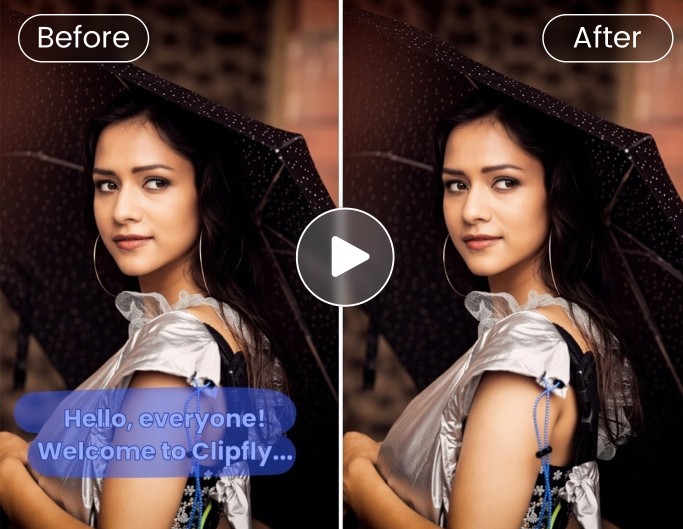
Remove Captions & Subtitles
Video editors or content creators can remove text from video without blur, including subtitles or captions, with slight smoothing on complex scenes.

Remove Stickers & Overlays
Marketers can get rid of distracting emojis, stickers and overlays from videos, rebuilding backgrounds with minor softness in detailed areas to create new marketing materials.
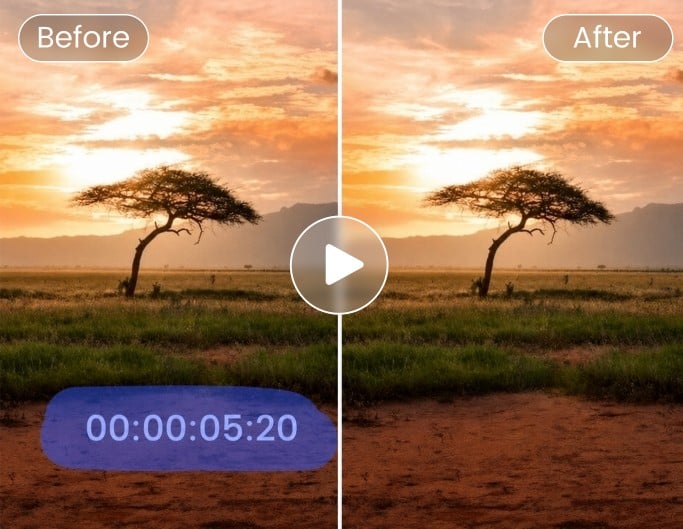
Remove Date Stamps
Everyday users can effectively erase date stamps or timestamps from their vintage family or travel videos, especially when they stay fixed in low-detail regions.

Remove Social Media Watermarks
Social media creators or influencers can delete the social media logos, such as TikTok, Instagram Reels, YouTube, etc., from their previous works and repurpose them into new content.

Remove Outdated Info
eCommerce sellers or marketers can wipe out old brand logos or outdated text overlays from previous product demos or marketing videos and reuse them for new promotional videos without starting from scratch.
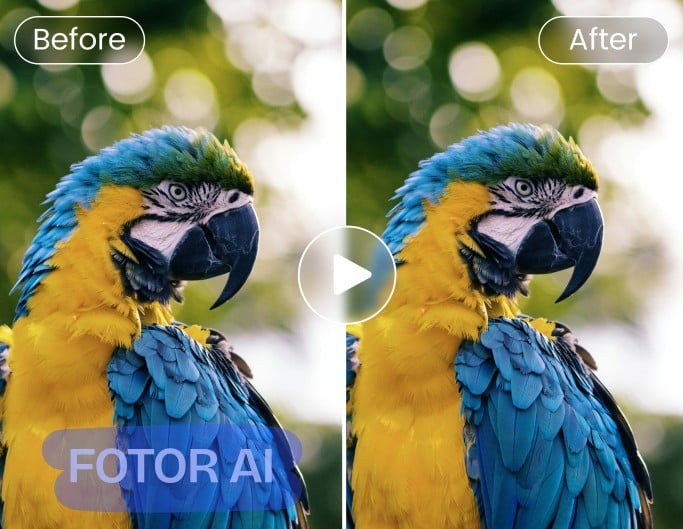
Remove AI Watermark
General users or professional video creators can rely on Fotor to eliminate unwanted watermarks from AI-generated videos, such as Sora, Kling, Seedance and more, and add them to creative projects.


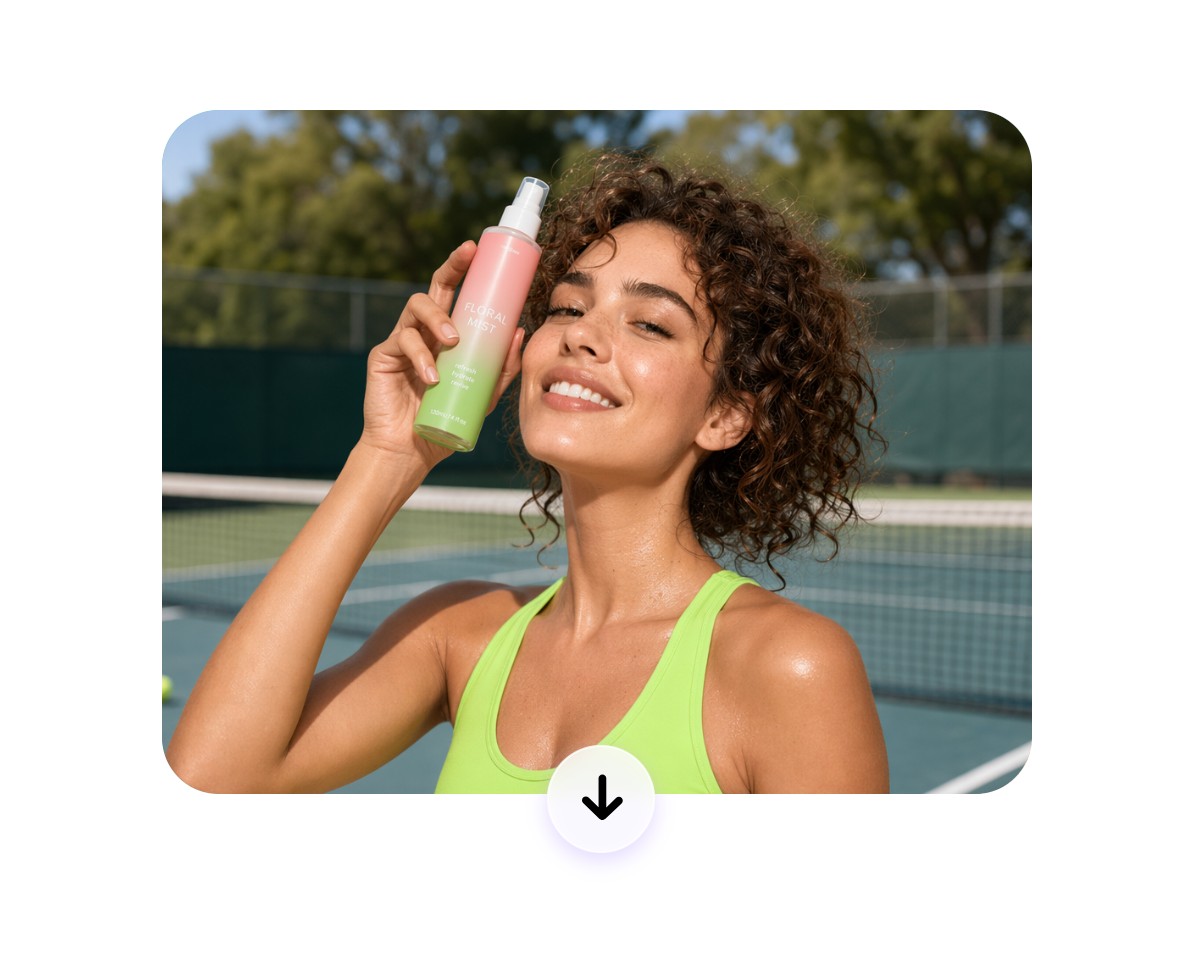
How to Remove Watermark from Video Online?
Upload Your Watermarked Video
Upload your video file to our watermark video remover. Larger files may take longer to process depending on size. Supported formats: MP4, MOV, WebM and M4V.
Select and Remove the Watermark
Preview and Download the Result
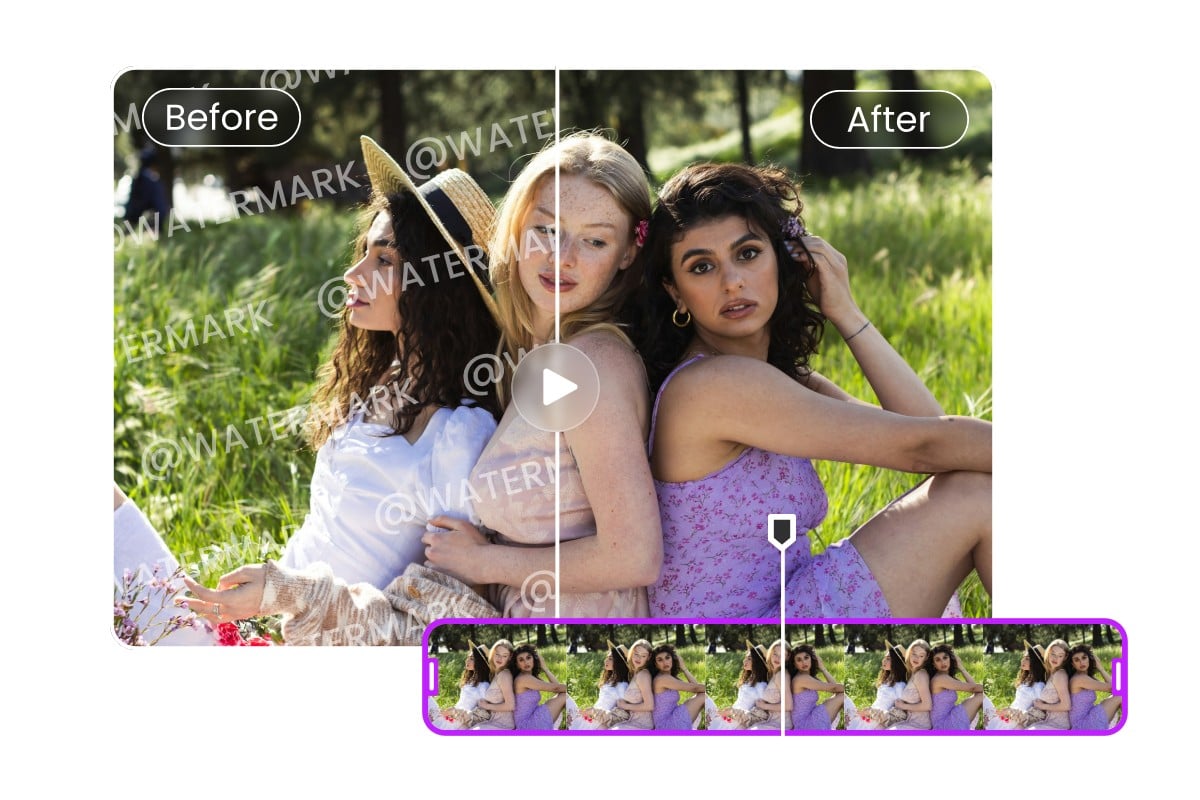
Clean Results Without Heavy Manual Editing
Simply highlight the watermark area and our AI can smartly detect your watermark frame by frame, automatically removing it across video frames with consistent processing. No complex frame-by-frame editing, masking or advanced skills are required to remove watermarks from videos online, even for beginners working with short clips or social media content.
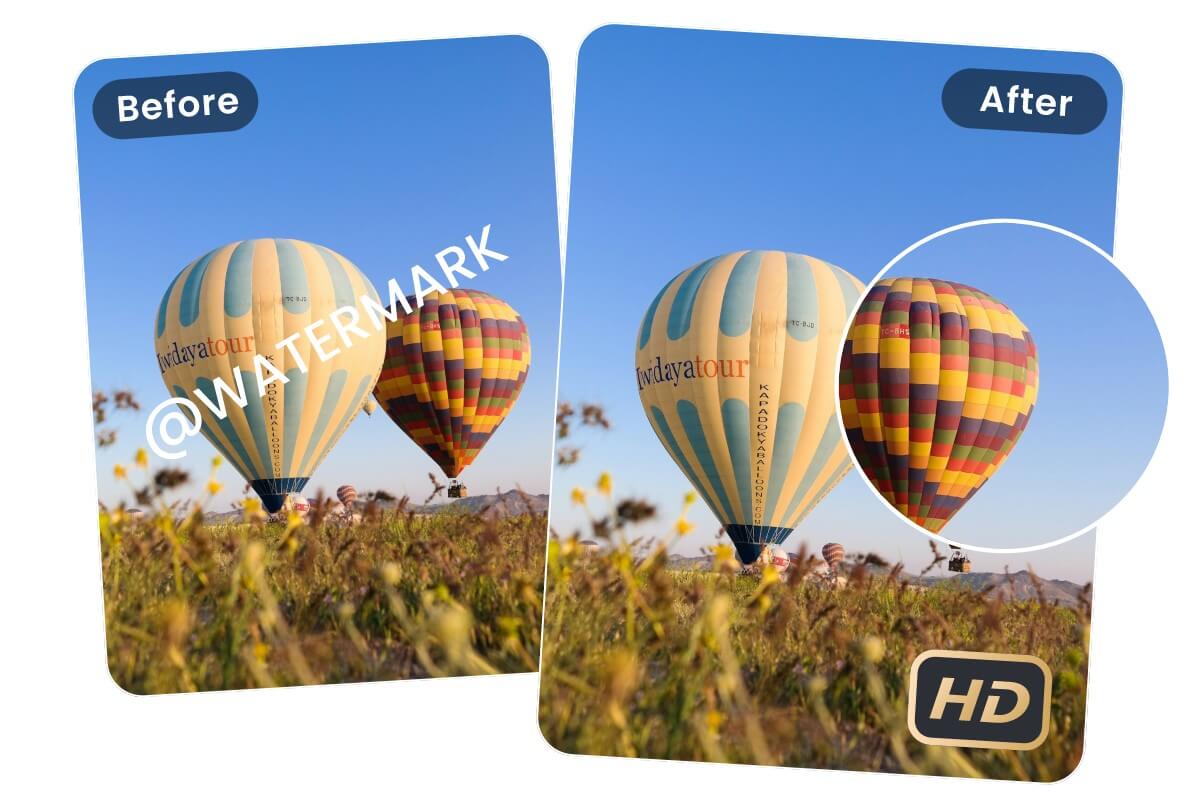
Remove Watermark from Video Without Blur & Preserved Quality
Powered by progressive AI technology, our video unwatermark AI tool can intelligently analyze surrounding details and fill the background to keep your video looking natural after watermark removal, performing especially well on simple scenes and static overlays.
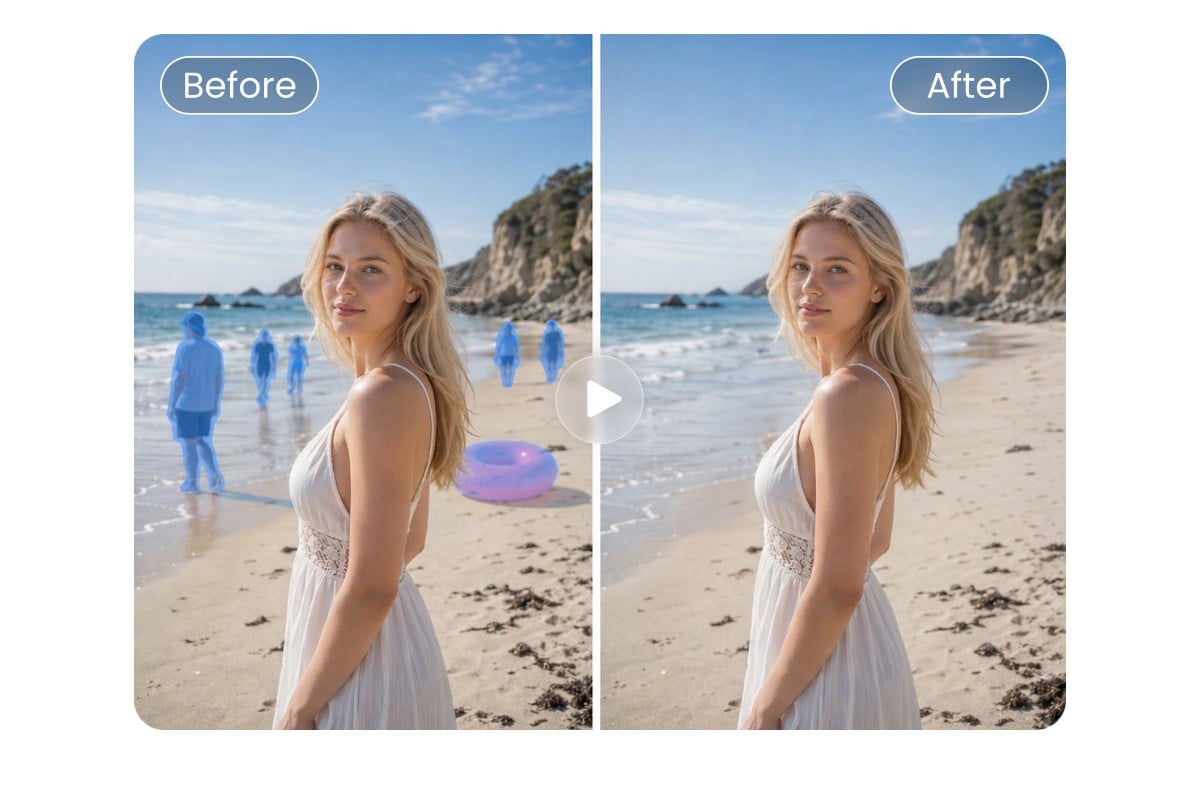
Erase Any Distracting Element from Video
More than a video watermark removal tool, Fotor is also an AI video object remover for everyone, helping you erase unwanted objects or visual clutter while preserving the natural look of each frame. For example, conveniently remove people from video without losing quality or take accidental objects out of it. You will get a cleaner, more focused video that improves visual quality and keeps audiences’ attention on the content that matters.

Further Polish Your Unwatermarked Videos
Want to repurpose your watermark-free videos? With Fotor, you can realize this goal without switching between multiple tools. After deleting watermarks, you can conveniently upscale video to 4K, extend its content, resize it for your target platform and more within a single workflow. Turn your clean footage into professional, platform-ready videos.
Fotor's Video Unwatermark AI is Praised by


Fotor Watermark Remover is an AI-powered browser-based tool that allows you to erase watermarks from your videos and images within a few seconds. The tool uses advanced artificial intelligence to detect and analyze the selected watermark area. It studies nearby textures, colors, and patterns, then intelligently reconstructs the background so the edit blends seamlessly.

Fotor uses AI to remove text, logos, date stamps, and other unwanted elements from videos. It rebuilds the background automatically, helping videos look cleaner with very little manual work. [...] No editing skills needed. Fast online processing.

Fotor Video Watermark Remover assists you in removing text, objects, date or time stamps, logos, stickers, people, and overlays from your videos. With advanced algorithms, this cutting-edge tool analyzes your video frame by frame to identify and remove watermarks while preserving the original quality. [...] It supports MP4, MOV, WebM, and M4V formats. [...] fast and accurate watermark removal with no skills required.